
Emails take up 2.5 hours daily for professionals, with 62% of businesses relying on them for communication. Responding within 24 hours is crucial, but managing high volumes can be overwhelming. Here are 7 tools to help you reply faster and streamline your inbox:
- Email Meter: Tracks response times, email trends, and team performance.
- Yesware: Automates replies, tracks recipient engagement, and integrates with CRM tools.
- Timetoreply: Focuses on response time analytics and alerts for delays.
- Mailbutler: Offers templates, follow-up reminders, and task automation.
- Boomerang: Schedules emails, automates follow-ups, and suggests optimal send times.
- EmailAnalytics: Visualizes response data with charts and reports.
- InboxDone.com: Provides virtual assistants for hands-on email management.
Quick Comparison
| Tool | Focus Area | Key Features | Starting Price |
|---|---|---|---|
| Email Meter | Analytics | Real-time tracking, automated alerts | Custom pricing |
| Yesware | Automation & Engagement | Templates, CRM sync, analytics | $12/user/month |
| Timetoreply | Response Time Analytics | Alerts, performance reports | $15/user/month |
| Mailbutler | Productivity Tools | Templates, task automation | $8.95/month |
| Boomerang | Scheduling & Timing | Email scheduling, AI suggestions | Free, $4.99/month Pro |
| EmailAnalytics | Data Visualization | Charts, team analytics | Custom pricing |
| InboxDone.com | Human-Powered Management | Virtual assistants | $1,395/month |
These tools cater to different needs, from analytics to full delegation. Choose one based on your workflow, team size, and budget to save time and improve email efficiency.
5 AI Email Management Tools in 2025
1. Email Meter: Analyze and Improve Email Response Times
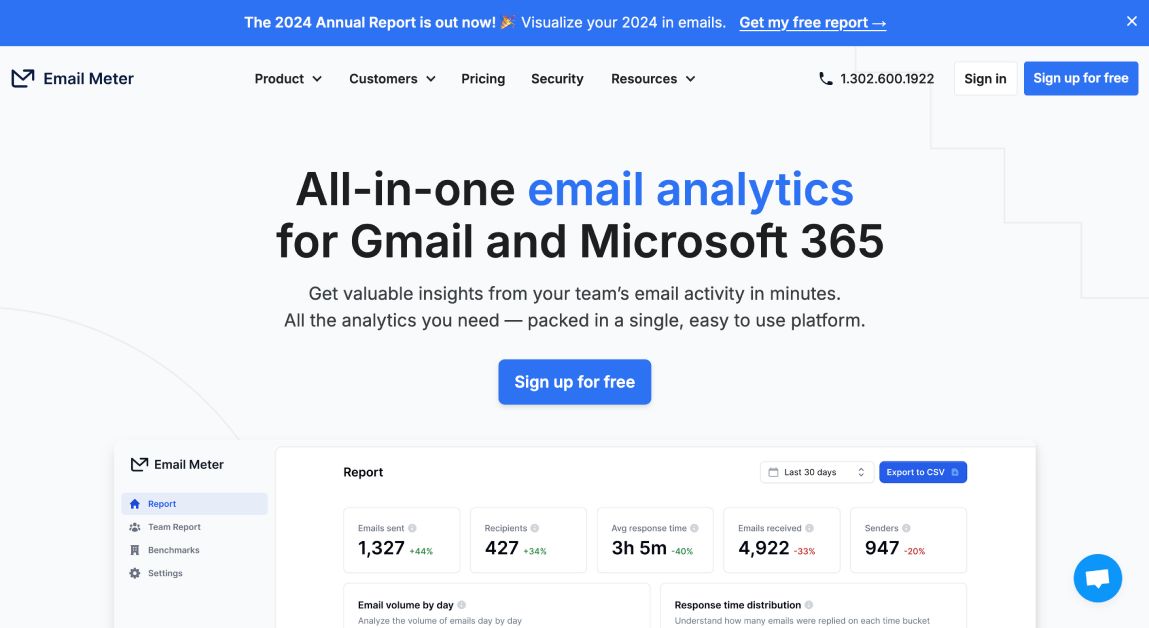
Email Meter is an analytics tool designed to help professionals monitor and enhance email response times. It integrates with Gmail and Outlook, offering a detailed dashboard to track email performance.
The platform provides key metrics like:
- Average response times
- Email volume trends
- Team performance data
- Communication habits
What makes Email Meter stand out is its ability to turn data into actionable insights. Managers can track team response times, spot delays, and make informed changes to boost efficiency. Its user-friendly design works for both individuals and teams, regardless of organization size.
Here’s a quick look at its features:
| Feature | What It Does |
|---|---|
| Real-time tracking | Monitor response trends instantly |
| Custom reporting | Align analytics with your goals |
| Automated alerts | Notifications for delayed responses |
| Response benchmarks | Compare performance to industry norms |
| Template automation | Simplify repetitive email tasks |
| Performance monitoring | Evaluate team productivity |
Automation tools within Email Meter help reduce repetitive tasks, so users can focus on more critical conversations. Importantly, the platform analyzes email data without storing message content, ensuring privacy while delivering insights.
With flexible pricing plans, Email Meter caters to a range of needs, making it a practical choice for organizations looking to improve email response efficiency.
For those exploring alternatives, tools like Yesware specialize in tracking and automating email replies.
2. Yesware: Tools for Tracking and Automating Email Replies
Yesware is an email management tool designed to work with Gmail and Outlook, making email communication more efficient. It combines tracking features with automation to simplify how you handle emails.
Unlike Email Meter, Yesware focuses on recipient engagement. It helps users figure out the best timing and content for their emails by providing detailed insights into how recipients interact with messages. This data can guide smarter communication strategies.
Here are some of its standout features:
- Smart Templates: Save time by quickly reusing responses for common email scenarios.
- Scheduled Sends: Send emails at the perfect time, even across different time zones.
- Campaign Analytics: Track how recipients engage with your emails to improve performance.
- CRM Integration: Automatically sync email data with your CRM for better sales and customer tracking.
| Feature | How It Helps | Best Use Case |
|---|---|---|
| Smart Templates | Cuts down on repetitive work | Follow-ups and standard replies |
| Scheduled Sends | Sends emails at the right time | Communicating across time zones |
| Campaign Analytics | Provides engagement insights | Improving email effectiveness |
| CRM Integration | Links email data to your CRM | Managing customer interactions |
Yesware also supports team collaboration by offering shared templates and performance tracking tools. For teams, the Teams plan ($25/user/month) offers extras like template sharing and team analytics. Individual users can start with the Pro plan at $12/month.
It’s built with GDPR compliance and strong data security, making it a reliable option for handling sensitive communications. Sales teams, in particular, can benefit from its CRM integration, which automates customer data updates and reduces manual work.
3. Timetoreply: Monitor and Optimize Email Response Performance
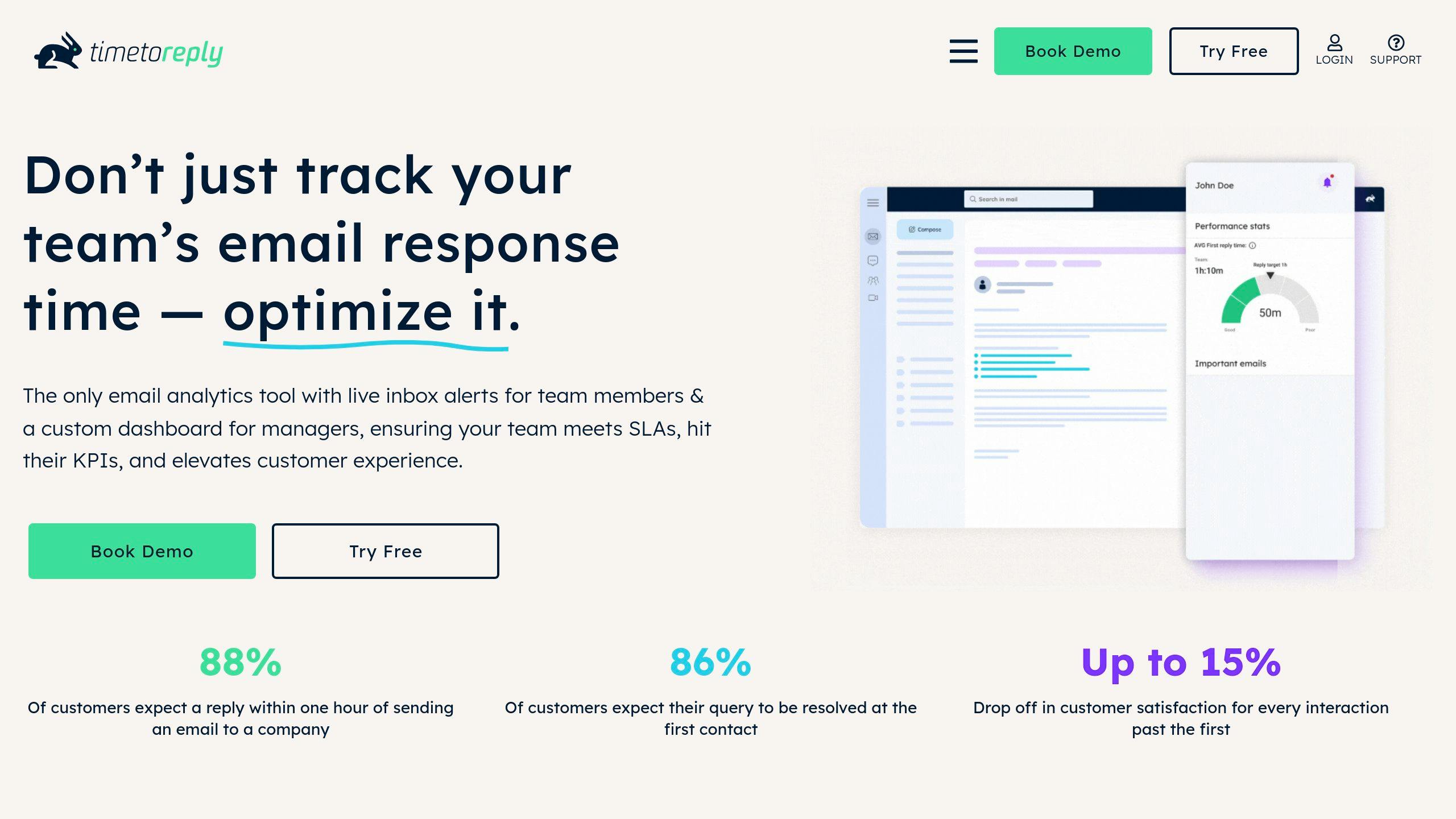
Timetoreply focuses on improving email response times by using data to uncover trends and delays. Unlike Yesware, which emphasizes engagement tracking, Timetoreply zeroes in on how quickly teams respond to incoming messages, helping businesses streamline their email management.
The tool works seamlessly with Gmail and Outlook, providing an analytics dashboard that tracks key metrics such as:
- Average response times for each team member
- Peak email traffic periods to identify busy hours
- Response rate percentages to assess efficiency
- Adherence to service level goals for customer emails
Managers can set real-time alerts to flag delays, ensuring teams stay on track with response goals.
| Feature | Purpose | Business Impact |
|---|---|---|
| Response Analytics | Monitor team performance metrics | Pinpoint delays and training needs |
| Platform Integration | Connect with email services | Unified monitoring across platforms |
| Alert System | Flag response time issues | Ensure service level commitments |
| Performance Reports | Provide detailed insights | Support data-driven process updates |
Pricing starts at $15 per user/month, including essential tools like tracking, analytics, and reporting.
For larger teams, Timetoreply offers advanced security options and deeper analytics. The platform’s metrics help identify problem areas, allowing businesses to fine-tune their email processes. Enterprise users can also customize reports to match their specific KPIs, making it a good fit for customer service teams or organizations with strict response time benchmarks.
If your team needs more productivity tools beyond analytics, you might consider alternatives like Mailbutler for added features.
4. Mailbutler: Tools to Speed Up Email Responses
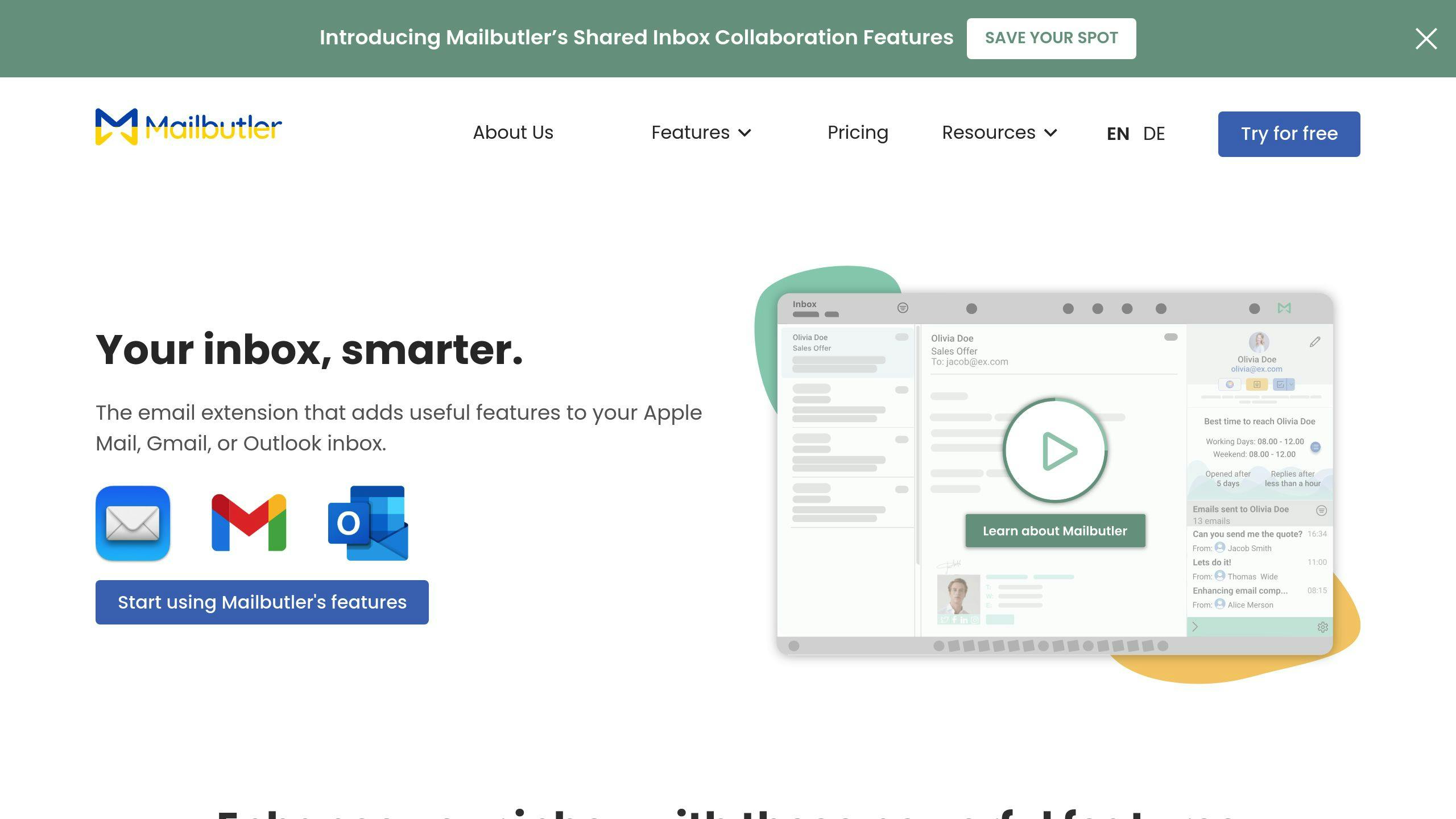
Mailbutler stands out from tools like Timetoreply by blending performance tracking with advanced productivity features, all seamlessly integrated into Gmail and Outlook. This email management tool simplifies workflows with automation and smart functionalities.
For instance, users can set custom follow-up rules, like sending reminders for unopened emails after three days. It combines analytics with tools like customizable templates and task automation, making email management more efficient.
| Feature Category | Capabilities | Business Benefits |
|---|---|---|
| Email Tracking | Response time tracking, Open tracking, Link clicks | Spot communication delays |
| Task Automation | Follow-up scheduling, Email templates, Delayed sending | Minimize manual tasks |
| Team Collaboration | Shared templates, Notes sharing, Task delegation | Enhance team coordination |
| Analytics | Performance metrics, Response patterns, Team statistics | Optimize with data-driven insights |
Pricing starts at $8.95/month for basic features, with advanced team tools available for $19.95/month.
Mailbutler shines in template management, offering team-sharing options to ensure consistent responses across departments. Its integrations with tools like Trello and Slack further streamline workflows, especially for teams handling large email volumes. Features like email tracking help identify delays, while shared templates reduce the time spent on repetitive replies.
A 14-day trial is available for teams to test all features. While Mailbutler offers a comprehensive productivity toolkit, Boomerang focuses more on simplifying email scheduling and reminders.
sbb-itb-b0bc93c
5. Boomerang: Schedule and Manage Email Replies Efficiently

Boomerang helps boost email productivity by focusing on scheduling and automation for Gmail and Outlook users. Unlike Mailbutler, which offers a wide range of productivity tools, Boomerang zeroes in on timing and follow-up management. It allows users to send emails at the best times for engagement or to accommodate different time zones. Plus, its AI-powered suggestions help identify the ideal moments to send emails, while automated follow-ups ensure you stay on top of conversations.
| Feature | Function | Benefit |
|---|---|---|
| Email Scheduling | Set future send times | Ensures timely delivery across time zones |
| Response Tracking | Monitors email opens and clicks | Helps refine communication timing |
| Follow-up Automation | Sends reminders for unreplied emails | Reduces the chance of missing important emails |
| Smart Suggestions | Recommends optimal send times using AI | Improves response rates |
Boomerang also lets you hide emails until they’re relevant, helping you focus on what matters most in the moment. Its pricing starts with a free basic plan. The Personal plan ($4.99/month, billed annually) includes scheduling and basic tracking features. For more advanced needs, the Pro plan ($14.99/month) offers unlimited scheduling and detailed analytics.
For teams or departments that handle large email volumes, the Premium plan ($49.99/month) includes advanced tracking and unlimited message credits, making it ideal for sales or client-focused roles.
While Boomerang excels in scheduling and automation, tools like EmailAnalytics take a more data-focused approach to improving response times.
6. EmailAnalytics: Visualize and Improve Email Response Data
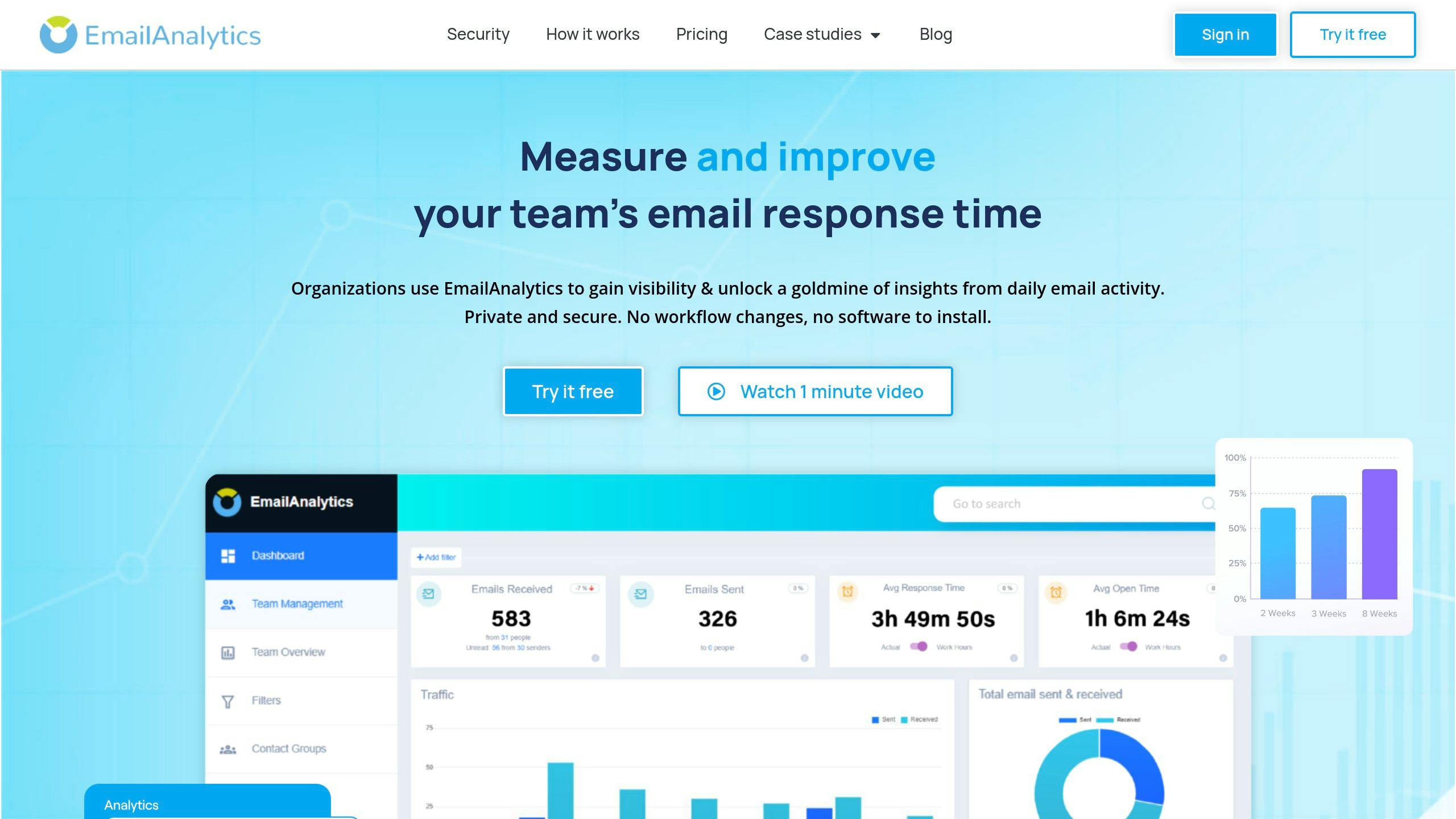
EmailAnalytics is designed to help professionals and teams improve email response times by turning raw data into clear insights. It works with Gmail and Outlook, offering real-time updates and easy-to-understand visuals that simplify email performance tracking.
The tool uses charts to display response times and workload distribution, making it simple to spot patterns. It also tracks both individual and team performance metrics automatically through detailed analytics.
| Feature | Purpose | Benefit |
|---|---|---|
| Response Time Tracking | Monitors average reply times | Identifies delays in communication |
| Workload Analysis | Shows email volume distribution | Supports smarter task management |
| Activity Reports | Delivers daily/weekly updates | Encourages accountability |
| Team Analytics | Tracks group and individual stats | Helps improve overall performance |
“Measuring and sharing response times reduced a team’s average from 35 to 15 hours.”
Managers can use advanced filters to focus on the most relevant data while ignoring unnecessary distractions. EmailAnalytics provides a 14-day free trial and offers flexible plans for both individuals and teams, though pricing details aren’t listed upfront.
For those who prefer a hands-off approach, outsourcing email management to virtual assistants might be a better fit than relying on optimization tools like EmailAnalytics.
7. InboxDone.com: Virtual Assistants for Email Management
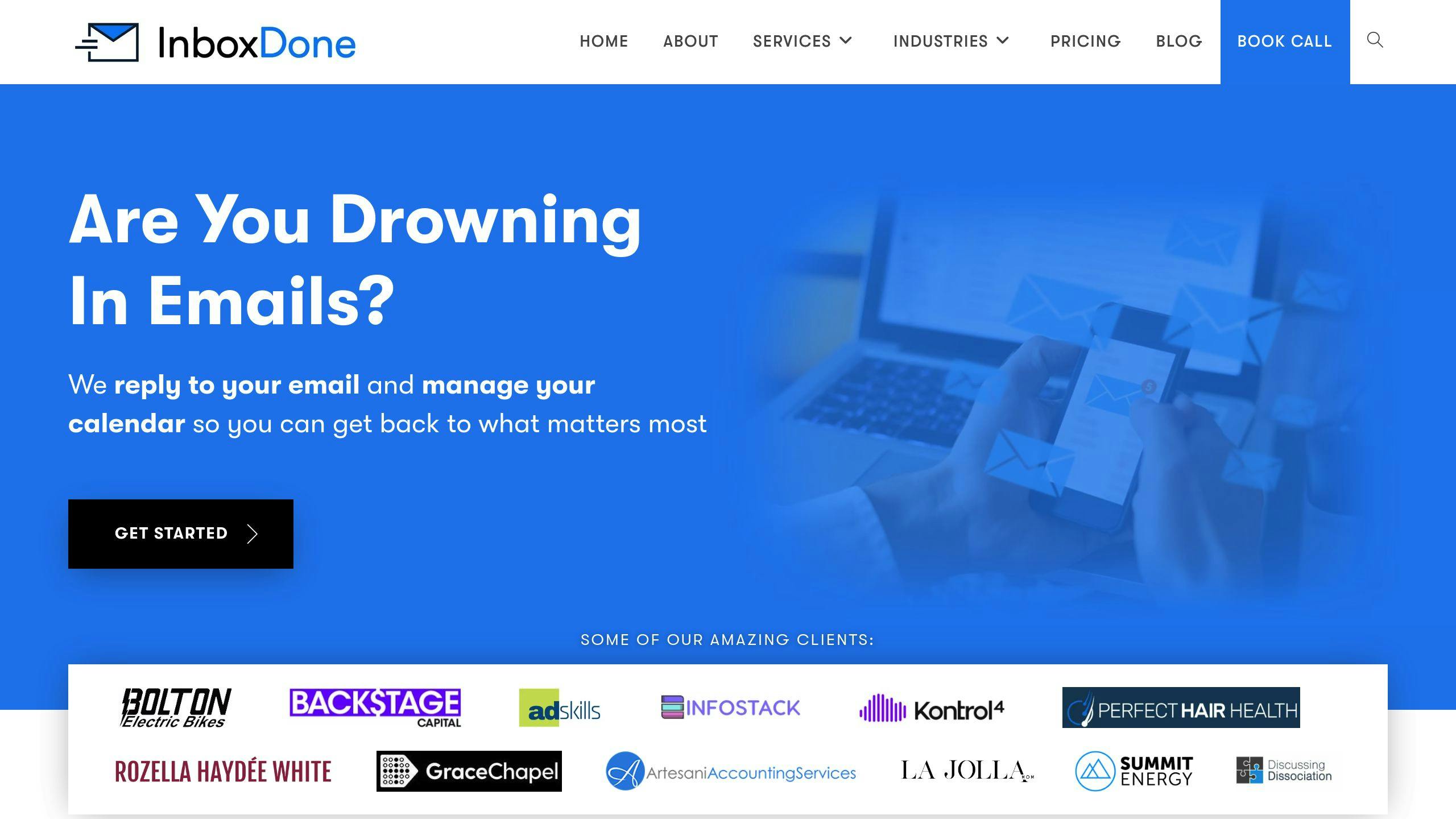
InboxDone.com offers a personalized approach to email management by pairing clients with real virtual assistants instead of relying on automation. Each client is matched with two assistants based in North America, ensuring continuous and tailored support.
Here’s what their service includes:
| Service Component | Description | Benefit |
|---|---|---|
| Email Management | Monitoring your inbox and handling replies | Quick responses and a clutter-free inbox |
| Communication Style | Adapting to your tone and preferences | Professional and consistent messaging |
| Calendar Integration | Managing appointments and schedules | Simplified time organization |
| Administrative Support | Customer service and social media tasks | Centralized communication assistance |
Plans start at $1,395/month, with pricing adjusted based on the hours of support needed. The onboarding process includes a Zoom consultation to customize workflows to your specific requirements.
Why choose InboxDone.com?
- Two dedicated North American assistants for uninterrupted service.
- Responses crafted to match your unique communication style.
- Support extends beyond email to include scheduling and administrative tasks.
This service is ideal for professionals who need help managing detailed or sensitive communications. If you’re looking for a hands-off solution with a human touch, InboxDone.com offers a standout alternative to automated tools.
Conclusion
Managing emails effectively is crucial for professionals aiming to stay productive and responsive. The tools discussed in this guide provide a variety of options to help streamline email workflows. Whether you’re looking at analytics-driven platforms like Email Meter and EmailAnalytics or automation-focused tools like Yesware and Boomerang, there’s a solution for nearly every challenge.
For those who prefer a more personalized touch, human-powered services offer an alternative to automation, catering to specific needs with tailored support. The best approach is to choose a tool or service that fits seamlessly into your routine and meets your communication goals.
Key Factors to Consider
| Factor | Why It Matters | Examples |
|---|---|---|
| Team Size & Budget | Impacts cost and available features | Yesware, Mailbutler |
| Integration & Automation | Ensures smooth workflows and better productivity | Boomerang, Email Meter |
For situations requiring detailed or high-priority communication, virtual assistant services, like those mentioned in the InboxDone.com section, provide hands-on email management while maintaining a personal touch.
Ultimately, success comes down to aligning the tool’s capabilities with your specific requirements. By assessing your workflow, technical needs, and budget, you can find a solution that not only improves email efficiency but also strengthens your professional connections.
FAQs
Is there an AI that can reply to emails?
Yes, tools like Nanonets and Superreply are designed to help automate email replies by generating professional, context-aware responses. Superreply even offers a Chrome extension that integrates with Gmail and Outlook, while Ellie tailors responses to match your writing style and supports multiple languages.
| Feature | Details |
|---|---|
| Response Handling | Manages routine emails |
| Personalization | Adapts to context |
| Focus | Generates email replies only |
| Language Options | Supports several languages |
These tools are great for handling straightforward emails, but for more nuanced or complex conversations, combining them with human input ensures better results.