

In 2025, sales teams need email tools that simplify workflows, automate tasks, and improve outreach. Here’s a quick look at 7 top tools:
- Saleshandy: Affordable ($32/month), with email tracking, automated workflows, and CRM integration.
- QuickMail: AI-powered for large-scale campaigns, offering reply detection and sentiment analysis.
- Yesware: Great for Gmail/Outlook users, with smart templates, follow-up automation, and analytics.
- Monday Sales CRM: Combines email and CRM, featuring real-time tracking and triggered email sequences.
- Lemlist: Focuses on personalization with dynamic images, videos, and email verification.
- HubSpot CRM: Comprehensive email and CRM platform, with free and paid plans starting at $40/month.
- InboxDone.com: Human-managed email service for complex client interactions, starting at $1,395/month.
Quick Comparison
| Tool | Key Features | Starting Cost | Best For |
|---|---|---|---|
| Saleshandy | Automation, tracking, CRM integration | $32/month | Small to medium teams |
| QuickMail | AI tools, sentiment analysis | Custom pricing | High-volume campaigns |
| Yesware | Templates, follow-ups, analytics | $15/user/month | Gmail/Outlook users |
| Monday Sales CRM | CRM + email integration | Custom pricing | Workflow and CRM management |
| Lemlist | Personalization, email verification | $32/month | Cold outreach with a personal touch |
| HubSpot CRM | Advanced CRM tools | Free-$1,380/month | Comprehensive sales management |
| InboxDone.com | Human-managed email services | $1,395/month | Teams with complex client needs |
These tools cater to different needs, from automation and CRM integration to human-managed solutions. Consider your team’s requirements, budget, and scalability when choosing the right one.
Top 5 Cold Email Software & Tools Compared
1. Saleshandy
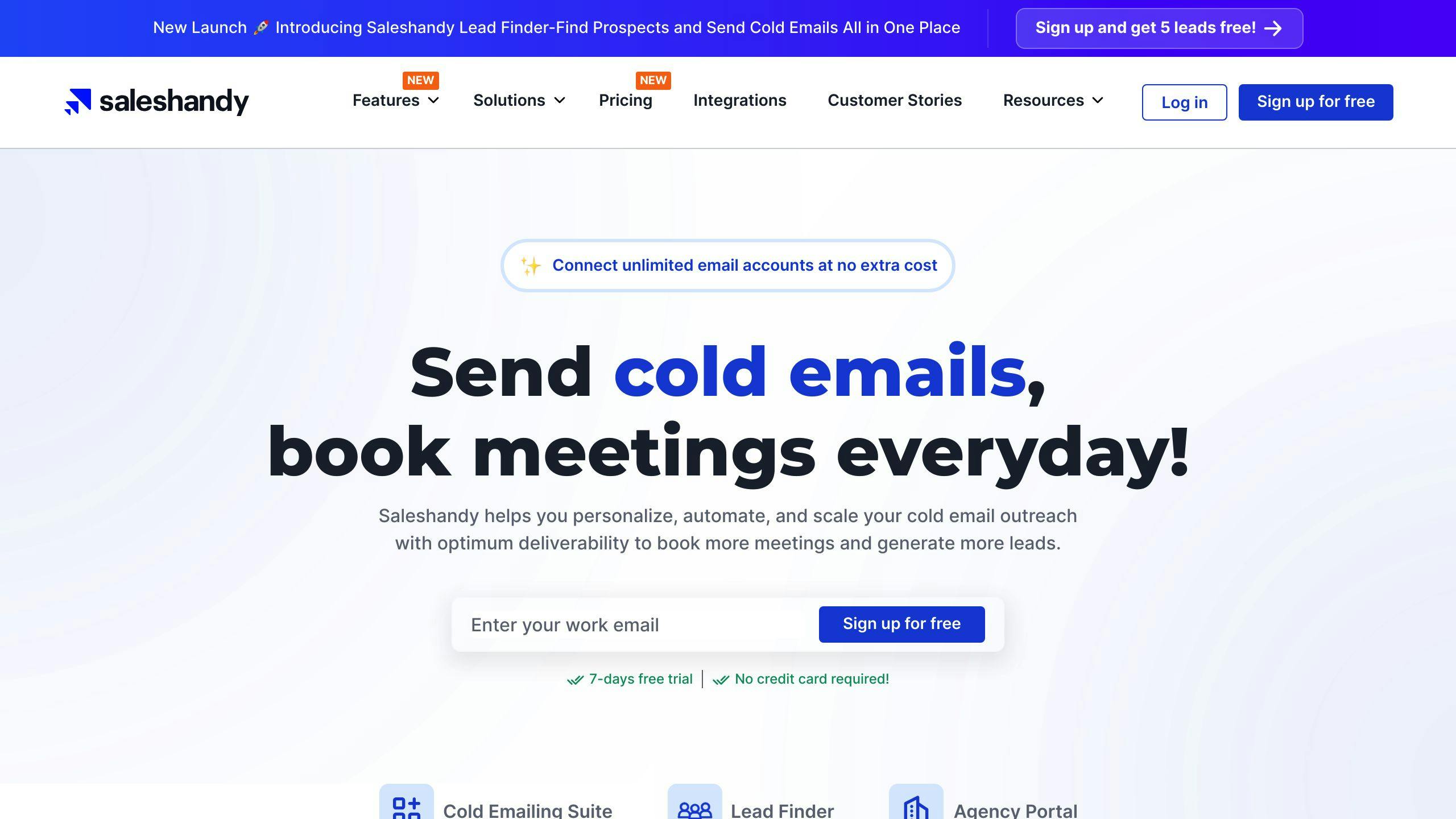
Saleshandy is an email outreach tool used by over 9,500 monthly users. It’s built to help sales teams simplify their email campaigns with automation and tracking features.
Features
Saleshandy offers tools aimed at boosting sales productivity:
| Feature Category | Capabilities |
|---|---|
| Automation | Email workflows, Automated follow-ups |
| Tracking | Open rates, Click tracking, Engagement analytics |
| Management | Client handling, Team collaboration |
| Integration | CRM systems, B2B contact database |
Here’s what stands out:
- Email Tracking: Keep tabs on email opens and engagement to plan follow-ups effectively.
- B2B Contact Database: Gain access to a database of verified business contacts.
- Automated Workflows: Set up personalized email sequences that adapt to recipient actions.
- CRM Integration: Manage customer data and workflows all in one place.
Cost
Pricing starts at $32 per month, making it a budget-friendly choice for small to medium sales teams. Saleshandy is well-rated on platforms like G2 and Capterra, reflecting strong user satisfaction.
This tool focuses on automating workflows and analyzing engagement, making it a solid choice for sales teams looking to improve their outreach strategies.
2. QuickMail
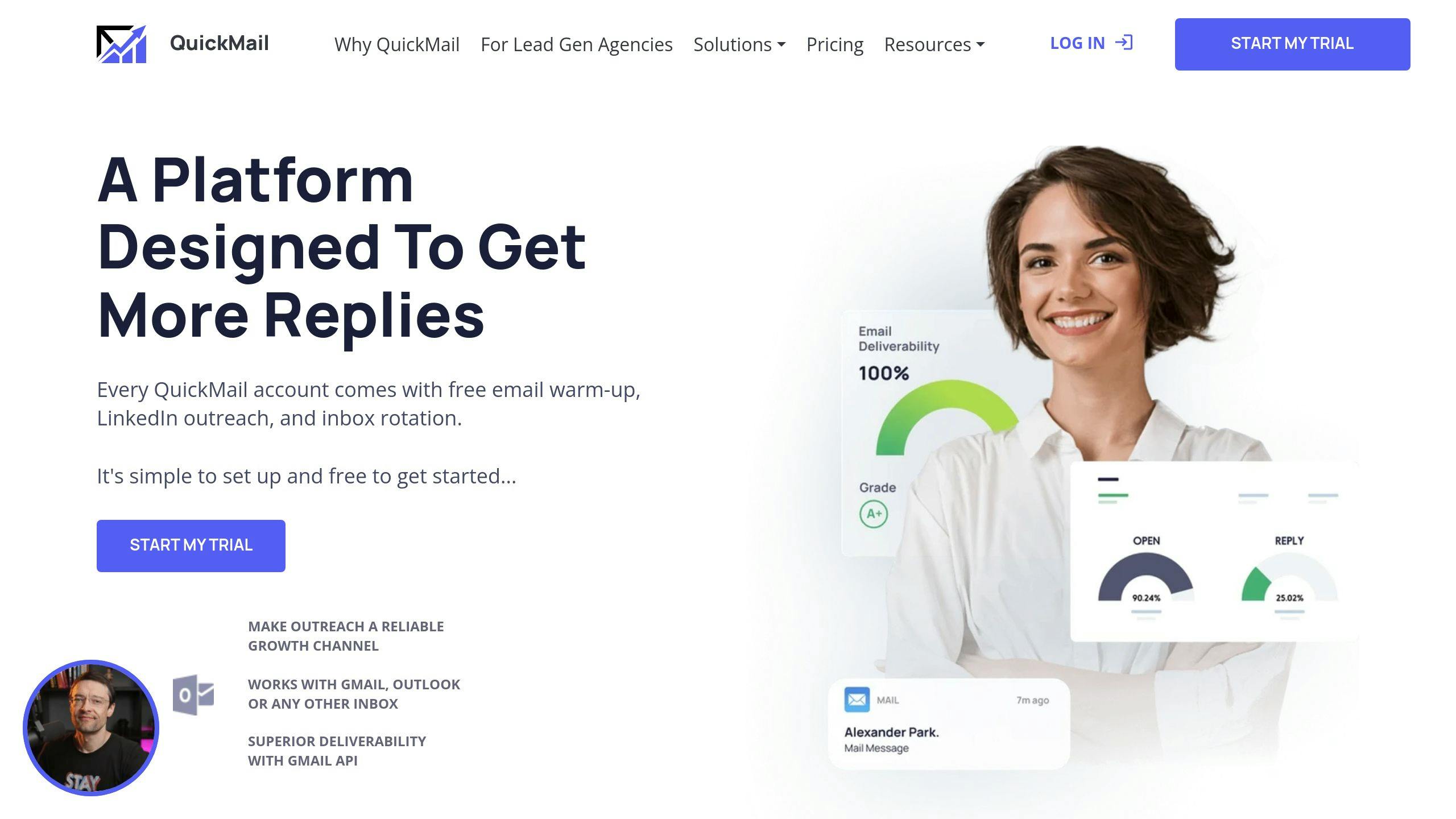
QuickMail is a cold email platform designed to improve sales productivity and streamline campaigns with the help of AI-powered tools. It’s particularly effective for handling large-scale outreach campaigns through smart automation.
Features
| Category | Capabilities |
|---|---|
| AI Technology | Reply detection, Sentiment analysis, Auto-unsubscribe management |
| Campaign Management | Conditional sending, Automated follow-ups, Reply assignment |
| Analytics | Open rates, Click-through tracking, Response insights |
| Integration | CRM synchronization, Contact management |
AI reply detection helps categorize email responses, ensuring you stay on top of conversations. Sentiment analysis evaluates the tone of replies, allowing you to adjust your approach accordingly. Conditional sending modifies email sequences based on recipient engagement, such as sending different follow-ups based on whether an email was opened or not.
What sets QuickMail apart is its ability to use sentiment analysis and conditional sending to fine-tune your outreach strategies for better results.
Cost
QuickMail offers custom pricing tailored to your team’s needs. It boasts an impressive 4.7/5 rating on both G2 and Capterra. With its automation features, it’s a great fit for data-focused sales teams managing high-volume campaigns.
Looking for even more personalization? The next tool introduces dynamic CRM functionalities to optimize your workflow.
3. Yesware
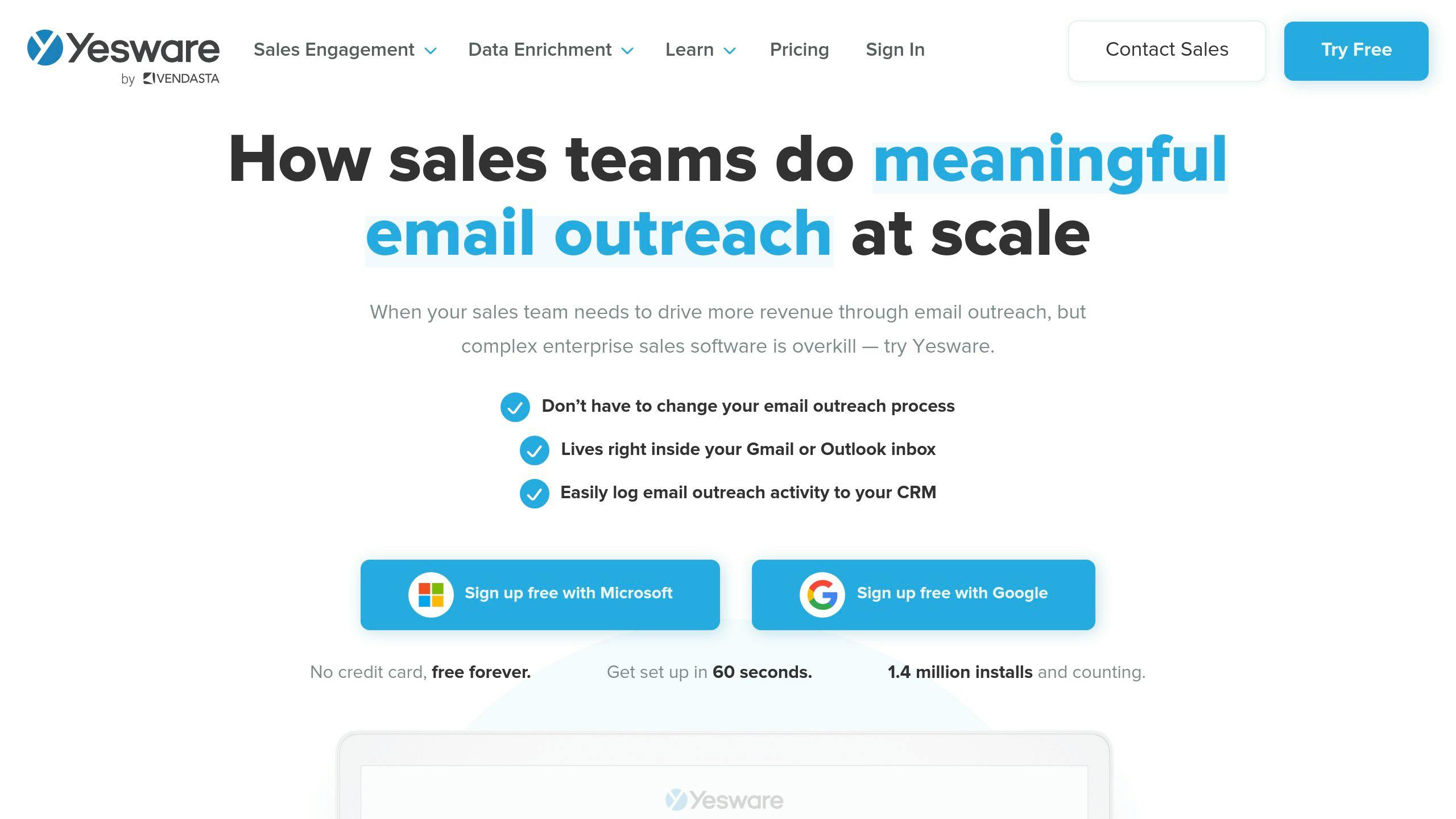
Yesware is a sales engagement platform designed to integrate directly with Gmail and Outlook. It’s a practical tool for sales teams aiming to improve the efficiency of their email outreach.
Features
Yesware focuses on four main features that simplify and enhance sales communications:
| Feature | Description | Benefit |
|---|---|---|
| Smart Templates | Personalize bulk emails using dynamic fields | Saves time while keeping emails tailored |
| Follow-up Automation | Automates email sequences based on rules | Maintains consistent communication with leads |
| Calendar Integration | Schedule meetings directly from emails | Cuts down on scheduling back-and-forth |
| Analytics Dashboard | Tracks email opens, clicks, and engagement | Provides insights to refine campaigns |
The Smart Templates feature allows teams to personalize emails on a large scale without losing that personal touch. It’s especially useful for balancing efficiency with meaningful engagement.
Follow-up automation ensures consistent lead communication by triggering emails based on recipient behavior. This reduces manual work and helps boost lead conversions.
With calendar integration, scheduling meetings becomes effortless. Prospects can book directly from emails, eliminating unnecessary coordination. Paired with the detailed analytics dashboard, these tools empower sales teams to fine-tune their strategies and achieve better results.
Cost
Yesware’s pricing starts at $15 per user per month, making it affordable for small teams while still scalable for larger groups. Its compatibility with major email providers and CRM systems adds extra functionality, making it a worthwhile investment for teams looking to simplify and enhance their email workflows.
Yesware’s emphasis on personalization and streamlined scheduling makes it a strong option for teams aiming to improve their outreach efforts. Up next, we’ll dive into how Monday Sales CRM supports relationship management with its toolset.
sbb-itb-b0bc93c
4. Monday Sales CRM

Monday Sales CRM blends email management with CRM tools, making it a great choice for sales teams looking to streamline their workflows and handle customer relationships efficiently.
Features
Monday Sales CRM stands out with features designed to boost sales team performance:
| Feature Category | Capabilities | Benefits |
|---|---|---|
| Email Integration | Connects with Gmail and Outlook | Centralizes communications in one place |
| Tracking System | Real-time open and click tracking | Helps engage prospects at the right time |
| Automation Tools | Triggered email sequences | Cuts down on manual work, ensures outreach consistency |
| Template Management | Reusable email templates | Saves time and keeps messaging consistent |
The platform’s real-time tracking and automation features let teams interact with prospects at the perfect moment while cutting down on repetitive tasks. This can be a game-changer for deals that require quick follow-ups.
Another standout feature is its seamless CRM integration, which automatically records email interactions. This ensures everyone on the team has access to the latest communication details without needing to manually update records. Plus, the template system helps maintain consistent messaging while still allowing for personalization.
Cost
Monday Sales CRM uses a custom pricing model based on your business needs. This approach makes it easy for companies to adjust costs depending on team size and required features.
While Monday Sales CRM is a strong option for combining email and CRM tools, Lemlist offers a different angle with its emphasis on personalization and branding in email automation.
5. Lemlist
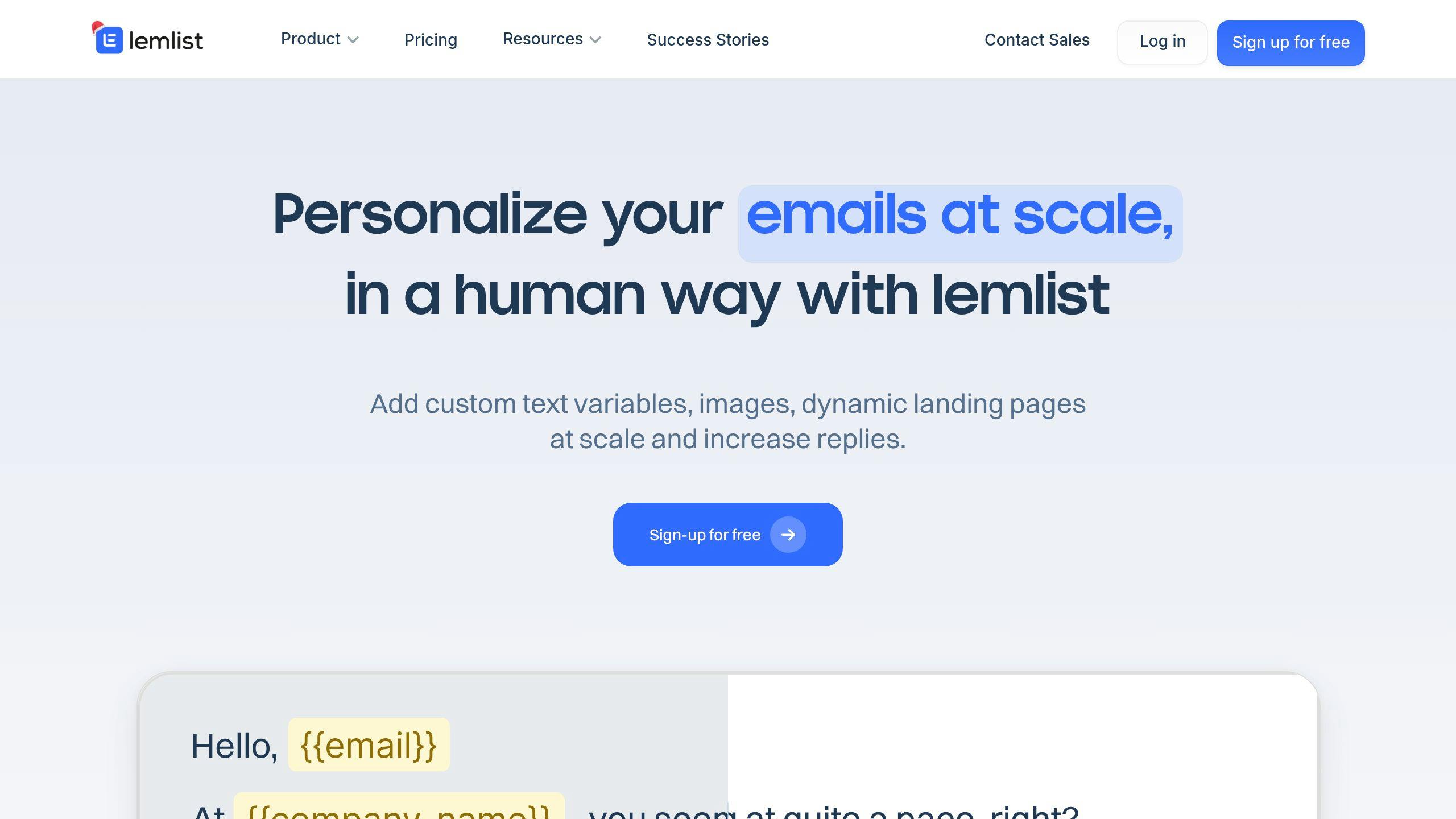
Lemlist helps sales teams improve their email outreach with advanced personalization and smart campaign tools. It’s designed to make cold emailing more effective and engaging.
Features
Lemlist provides tools to enhance email campaigns:
| Feature Category | Capabilities | Benefit |
|---|---|---|
| Dynamic Personalization | Custom text, images, and videos | Delivers tailored messages to recipients |
| Email Verification | Validates email addresses | Reduces bounce rates and boosts deliverability |
| Campaign Analytics | Tracks performance | Offers insights to improve campaigns |
Lemlist uses AI-powered personalization to craft messages with customized text, images, and video thumbnails, helping emails stand out. It integrates seamlessly with CRMs and complies with GDPR and CAN-SPAM regulations, ensuring both efficiency and legal adherence.
The platform also automates follow-ups, triggering responses based on recipient actions. This ensures consistent communication without extra manual effort. By combining personalization with automation, Lemlist enables teams to send highly relevant messages at the right time.
Cost
Pricing starts at $32/month for small teams and goes up to $129/month for larger operations. Plans are designed to meet various outreach needs. While it’s pricier than some basic tools, its personalization and automation features often make it worth the cost for teams looking to build strong connections with prospects.
If you’re focused on email outreach, Lemlist delivers. But the next tool offers a more comprehensive CRM solution for managing the entire sales process.
6. HubSpot CRM

HubSpot CRM combines email tools with customer relationship management features, creating a streamlined platform for sales teams. It’s particularly helpful for teams managing large volumes of emails and complex sales pipelines.
Features
HubSpot CRM boosts sales efficiency with a range of email management and CRM tools:
| Feature Category | Capabilities | Purpose |
|---|---|---|
| Email Tracking | Real-time alerts, link and document tracking | Focus on active leads |
| Automation | Create sequences, trigger actions, send personalized follow-ups | Simplifies communication |
| Analytics | Track open rates, clicks, and engagement metrics | Refine campaigns using data |
| Integration | Works with Gmail, Outlook, and other apps | Smooth workflows across tools |
The email tracking feature sends real-time updates, helping teams identify and prioritize leads showing interest. Another standout feature is its integration with other sales tools, which automatically logs email exchanges. This eliminates the need for manual updates, offering a complete communication history.
Cost
HubSpot CRM offers pricing options to suit various team sizes and needs, from a free plan to enterprise-level solutions:
- Free Plan: Basic tools for email tracking and contact management.
- Starter Plan: $40/month (2 users), includes email sequences and templates.
- Professional Plan: $890/month (5 users), adds advanced automation and analytics.
- Enterprise Plan: $1,380/month (10 users), features custom reporting and additional tools.
Its flexible pricing and features make it a strong choice for teams aiming to improve email-driven sales efforts. The ability to track, automate, and analyze email communication within one platform can significantly enhance performance.
However, for teams seeking a more personalized and human-centered approach to email management, services like InboxDone.com might be worth exploring.
7. InboxDone.com
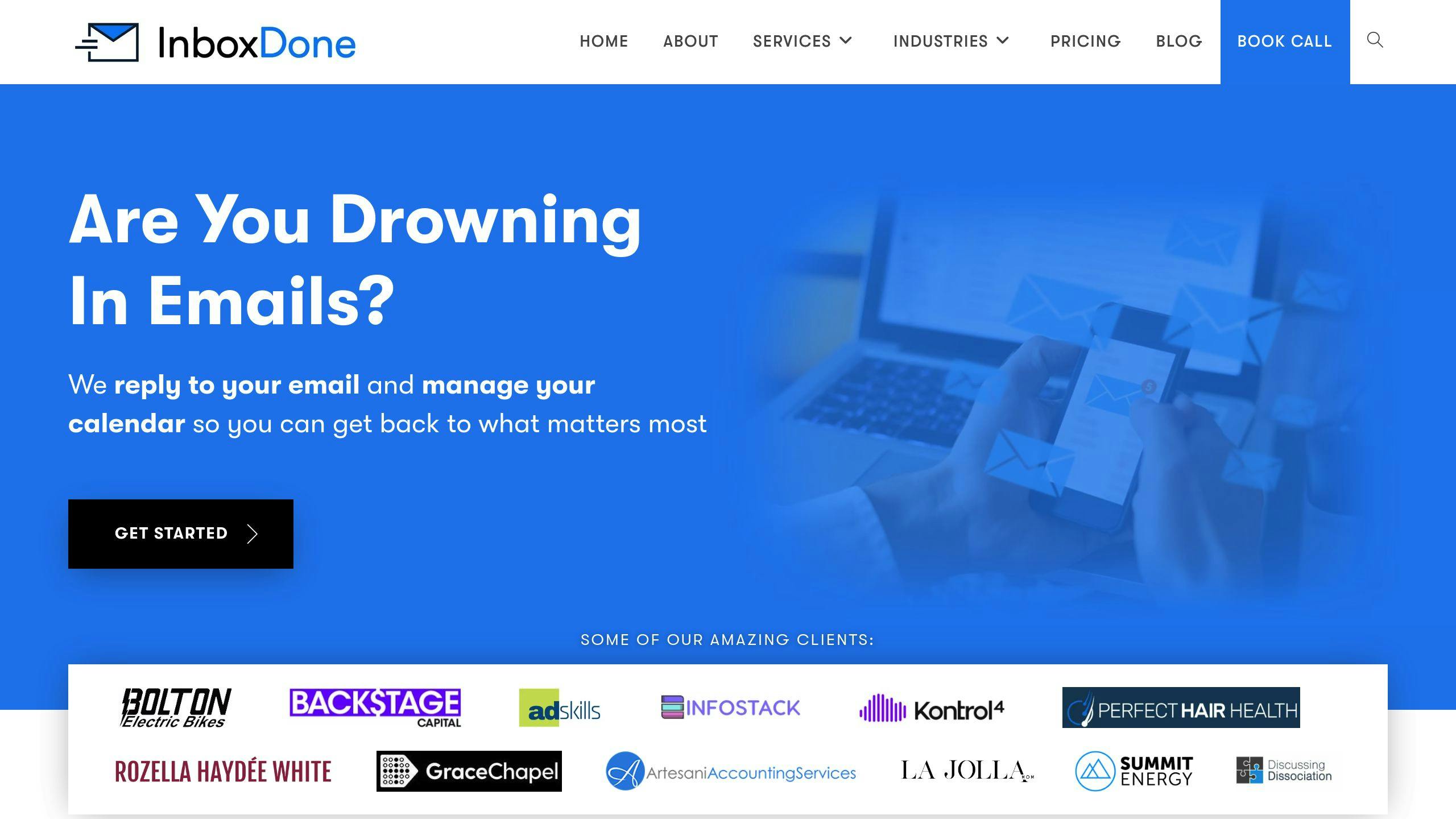
InboxDone.com provides customized email management services handled by real people. Their approach is designed to help sales teams streamline their email processes while offering administrative support tailored to their specific needs.
Features
InboxDone.com assigns virtual assistants to manage email and administrative tasks, ensuring sales teams can focus on what they do best:
| Feature Category | Service Offerings | Benefits for Sales Teams |
|---|---|---|
| Email Management | Inbox Zero, response handling, follow-ups | Frees up time for sales teams to close deals |
| Administrative Support | Calendar scheduling, CRM updates, lead follow-ups | Simplifies daily operations |
| Communication Style | Mimics your tone, thorough handover process | Maintains consistent messaging and branding |
| Team Structure | Two dedicated North American assistants | Ensures reliability and personalized support |
The onboarding process ensures assistants can match your communication style, which helps maintain strong client relationships – a critical factor for sales success.
Cost
The pricing for InboxDone.com reflects its high-quality, hands-on service:
| Plan | Monthly Cost | Hours | Key Features |
|---|---|---|---|
| Personal | $1,395 | 35 | Basic email and admin support |
| Standard | $1,995 | 50 | Full email management and CRM support |
| Growth | $2,595 | 65 | Advanced support for expanding teams |
| Full Time | $4,995 | 160 | Comprehensive service with multiple assistants |
Though the cost is higher than automated tools, the value lies in the human touch. This service is particularly useful for sales teams handling complex or high-value client relationships. With InboxDone.com, businesses gain a reliable partner for managing nuanced communication and ensuring no detail is overlooked.
InboxDone.com stands out as a people-first solution, offering a personal approach that complements automated tools, making it a solid choice for teams with intricate email and administrative needs.
Conclusion
Tools like Saleshandy, HubSpot CRM, and InboxDone.com offer various email management solutions tailored to different sales team needs. Whether you’re looking for basic tracking or more advanced CRM integration, these platforms are designed to streamline email workflows in 2024.
Saleshandy and QuickMail stand out for their automation features and positive user feedback, while HubSpot CRM provides more advanced options for managing customer relationships. If you’re choosing an email tool, focus on factors like CRM compatibility, automation features, cost, and the quality of support to ensure smooth operations and better efficiency.
For teams managing more complex client interactions, InboxDone.com offers a unique approach with dedicated assistants, making it a great complement to automated tools when a personal touch is needed.
To find the best fit for your team, weigh these factors:
- Integration with your current systems
- The level of automation your team requires
- Budget and future scalability
- Support and training options available



