- SaneBox: Automatically sorts emails, blocks distractions, and integrates with Gmail, Outlook, and more. Starting at $7.99/month.
- Inbox Zero: Perfect for Gmail users with smart labels, bulk actions, and one-click unsubscribe. Costs $9.99/month.
- Superhuman: Focused on speed with AI reminders, read status tracking, and advanced shortcuts. Priced at $30/month.
- Missive: Ideal for teams with collaborative features like integrated chat and shared inbox support. Starts at $15/month.
- InboxDone.com: A human-assisted option with dedicated assistants for personalized email management. Plans begin at $1,395/month.
Quick Comparison Table
| Tool | Price | Best For | Key Features |
|---|---|---|---|
| SaneBox | $7.99/month | Broad platform compatibility | Smart filtering, spam blocking |
| Inbox Zero | $9.99/month | Gmail users | Automated labels, bulk actions |
| Superhuman | $30/month | Speed and productivity | AI reminders, shortcuts, read tracking |
| Missive | $15/month | Teams | Collaboration tools, team inbox management |
| InboxDone | $1,395/month | Personalized human support | Dedicated assistants, tailored management |
Whether you prefer AI-powered automation or human-led solutions, these tools can save time, reduce stress, and keep your inbox clean. Read on to find the best fit for your needs.
Manage your email with AI assistance – Inbox Zero Demo
Top AI Email Tools for Inbox Zero in 2025
In 2025, several AI-driven tools are making inbox management easier than ever. These platforms combine smart features with artificial intelligence to help users keep their inboxes organized and clutter-free.
SaneBox

SaneBox is compatible with multiple email platforms and uses AI to prioritize emails based on your habits.
Key features include:
- Compatibility: Works with Gmail, Outlook, and more
- SaneBlackHole: Permanently blocks unwanted senders
- Smart filtering: Automatically organizes emails by importance
By automating email sorting and blocking distractions, SaneBox helps users maintain a cleaner inbox.
Inbox Zero
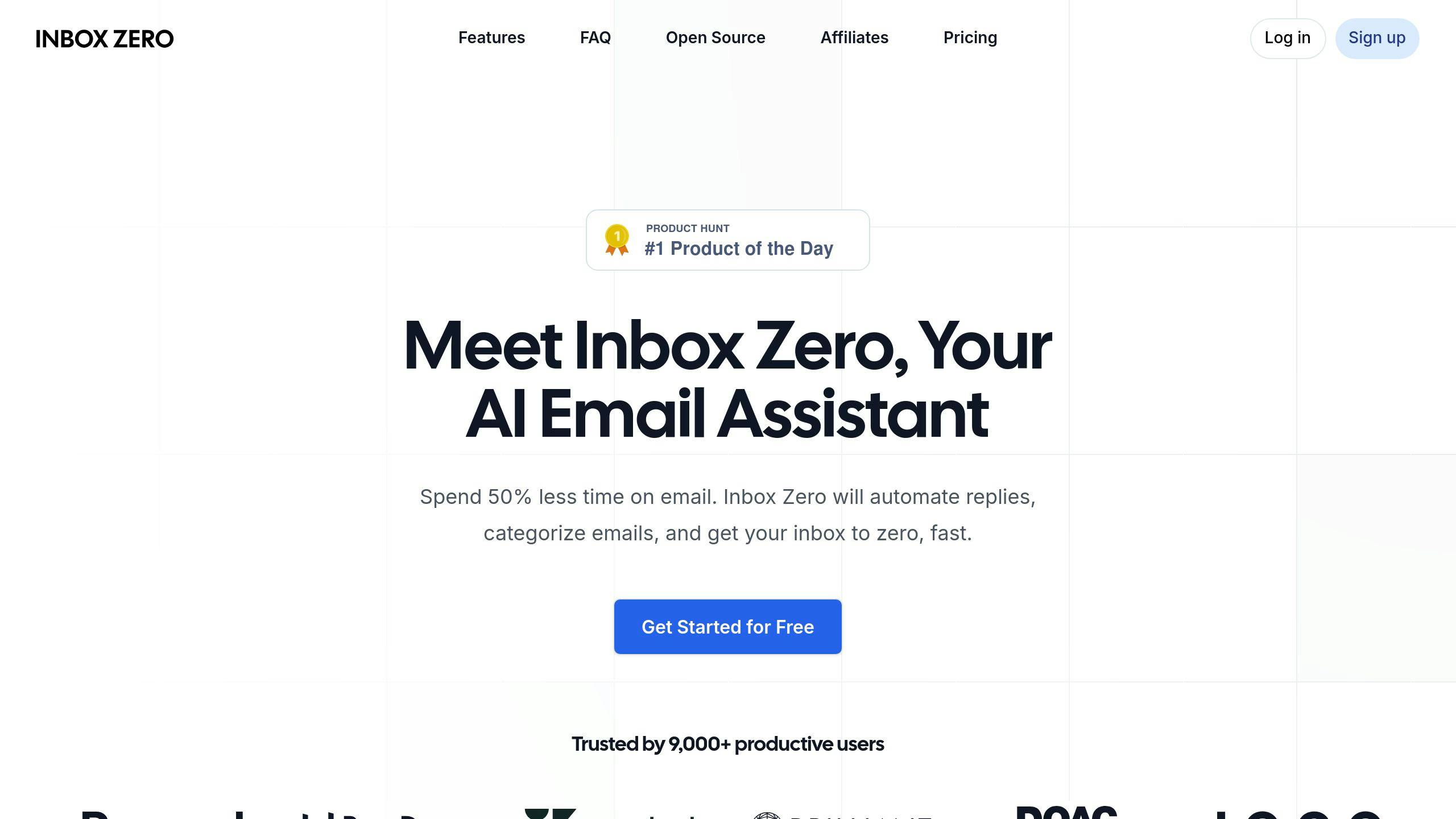
Designed specifically for Gmail and Google Workspace, Inbox Zero simplifies email management with automation. Features include:
- Automated archiving and smart labeling
- Bulk actions to process emails faster
- One-click unsubscribe to remove unwanted messages
This tool helps users process emails quickly while keeping their inbox organized.
Superhuman
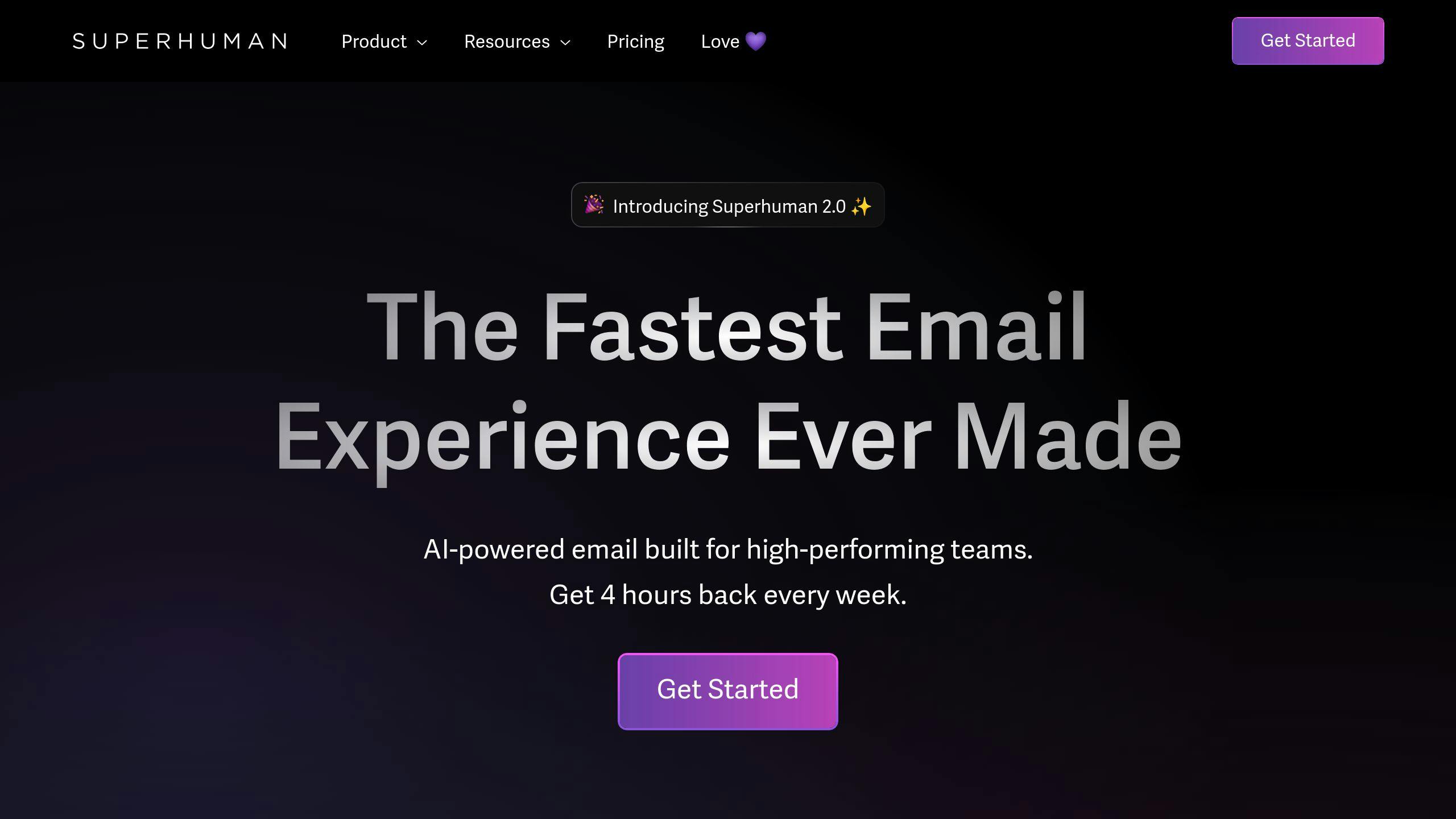
Superhuman focuses on speed and productivity, using AI to streamline email workflows. Its standout features are:
- Advanced keyboard shortcuts for faster navigation
- AI-powered reminders for follow-ups
- Read status tracking for better email management
- Optimized performance for Gmail users
With its emphasis on speed, Superhuman ensures email tasks are handled efficiently.
Missive
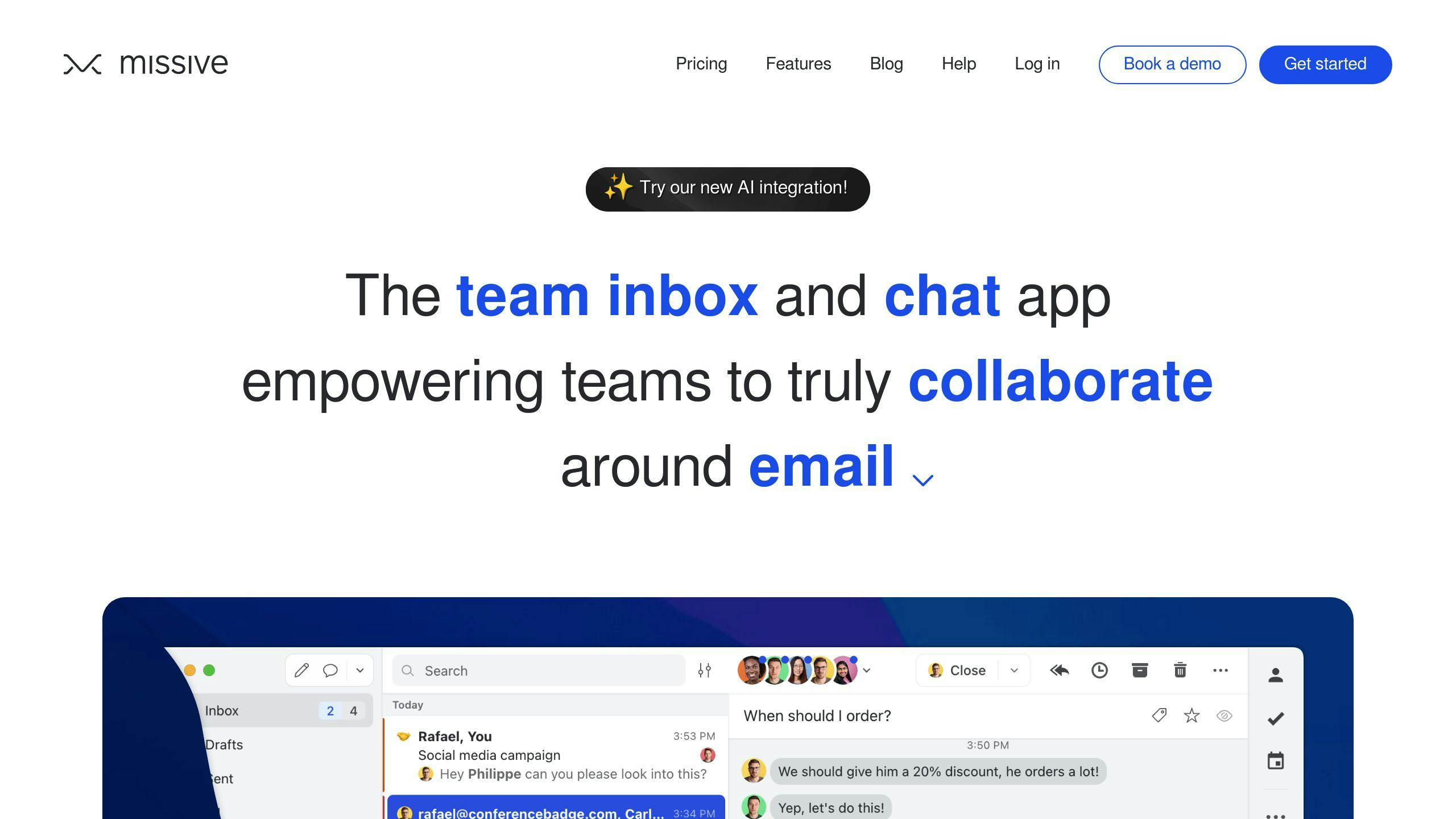
Missive blends AI with collaboration tools, making it ideal for teams. It offers:
- Integrated chat for team communication
- Smart inbox organization powered by AI
- Support across multiple platforms
Missive is especially useful for teams aiming to stay organized while managing shared inboxes.
“Studies have shown that businesses using AI email tools like SaneBox have seen a 90% reduction in unwanted emails, while others using Inbox Zero achieved a 75% decrease in time spent on email management”
These tools highlight how AI can simplify email management, making it easier to achieve Inbox Zero.
sbb-itb-b0bc93c
Comparing AI Email Tools
Here’s a breakdown of how the top AI email tools stack up in important areas.
Features Compared
| Feature | SaneBox | Inbox Zero | Superhuman | Missive |
|---|---|---|---|---|
| AI Sorting | Advanced | Basic | Priority-based | Team-focused |
| Unsubscribe | One-click | Bulk | Quick | Bulk |
| Team Features | Basic | None | None | Advanced |
| Smart Filters | Custom | Automated | Priority | Team-based |
| Behavior Adaptation | High | Basic | Advanced | Team-learning |
Pricing Details
| Tool | Starting Price | Features Included |
|---|---|---|
| SaneBox | $7.99/month | Basic AI sorting |
| Inbox Zero | $9.99/month | Full automation |
| Superhuman | $30/month | All features |
| Missive | $15/month | Team features |
Tool Compatibility
Platform compatibility is key for seamless integration:
| Tool | Gmail | Outlook | Google Workspace | Other Platforms |
|---|---|---|---|---|
| SaneBox | ✓ | ✓ | ✓ | IMAP support |
| Inbox Zero | ✓ | Limited | ✓ | None |
| Superhuman | ✓ | No | ✓ | None |
| Missive | ✓ | ✓ | ✓ | IMAP support |
If you’re a Gmail user, Inbox Zero might be a good fit. Teams, on the other hand, can take advantage of Missive’s collaboration tools. SaneBox is ideal for users looking for broad platform support, while Superhuman stands out for its speed-focused design.
Although these tools offer strong automation, human-managed services remain an option for those aiming to achieve Inbox Zero.
Other Options for Inbox Zero
AI tools may dominate the conversation around Inbox Zero, but some professionals lean toward human-assisted solutions for a more personal touch. These services blend technology with human expertise to handle email management in a way that feels more customized.
InboxDone.com
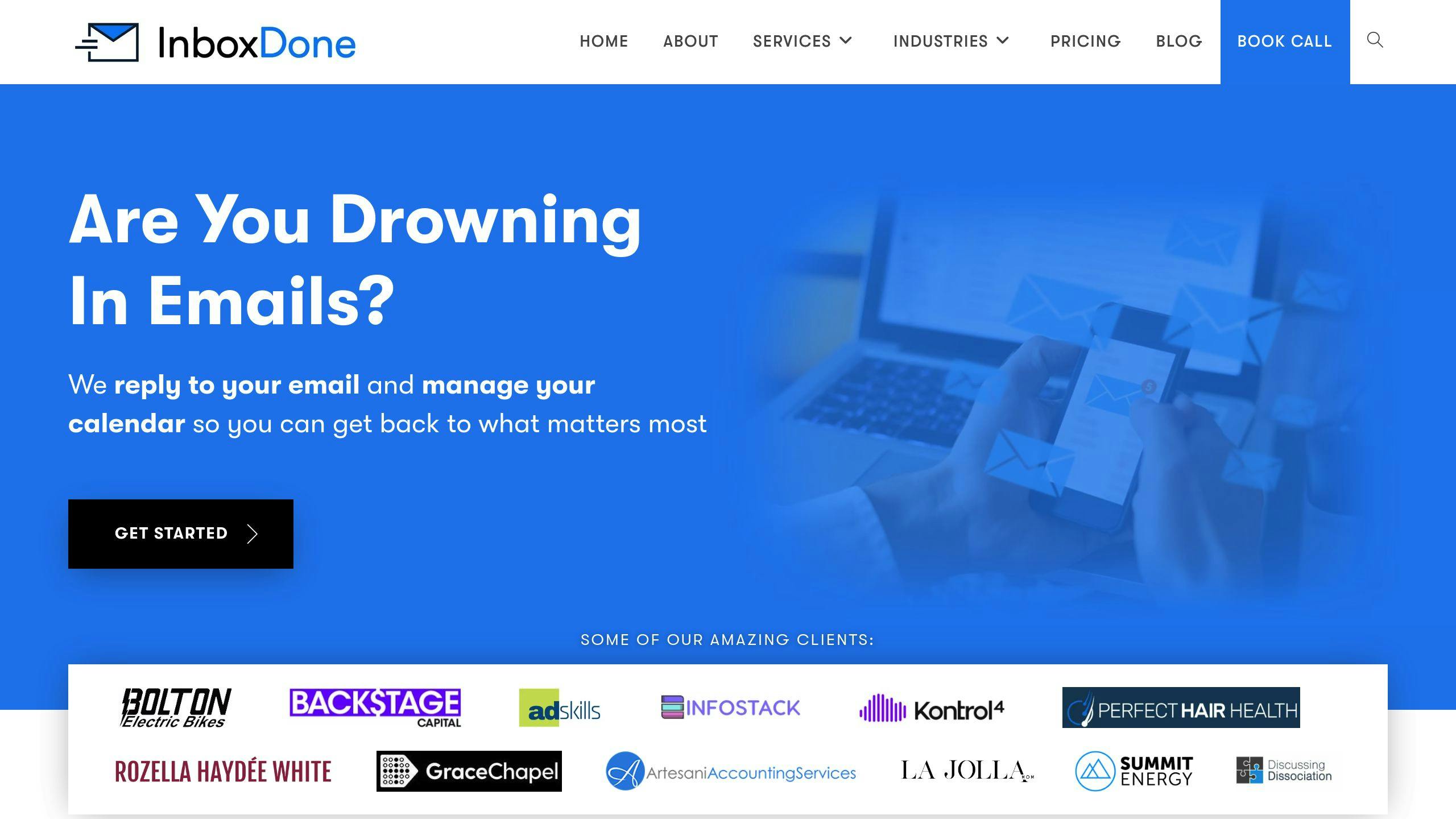
InboxDone.com stands out by offering virtual executive assistants who handle your email and administrative work with a focus on personalization. Each client works with two dedicated assistants to ensure smooth and uninterrupted service.
What sets InboxDone apart is its approach to email management, which includes:
- Managing emails and calendars
- Handling social media interactions and customer support
- Tackling administrative tasks like CRM updates and research
Their assistants take the time to learn and replicate your communication style, making them ideal for managing sensitive or complex emails. To maintain high-quality service, InboxDone hires exclusively from North America, steering clear of offshore outsourcing.
Pricing starts at $1,395 per month, with plans designed for individual professionals, small businesses, and larger organizations. This service is particularly well-suited for busy executives, entrepreneurs, and business owners who deal with a high volume of emails requiring thoughtful and nuanced responses.
If you’re looking for a solution that combines the efficiency of automation with the precision of human expertise, InboxDone provides a strong alternative to AI tools, helping you achieve Inbox Zero with ease.
Conclusion
Choosing the right email management solution comes down to your specific needs and priorities. In 2024, AI email tools offer a variety of options for achieving Inbox Zero, each bringing its own advantages to the table.
Key Takeaways
AI tools simplify email management by automating repetitive tasks. On the other hand, services like InboxDone.com provide a personalized, human-first approach for handling more complex email challenges. These options blend automation with dedicated, hands-on support to tackle even the most demanding email workflows.
Here are some factors to keep in mind when selecting your solution:
- Automation Features: Look for tools that adapt to your habits and preferences over time.
- Integration: Make sure the tool works seamlessly with your current email platforms and workflow systems.
- Level of Support: Decide if you need pure AI automation or a mix of AI and human assistance.
- Cost vs. Benefits: Weigh the price against the productivity improvements it can deliver.
The key to success is not just picking the right tool but integrating it effectively into your routine. Whether you go for scalable AI-powered solutions or the personalized support of virtual assistants, the ultimate goal is the same: maintaining Inbox Zero and boosting productivity.
To find the best fit, consider your email volume, the complexity of your communication, and your workflow needs. Starting with trials can help you make an informed choice.