

Remote assistant onboarding can feel overwhelming, but a clear, structured process ensures success. Here’s a quick guide to help you get started:
-
Pre-Onboarding:
-
First Day:
- Host virtual introductions and orientation.
- Explain communication protocols (response times, tool usage).
- Assign simple tasks to ease them into the role.
-
Ongoing Support:
- Schedule regular check-ins for feedback and progress updates.
- Pair them with a mentor for guidance.
- Set measurable goals (e.g., Inbox Zero, task deadlines).
- Offer training tailored to their role.
-
Tools for Success:
- Use InboxDone.com for email management.
- Leverage project management tools like Asana or Trello.
- Track productivity with Toggl or Clockify.
1. Get Ready Before Onboarding
“Pre-boarding activities are no longer optional – they’re a critical foundation for remote assistant success. Proper pre-boarding can cut time-to-productivity by up to 60% for virtual assistants.”
Setting up your remote assistant for success starts before their first day. InboxDone emphasizes that a strong onboarding process is key to building trust and ensuring long-term collaboration. Here’s how to lay the groundwork during the pre-onboarding phase.
1.1 Define the Job and Tasks
Start with a clear and detailed role description. Outline their responsibilities and set expectations for daily, weekly, and monthly tasks. Break these into categories to help them prioritize effectively. For instance:
- High-priority tasks: Email management, customer support
- Medium-priority tasks: Calendar scheduling, research
This clarity helps your assistant hit the ground running.
1.2 Set Up Communication Tools
Ensure your communication tools are ready to go. Platforms like Slack or Microsoft Teams for messaging, Zoom or Google Meet for video calls, and Notion or Google Docs for shared documentation are great options. Configure these tools in advance so your assistant can start using them immediately.
1.3 Provide Access to Software and Resources
Grant access to all necessary tools and platforms they’ll need. This might include:
- Project management tools: Asana, Trello, or ClickUp
- Password managers: LastPass or 1Password
- Cloud storage: Google Drive or Dropbox
- CRM systems: If their role involves customer management
Having everything set up beforehand saves time and reduces early frustrations.
1.4 Prepare Standard Operating Procedures
Document workflows for common tasks and store them in an easily accessible location. Step-by-step guides, video walkthroughs, and screenshots can make processes clearer, especially for visual learners.
For example, if they’ll manage your inbox, include templates for well-written email responses and guidelines for when to escalate specific issues. Highlight examples of successful outcomes and common mistakes to avoid.
2. First Day Checklist
“A structured onboarding process can significantly reduce employee turnover and improve job satisfaction. Companies implementing comprehensive first-day orientations report 82% higher retention rates in the first year.”
2.1 Virtual Orientation and Introductions
Kick off the first day with a video call to introduce the new remote assistant to the team. This helps build connections and creates a sense of belonging. During the call, share your screen to walk through essential systems, explaining their purpose and how they fit into daily operations. Focus on building rapport and making the assistant feel comfortable, rather than diving too deep into technical details right away.
Once introductions are complete, lay out the basic ground rules for communication and collaboration.
2.2 Share Company Overview and Communication Rules
Set clear expectations for how communication will work. Cover these points:
- Response Times: Clarify how quickly they should reply on different platforms.
- Tool Usage: Specify when to use tools like Slack for quick chats versus email for formal discussions.
- Meeting Protocols: Outline how virtual meetings are scheduled, attended, and conducted.
- Documentation Standards: Explain how to organize and share information with the team.
- Urgent Issues: Highlight how to handle time-sensitive matters, like using flagged Slack messages or direct calls.
2.3 First Day Tasks and Expectations
Start with simple tasks to ease them into the workflow. Examples include checking tool access, adding a calendar entry, or drafting a basic email. Clearly outline expectations for:
- Working Hours: Define overlapping hours for live collaboration.
- Availability: Specify when they should be online and reachable.
- Progress Updates: Set guidelines for reporting task completion.
- Performance Metrics: Explain how their success will be evaluated.
Once these basics are covered, you’ll be ready to move on to ongoing training and support.
sbb-itb-b0bc93c
3. Support and Training After Onboarding
3.1 Schedule Regular Check-Ins
Hold weekly or bi-weekly video calls to keep communication open and consistent. These meetings are a great time to talk about ongoing projects, tackle challenges, and share feedback. To make the most of these sessions, come prepared with an agenda. Include topics like progress updates, upcoming deadlines, and any tools or processes that need clarification. For instance, you might discuss how a specific project is advancing or address any roadblocks that could slow things down.
3.2 Assign a Mentor or Buddy
Pair the assistant with a mentor who can offer daily guidance. This setup not only helps them learn faster but also creates a comfortable environment where they can ask questions freely and get the support they need.
3.3 Set Goals to Measure Progress
Define clear, measurable goals to track their development. For example, you could aim for maintaining Inbox Zero or responding to client emails within a set timeframe, like two hours. Use project management tools to monitor these goals. As their skills grow, you can gradually introduce more complex tasks or adjust expectations to reflect their improved efficiency.
3.4 Offer Training Opportunities
Focus on training that aligns with their specific role and tools. For example, if they’re using InboxDone.com, ensure they’re proficient in email management, calendar scheduling, and CRM systems. Create a learning plan that balances skill-building with their day-to-day responsibilities. Platforms like LinkedIn Learning or Skillshare can offer useful courses for this purpose. While structured training helps develop expertise, having a mentor ensures they always have someone to turn to for immediate guidance.
Equipping your assistant with the right resources and support ensures these strategies can be implemented effectively.
“With Remote, onboarding is smooth and all our people’s questions are answered quickly. That contributes to retention which is crucial, because we know that the success or failure of the company is 99% down to our people.” – Antonio Arias, Chief People Officer at QuoIntelligence.
4. Tools and Tips for Success
4.1 Use InboxDone.com
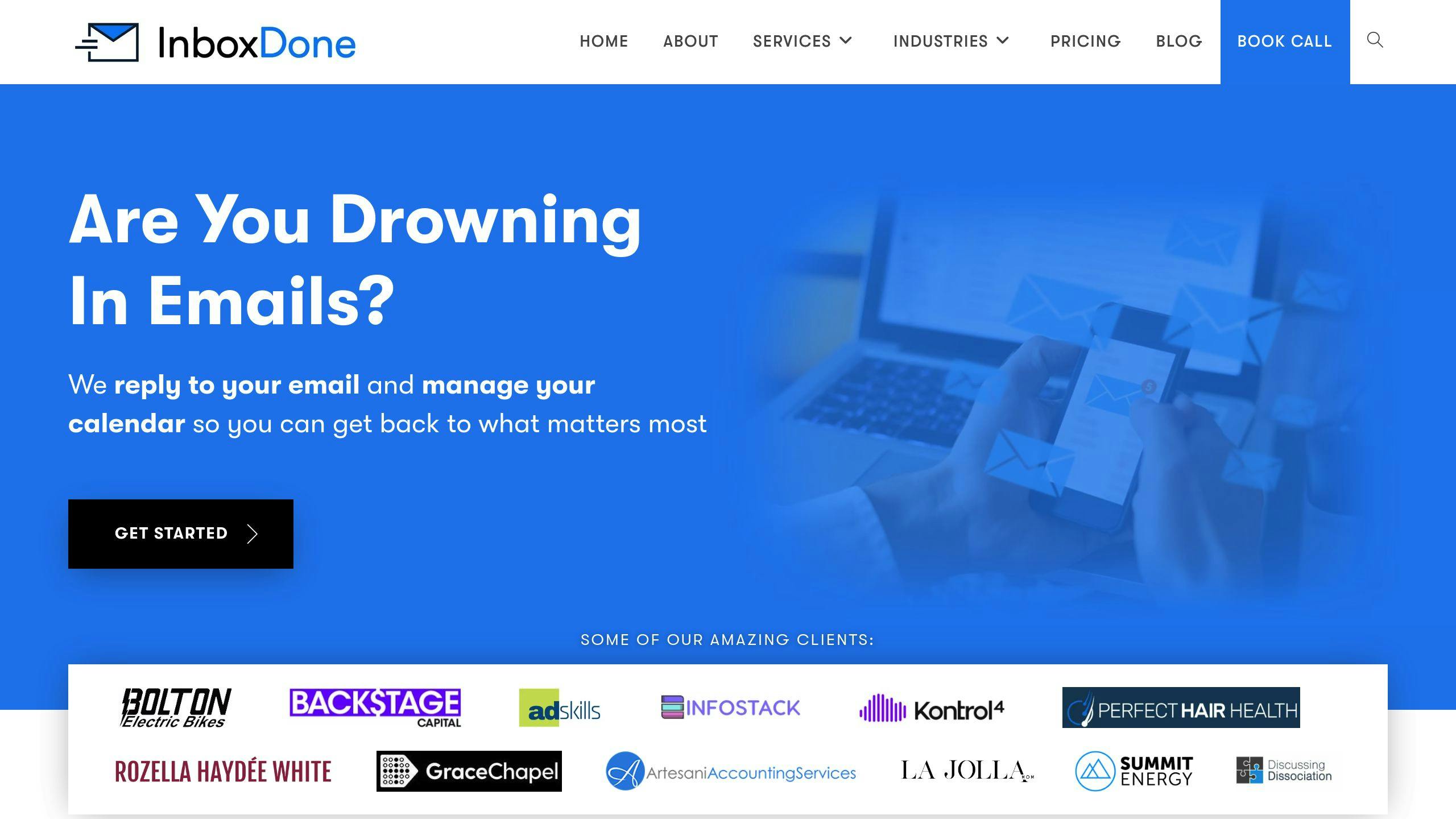
InboxDone.com focuses on managing emails and providing administrative support. Their setup includes two assistants per client, ensuring consistent service and smooth communication. The Personal Plan starts at $1,395 per month, offering 35 hours of dedicated help with tasks like email management, calendar scheduling, and CRM updates. Their standout feature is a well-structured handover process that keeps communication consistent and aligned with your style.
4.2 Try Project Management Tools
For remote teams, project management tools are a must. Platforms like Asana help track tasks efficiently, with plans starting at $9.99 per user per month. Trello offers a visual board system, starting at $5 per user per month, making task organization intuitive. For real-time communication, Slack provides project-specific channels that keep everyone on the same page.
4.3 Use Productivity Tools
Time tracking and productivity tools can make a big difference in managing tasks. Apps like Toggl and Clockify provide detailed time-tracking reports, helping you better allocate your time. For managing emails, tools like Boomerang and Clean Email work well alongside your primary email management system. To securely share passwords with your team, LastPass is an essential tool.
4.4 Compare Onboarding Tools
After narrowing down the tools for productivity and collaboration, comparing their features can help you choose the best fit. The right onboarding tool can make it easier to integrate new systems and boost efficiency for your remote assistant.
| Feature | InboxDone | Magic | Boldly |
|---|---|---|---|
| Dedicated Assistants | Two per client | Single assistant | Single assistant |
| Monthly Hours | 35-160 hours | Flexible | 40+ hours |
| Starting Price | $1,395/month | Custom pricing | Custom pricing |
| Email Management | Comprehensive | Basic | Basic |
| Training Support | Included | Limited | Included |
Conclusion
A well-planned onboarding process can significantly improve the productivity and retention of remote assistants. By setting up clear communication channels and providing access to tools like project management software and other essential resources, you lay the groundwork for smooth collaboration.
Success comes down to preparation and consistent follow-up. With detailed documentation, clear standard operating procedures (SOPs), and ongoing training, remote assistants can excel and make valuable contributions to your team. This approach helps virtual teams maintain strong performance levels.
By sticking to a structured onboarding plan, you ensure remote assistants become integral parts of your team. The time and effort invested in thorough onboarding pay off with better productivity, lower turnover, and stronger working relationships in a remote setting.
Onboarding isn’t a one-time task – it’s an ongoing process. Regularly review and tweak your checklist to keep it effective and relevant. This helps you maintain strong collaboration and steady productivity across your remote team. Make it a habit to revisit and refine your approach to ensure long-term success for both your assistants and your organization.
FAQs
How do I onboard a new virtual assistant?
A structured onboarding process can increase productivity by up to 50%, making it a crucial step for setting your virtual assistant (VA) up for success. Here’s a clear roadmap to guide you through the process:
| Timeline | Focus Areas | Key Activities |
|---|---|---|
| First 30 days | Basic operations | Introduce tools, establish communication protocols, and assign initial tasks. |
| Days 31-60 | Skill development | Provide advanced training, refine processes, and gradually increase responsibilities. |
| Days 61-90 | Independence | Assign strategic projects, fine-tune workflows, and conduct performance reviews. |
To ensure a smooth onboarding experience, follow these steps:
1. Pre-onboarding preparation
Set up tools, workflows, and access details ahead of time to make the first day stress-free. If you need specialized support (like email management), consider services like InboxDone.com, which provide pre-trained VAs with streamlined onboarding processes.
2. First week priorities
Assign a mentor to guide your VA through their initial tasks and systems. Mentorship programs have been shown to improve engagement and speed up the integration process for new team members.
3. Personalized approach
Adapt the onboarding process to your VA’s working hours and communication style. This not only boosts productivity but also lays the groundwork for a strong, collaborative relationship.
“A well-structured onboarding process can significantly reduce turnover rates and improve job satisfaction. Personalization in the onboarding process, such as understanding the VA’s preferred working hours and communication style, can boost productivity and job satisfaction.”
Throughout the 90-day timeline, adjust the frequency and format of check-ins based on your VA’s progress. This flexible approach helps balance accountability with independence, ensuring they feel supported while growing into their role.



