Managing emails and tasks can be overwhelming, but combining both into one tool can save time and improve productivity. Here’s a quick guide to the best apps for managing emails and turning them into actionable tasks:
- ClickUp: Advanced features, direct email-to-task conversion, starts at $5/user/month.
- Asana: Simplifies task creation, great for structured teams, starts at $9.99/user/month.
- Monday.com: Highly customizable workflows, pricing varies.
- Trello: Visual Kanban boards with email integrations, free tier available.
- MeisterTask: Simple Kanban-based tool with built-in email processing, free tier available.
Each tool offers unique features for different team sizes and needs. For a more personalized approach, services like InboxDone provide hands-on email and task management with dedicated assistants.
Best Project Management Software for 2024
Quick Comparison
| App | Email Integration | Key Feature | Starting Price |
|---|---|---|---|
| ClickUp | Direct email-to-task | Feature-rich platform | $5/user/month |
| Asana | Native integration | Task hierarchy | $9.99/user/month |
| Monday.com | Customizable workflows | Flexible setup | Custom pricing |
| Trello | Via Power-Up | Visual task tracking | Free tier available |
| MeisterTask | Built-in | Automation capabilities | Free tier available |
Choose the tool or service that best fits your workflow and team needs to stay on top of emails and tasks effortlessly.
Features to Look for in Workflow Apps
Merging Email and Task Management
A good workflow app should make handling emails and managing tasks feel effortless. By allowing users to turn emails into tasks directly, these apps save time and reduce errors. This feature ensures no task slips through the cracks.
For example, tools like Motion automate the process of converting emails into tasks. Platforms such as ClickUp showcase how email integration can simplify task management.
Tools for Team Collaboration
Workflow apps should come equipped with features that make working together easier. Look for shared workspaces, real-time updates, task assignment options, and built-in communication tools.
These features are especially helpful for remote or hybrid teams that rely on clear communication and project transparency. While collaboration tools are critical, the ability to adjust to changing team dynamics is just as important.
Customization and Scalability
A strong workflow app grows with your team and adapts to new challenges. Features like customizable workflows, integration capabilities, and scalable options are key to staying on track as your team expands.
Platforms like Monday.com excel in offering customization, allowing teams to tweak workflows and add custom fields without being limited by the system. AI-powered tools also play a role here, automating repetitive tasks and helping organize emails and create tasks more efficiently.
sbb-itb-b0bc93c
Best Workflow Apps for Email and Task Management
Managing overflowing inboxes and staying on top of deadlines can be a challenge. Here’s a look at some of the most effective workflow apps that merge email and task management to help streamline your productivity.
Trello

Trello uses a visual, Kanban-style approach to project management, making it easy for teams to track tasks. With its Butler Power-Up and Email-to-Board Power-Up, you can convert emails into tasks directly. This setup allows you to manage tasks from email to completion effortlessly.
Asana

Asana simplifies task creation and assignment with its strong email integration. You can turn emails into tasks without leaving your inbox. Its structured task management system helps teams break down projects into smaller, manageable subtasks for better organization.
ClickUp

ClickUp offers a feature-packed solution for email and task management. It lets you create tasks straight from your inbox and includes workload tracking to ensure teams stay balanced. With plans starting at $5 per user/month, it’s a cost-effective option for businesses looking for robust tools.
Monday.com
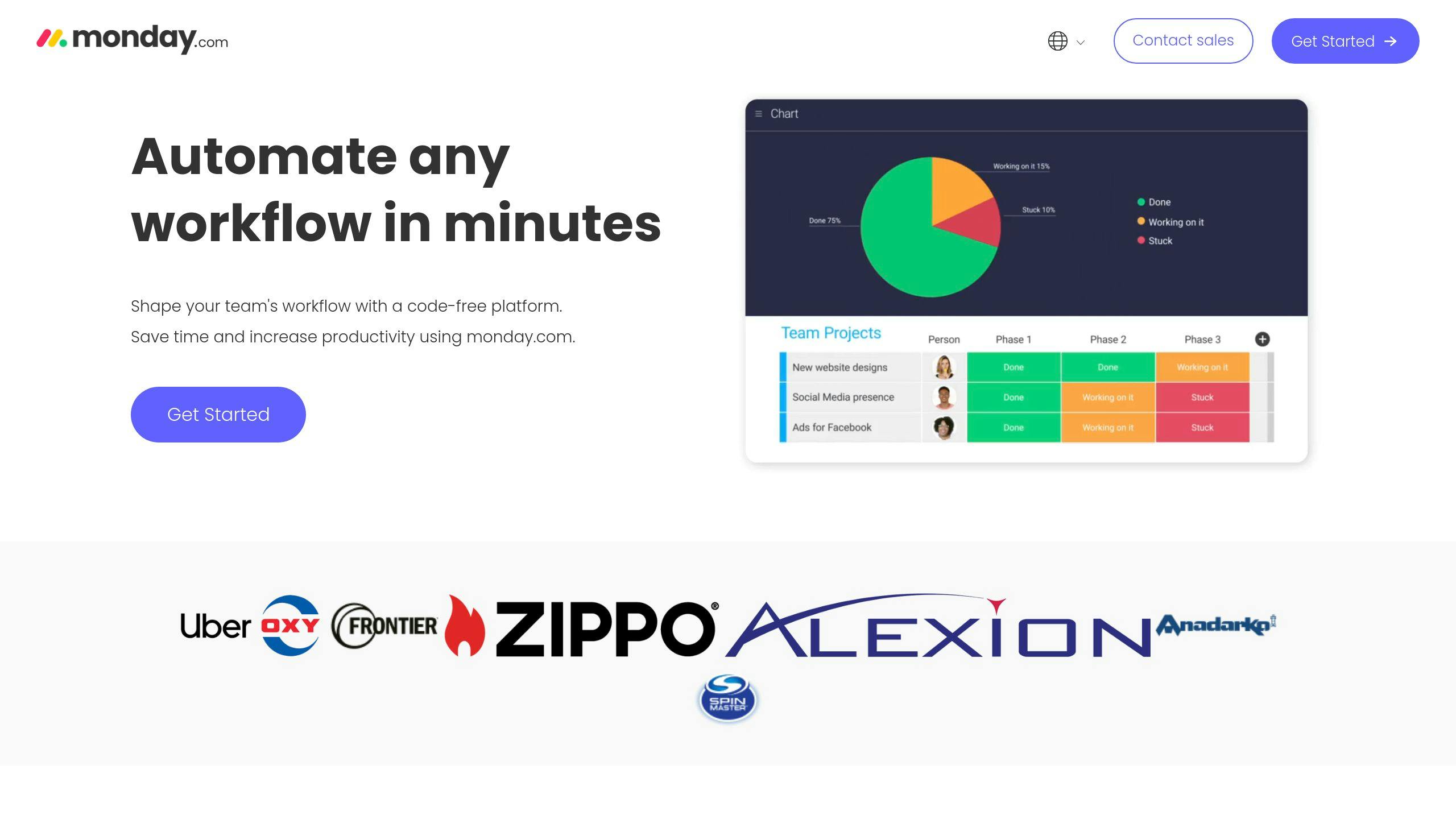
Monday.com is known for its flexibility and automation options. Teams can build workflows tailored to their needs while converting emails into tasks seamlessly. Its visual interface makes tracking projects simple and intuitive.
MeisterTask
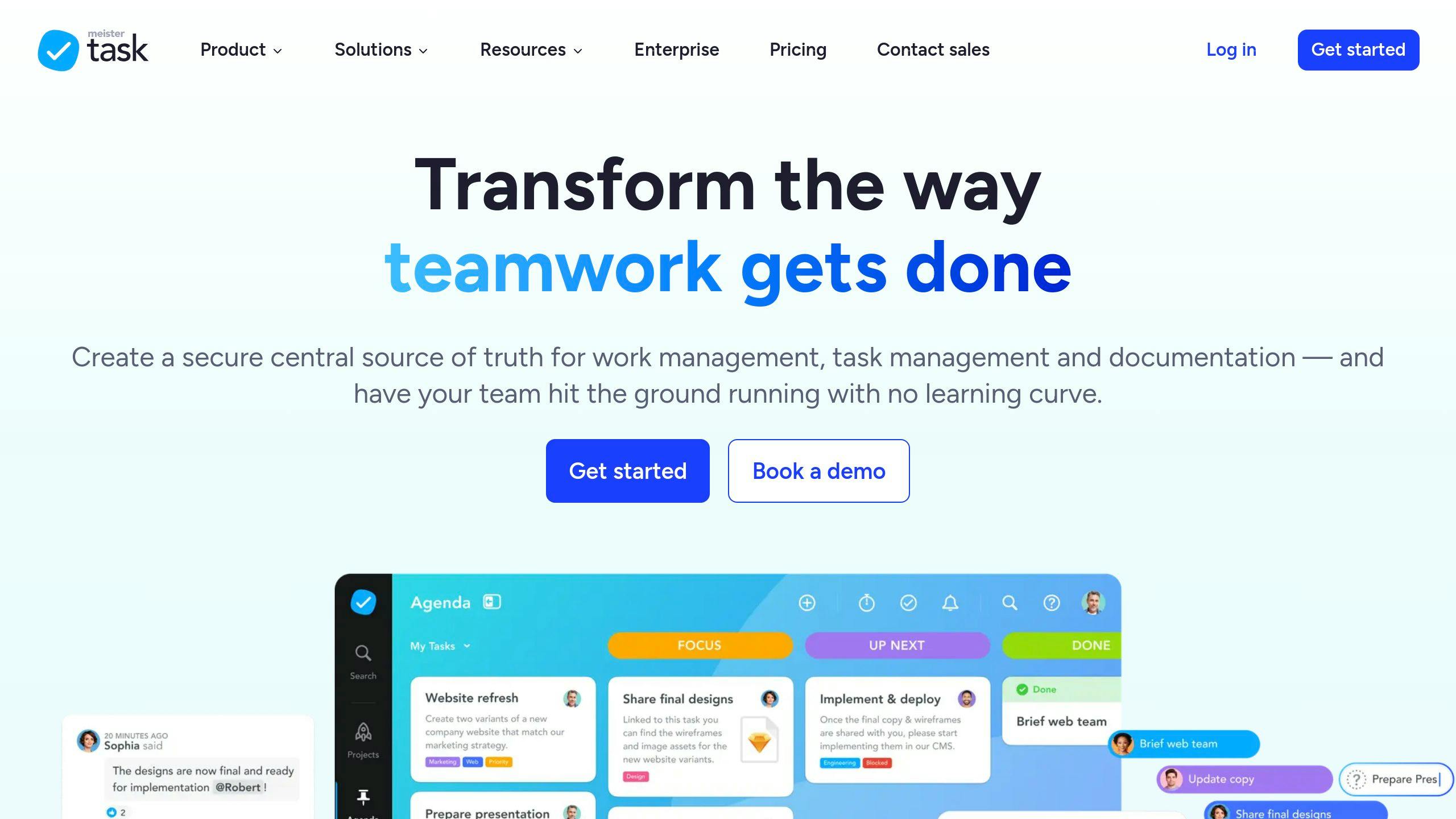
MeisterTask blends Kanban-style organization with easy-to-use email integration. Its clean and user-friendly design is ideal for teams transitioning from basic email management to more structured workflows.
Here’s a quick comparison of these platforms:
| Platform | Email Integration | Key Feature | Starting Price |
|---|---|---|---|
| ClickUp | Direct email-to-task | Feature-rich platform | $5/user/month |
| Asana | Native integration | Task hierarchy | $9.99/user/month |
| Monday.com* | Customizable workflows | Flexible setup | Custom pricing |
| Trello | Add-ons needed | Visual task tracking | Free tier available |
| MeisterTask | Built-in | Automation capabilities | Free tier available |
*Monday.com pricing depends on team size and selected features.
In the next section, we’ll dive deeper into how these platforms compare to help you choose the best fit for your workflow.
Comparison of Workflow Apps
Choosing the right workflow app for managing emails and tasks can be challenging, especially with so many options available. Here’s a closer look at how some popular platforms compare in terms of features, user experience, and pricing.
Core Features Comparison
| Feature | ClickUp | Asana | Monday.com | Trello | MeisterTask |
|---|---|---|---|---|---|
| Email Integration | Native | Built-in | Customizable | Via Power-Up | Built-in |
| Task Management | Advanced | Hierarchical | Flexible | Kanban-based | Kanban-based |
| Team Size Suitability | Large teams | Medium-large | All sizes | Small-medium | Small-medium |
| Mobile Support | Yes | Yes | Yes | Yes | Yes |
| Automation | Advanced | Basic | Advanced | Via Butler | Basic |
Performance and User Experience
ClickUp takes the lead in user satisfaction with a 4.7/5 rating, followed by Asana and Trello, both scoring 4.5/5. These ratings reflect user opinions on features like email-to-task conversion, collaboration tools, and overall usability. While performance is a key factor, balancing cost with functionality is equally important.
Pricing Structure
When it comes to cost, ClickUp and MeisterTask are the most budget-friendly, starting at $5 and $4.99 per user/month, respectively. Asana and Trello are priced in the mid-range, while Monday.com offers custom pricing tailored to team requirements.
Integration Capabilities
| App | Email Integration Method | Notable Integration Features |
|---|---|---|
| ClickUp | Direct email-to-task conversion | Comprehensive API access |
| Asana | Native email processing | Supports multiple email providers |
| Monday.com | Customizable email workflows | Extensive third-party integrations |
| Trello | Email-to-board functionality | Butler automation tools |
| MeisterTask | Built-in email processing | Simple and user-friendly integrations |
Best Use Cases
Each platform stands out for specific needs, making the choice easier based on what matters most to your team:
- ClickUp and Asana: Best for large teams requiring advanced task management and email features.
- Trello and MeisterTask: Perfect for smaller teams focused on visual task tracking.
- Monday.com: Ideal for teams looking for customizable workflow solutions [1][2].
While these tools offer robust email and task management features, some professionals might still prefer hands-on, personalized solutions for their workflows.
Human-Driven Email Management Services
Workflow apps are great for automation, but some professionals need a more personal touch. That’s where human-driven services come in, offering tailored support for email and task management that goes beyond what software can handle.
What InboxDone Offers
InboxDone.com specializes in virtual executive assistant services, focusing on managing emails and related tasks. Here’s what they provide:
| Service Category | Features |
|---|---|
| Email Management | Achieving Inbox Zero, handling responses, follow-ups |
| Calendar Management | Scheduling and coordination |
| Administrative Tasks | Customer support, social media, CRM management |
| Business Support | Lead follow-up, invoicing, research |
Why Choose InboxDone?
InboxDone stands out with its unique approach to email management:
- Two-Assistant Model: You get two dedicated assistants who ensure smooth, uninterrupted service and stay in sync with your needs.
- High-Quality Communication: All assistants are North American-based, ensuring clear and culturally aligned communication.
- Tailored Service: Assistants adapt to your communication style, maintaining consistency in your messaging.
InboxDone Pricing Plans
| Plan | Monthly Cost | Hours | Best For |
|---|---|---|---|
| Personal | $1,395 | 35 | Individuals |
| Standard | $1,995 | 50 | Small businesses |
| Growth | $2,595 | 65 | Teams scaling up |
| Full Time | $4,995 | 160 | Large-scale operations |
All plans include email management, calendar scheduling, and administrative support. The hours vary to suit different levels of need.
If you’re looking for more personalized support to complement or replace automated tools, InboxDone offers a hands-on solution tailored to professionals.
Wrapping Up
Managing emails and tasks efficiently is a game-changer for professionals looking to get more done. Apps like ClickUp, Trello, and Asana offer automation features that can simplify daily workflows, but deciding between automated tools and hands-on, human-driven services depends on what works best for you.
For example, SaneBox users save an average of 2.5 hours each week by organizing their inboxes better. That adds up quickly, especially when paired with task management tools that keep everything on track. But tech isn’t the only option.
If you prefer a more tailored approach, human-driven services can offer a level of customization that automation might not. The key is finding solutions that align with how you and your team work, communicate, and handle tasks.