Professionals spend an average of 3.1 hours daily on email, with 20% dedicating over 5 hours. The constant flow of messages leads to interruptions, decision fatigue, and blurred work-life boundaries. In fact, 62% check emails after hours, and multitasking with email can cut productivity by 40%.
Quick Solutions to Regain Control:
- Use the Four D’s: Do, Delegate, Defer, Delete.
- Organize with Filters: Automate sorting into priority folders (Urgent, Medium, Low).
- Schedule Email Check-ins: Process emails 2-3 times daily instead of constantly.
- Leverage Tools: Try apps like Spark, Superhuman, or SaneBox to automate and prioritize.
Key Takeaway:
Set boundaries, schedule focus time, and use smart tools to reduce stress and reclaim your productivity. Start with one strategy today and build up gradually.
10 ONE-MINUTE Email Habits for Productivity
Strategies for Managing Email Overload
Tired of feeling buried by emails? Try these three practical approaches to regain control of your inbox:
The Four D’s: Do, Delegate, Defer, Delete
The Four D’s framework helps you handle emails quickly by deciding on an action for each message:
| Action | When to Use | Example |
|---|---|---|
| Do | Takes less than 2 minutes | Confirming a quick meeting |
| Delegate | Someone else is better suited | Updates on team projects |
| Defer | Needs more time or thought | Reviewing a detailed proposal |
| Delete | No action required | Promotional or spam emails |
This method keeps you from overthinking and ensures each email gets the attention it deserves – or doesn’t.
Organizing with Filters and Folders
Preventing email chaos starts with a system. Automate and organize your inbox to save time and reduce stress.
Color-coded folders
Create three folders for sorting emails by priority:
- Red: Urgent or high-priority tasks
- Yellow: Medium-priority items
- Green: Low-priority or reference material
Automated sorting rules
Set filters to direct emails into folders based on sender, subject line, or keywords. This way, important messages stand out, and clutter stays out of sight.
Scheduling Email Check-ins
Instead of checking emails constantly, schedule three focused sessions a day. This method, used by companies like Asana, can cut email time by nearly 30%.
- Morning (9 AM): Address urgent messages from overnight.
- Midday (1 PM): Respond to ongoing conversations.
- Late afternoon (4 PM): Wrap up remaining emails and plan for tomorrow.
In between these sessions, close your email app or mute notifications. This helps you avoid distractions and protects your productivity – research shows multitasking with email can cost up to 40% of your focus.
Tools and Services for Email Management
While organizing your inbox is crucial, technology can make it even more effective. Here are some popular tools and services that can help streamline email management:
Top Email Management Tools and Features
Modern email tools are all about smarter organization and automation. Here are a few standout options:
- Spark ($7.99/month): This app uses AI to sort messages and highlight what matters most. It’s highly rated, with a 4.7/5 score from over 50,000 users on the App Store.
- Superhuman ($30/month): Designed for speed, Superhuman offers features like keyboard shortcuts and AI-powered writing help, helping users handle emails twice as fast. Key features include:
- Smart prioritization: Ensures you focus on the most important emails first.
- Read status tracking: Lets you know when your emails have been opened.
- SaneBox ($7/month): This tool uses behavioral AI to learn your habits and automaticallly moves less important emails to a separate folder, keeping your inbox clean.
InboxDone: Personalized Email Management Services
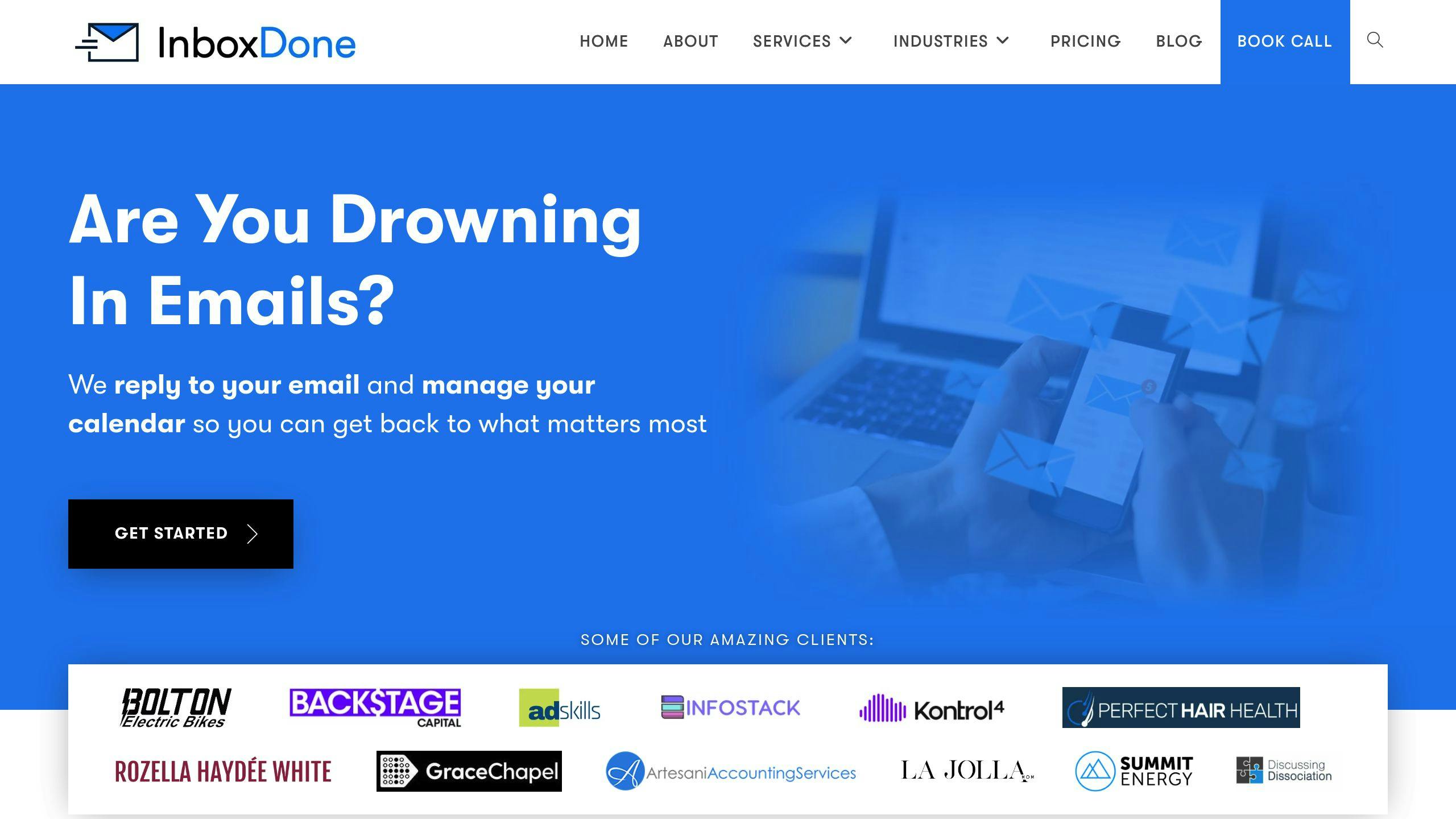
Sometimes, software alone isn’t enough – especially for professionals overwhelmed by email. InboxDone.com offers a human-centered approach with dedicated email assistants. Key features include:
- Dual North American assistants: Provides 24/7 coverage while matching your communication style.
- Comprehensive management: Goes beyond just sorting emails, handling a wide range of inbox tasks.
When deciding on an email management option, think about your specific needs. Tools like Spark and SaneBox are great for automation and organization, but services like InboxDone.com are ideal for those who want to fully delegate email responsibilities. These solutions work well alongside methods like the Four D’s framework and scheduled email check-ins, giving you more time to focus on what matters.
sbb-itb-b0bc93c
Developing Healthy Email Habits
Managing emails effectively isn’t just about using tools – it’s about changing how you approach email to reduce stress and stay productive.
Setting Boundaries for Email Usage
Clear boundaries around when and how you use email can help you protect your work-life balance. Here are some practical tips:
- Set aside 2-3 specific times each day to check and process emails.
- Turn off notifications outside of these designated times.
- Keep work and personal email accounts separate.
- Use your email signature to communicate your availability.
Streamlining Responses with Email Templates
Email templates can save time and energy, cutting down on repetitive tasks. Research from Boomerang suggests they could save you up to 30 minutes a day. Here’s how you can use them:
| Template Type | Purpose |
|---|---|
| Meeting Requests | Coordinate schedules and set agendas. |
| Project Updates | Share progress reports and deadlines. |
| Common Inquiries | Quickly reply to frequently asked questions. |
| Follow-ups | Send reminders for pending responses. |
Scheduling Time Away from Email
Dedicating time to focus without email interruptions is key to staying productive. A RescueTime study emphasizes the value of carving out uninterrupted focus periods. Here’s how to make it work:
- Schedule 2-3 hour blocks for deep work.
- Use Do Not Disturb mode to minimize interruptions.
- Let your team know when you’ll be unavailable during these periods.
Regaining Control Over Your Inbox and Time
Key Takeaways
To stay on top of your email and reclaim your time, stick to these essential principles:
- Set dedicated blocks of time for managing emails.
- Use organizational methods like the Four D’s (Do, Delegate, Defer, Delete).
- Choose tools and services that suit your workflow.
Practical Steps to Reduce Email Overload
Start small. Pick one strategy from this guide to try out this week. As you get comfortable, add another technique every 7-10 days while sticking with what works for you. If you need extra help, services like InboxDone.com can offer professional assistance.
The key is consistency, not perfection. Build your approach step by step, focusing on creating a system that’s manageable and effective over the long term.
FAQs
Here are answers to some common questions about managing email effectively:
How can I handle email overload better?
Instead of reacting to every email, work with a structured approach. Here’s a simple tip:
Use the Two-Minute Rule: If an email can be dealt with in under two minutes, handle it right away. If not, organize it into a system for later.
What’s the best way to prioritize emails?
Sort emails based on their urgency and importance. Create clear categories like:
- Emails needing an immediate reply
- Messages that can wait
- Tasks to delegate
- Items to archive or delete
How do I set boundaries for email use?
Define specific times for checking emails and stick to them. Let your team know when you’re available for responses and block out uninterrupted time for focused work.
What tools can make email less stressful?
Look for tools that simplify or automate repetitive tasks, like:
- Automatic filters
- Unsubscribe tools
- Apps that integrate emails with task management systems
When should I think about delegating email management?
If emails are taking up too much time or affecting your primary responsibilities, it might be time to delegate. Consider this if:
- Emails interfere with your main tasks
- You’re spending over two hours daily on email
- Most messages are routine or repetitive
How can I track progress in managing emails?
Monitor metrics like:
- Time spent on emails each day
- How quickly you respond to critical messages
- Number of unread emails
- How often you achieve Inbox Zero
Review these numbers weekly to stay on top of your email goals.