

Struggling with email overload in your remote team? Here’s how to fix it. Poor email management can lead to missed deadlines, miscommunication, and lower morale. But with the right strategies and tools, you can turn email into a productivity booster.
Key Takeaways:
- Organize smarter: Use folders, labels, and filters to sort emails by project or priority.
- Prioritize efficiently: Apply the 4 Ds framework – Do, Delegate, Defer, Delete.
- Set clear rules: Define response times, use standard subject lines, and block email-free hours.
- Leverage tools: Options like Hiver, Missive, and Mailbutler streamline shared inboxes, team collaboration, and automation.
- Outsource when needed: Services like InboxDone can handle your inbox when it’s overwhelming.
Quick Comparison of Email Management Tools:
| Tool | Key Features | Ideal For |
|---|---|---|
| Hiver | Shared inbox, task assignment, analytics | Customer support, sales teams |
| Missive | Email + team chat, real-time drafting | Collaborative teams |
| Mailbutler | Scheduling, tracking, task delegation | Small teams, freelancers |
Take control of your inbox with these strategies and tools to boost your remote team’s productivity.
Too Many Emails? Use THESE Proven Techniques
Key Strategies to Manage Emails in Remote Teams
Remote teams thrive on clear and efficient communication, and managing email effectively is a big part of that. Here’s how to turn email into a productivity booster instead of a source of frustration.
Organizing Emails with Folders, Labels, and Filters
Folders, labels, and filters are essential tools for keeping emails under control. Use folders and labels to group emails by project, client, or category. Filters can automatically sort incoming emails based on sender, subject, or keywords, ensuring important messages don’t slip through the cracks.
For example, you can set up filters to direct client emails to specific folders or flag urgent messages for immediate attention. This setup helps remote teams stay organized and on top of their inboxes, even during busy periods.
Once your inbox is organized, the next step is figuring out how to process those emails efficiently.
Prioritizing Emails with the 4 Ds Framework
The 4 Ds framework – Do, Delegate, Defer, Delete – is a simple yet effective way to handle emails:
- Do: Address quick tasks immediately.
- Delegate: Assign emails to the right team members.
- Defer: Schedule time to handle complex messages.
- Delete: Remove unnecessary emails to keep your inbox clean.
For remote teams working across time zones, this method ensures all emails are dealt with promptly without creating unnecessary delays.
Establishing Clear Email Communication Guidelines
Setting clear rules for email communication helps remote teams stay aligned. Here are some examples:
| Rule Type | Guidelines | Benefits |
|---|---|---|
| Response Times | Define reply windows based on priority levels | Reduces uncertainty and sets expectations |
| Subject Lines | Use standard formats with project codes or markers | Makes emails easier to find and organize |
| No-Email Times | Block off email-free hours for focused work | Boosts concentration and productivity |
Teams can also analyze email patterns to improve workflows. For instance, tracking response times or email volumes can highlight areas for improvement, helping remote teams fine-tune their communication processes.
With organized systems and clear rules in place, remote teams can focus on using tools and workflows to streamline email management even further.
Top Tools for Managing Emails in Remote Teams
Remote teams rely on effective tools to streamline email communication. Here are three solutions that can help your team manage emails more efficiently.
Hiver: Simplify Shared Inbox Management
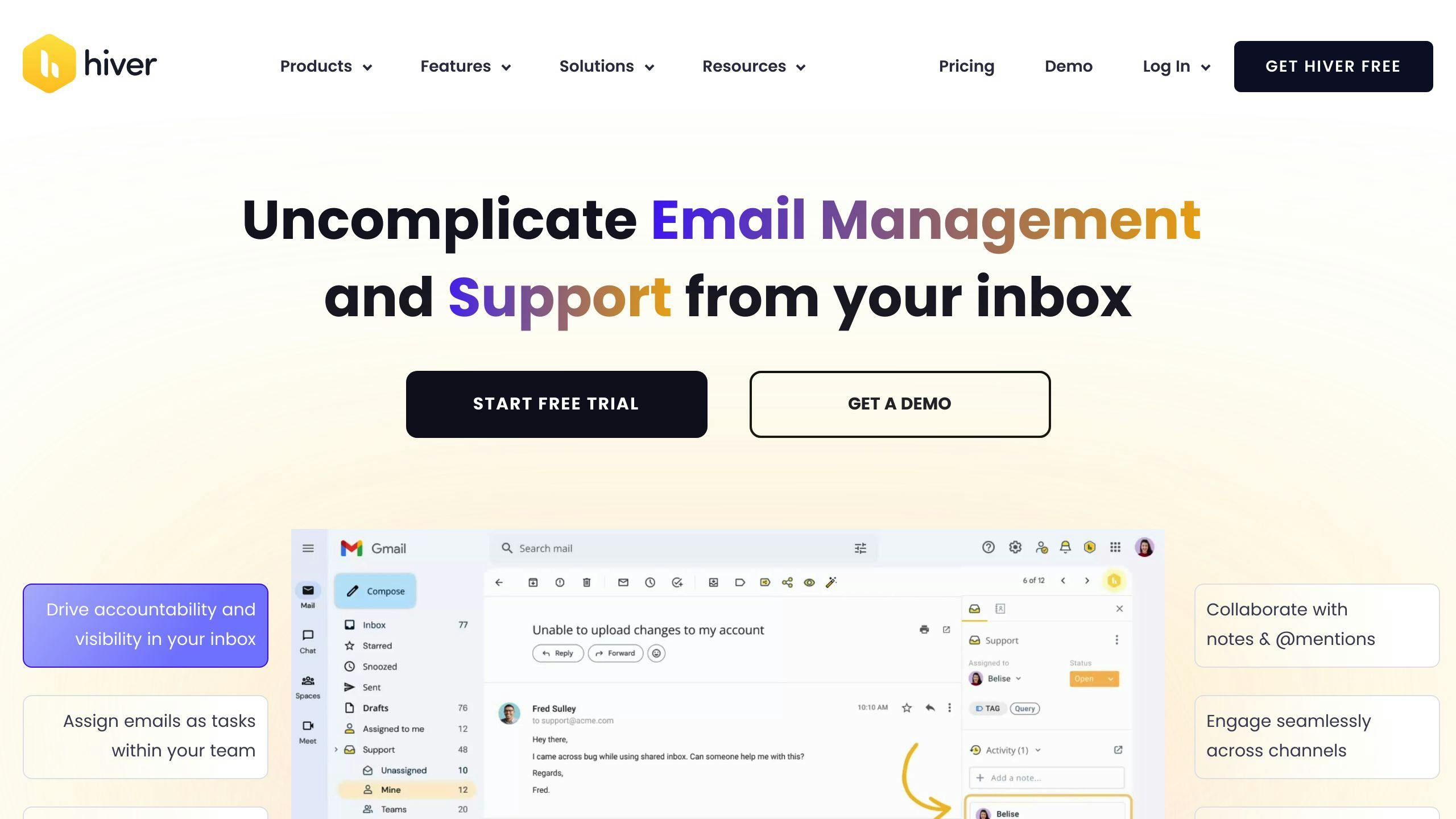
Hiver turns Gmail or Outlook into a collaborative hub for remote teams. It specializes in managing shared inboxes, allowing teams to assign emails as tasks and monitor progress – all within their email client. With automation and streamlined workflows, Hiver minimizes manual work, prevents duplicate responses, and keeps teams aligned across different time zones.
One standout feature is its performance tracking. Managers can monitor response times, balance workloads, and identify communication bottlenecks. This makes it especially useful for customer support or sales teams looking to maintain consistent service levels.
| Feature | How It Helps |
|---|---|
| Email Assignment | Avoids duplicate replies |
| Shared Notes | Facilitates collaboration |
| Analytics | Monitors team efficiency |
| Automation | Reduces repetitive tasks |
Missive: Blend Email and Team Chat
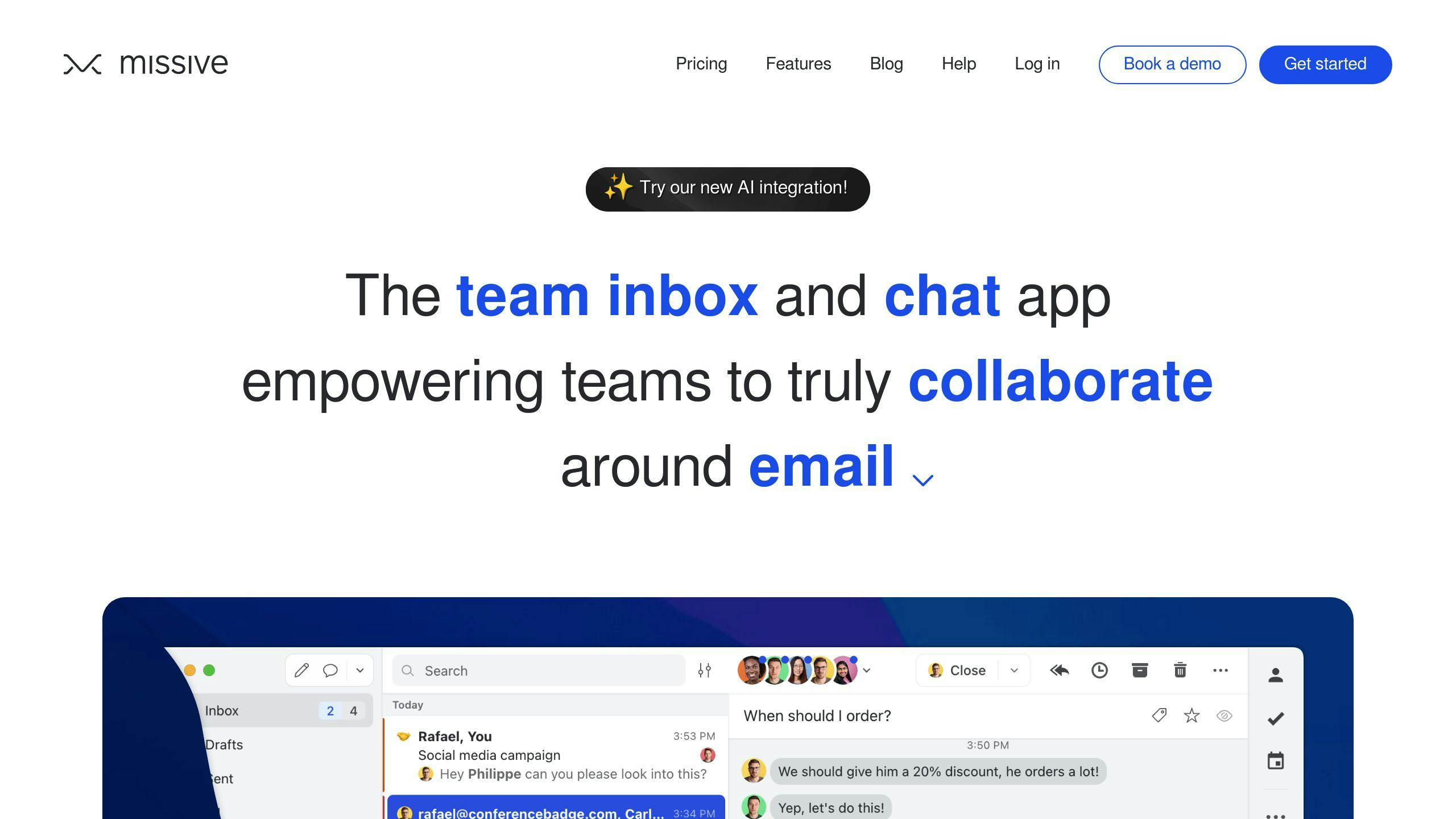
Missive combines email management with team chat, making it a versatile tool for collaborative work. Its integration capabilities connect with platforms like Asana, HubSpot, and Salesforce, ensuring seamless workflows.
This tool shines when teams need to draft emails together. Multiple members can edit responses, leave comments, and make suggestions in real time – eliminating the usual back-and-forth of email drafting.
Mailbutler: Add Features to Your Email Client
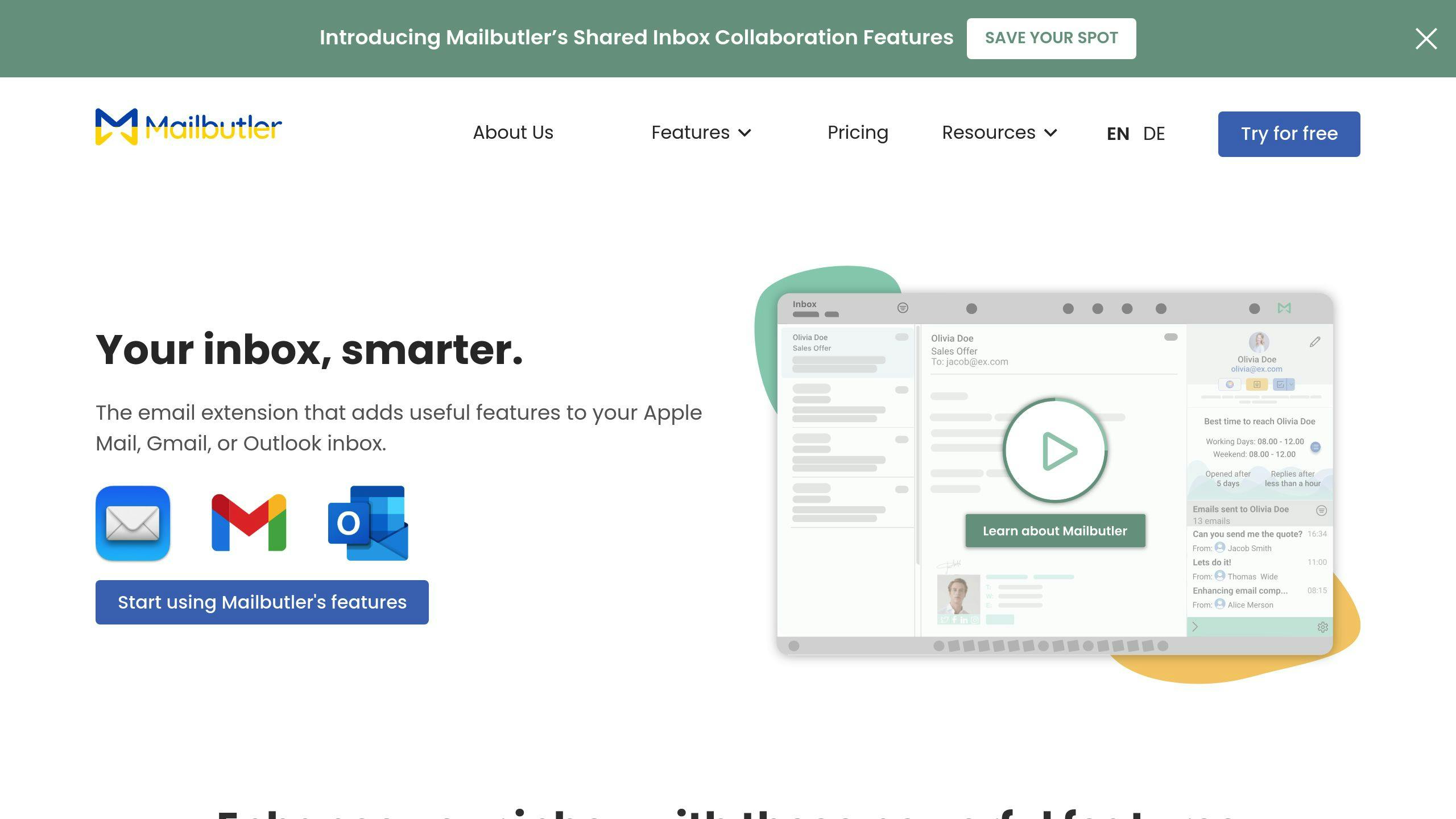
Mailbutler enhances your existing email app with scheduling, tracking, and task management tools. It’s perfect for teams looking to optimize their workflows without switching platforms. Features like task delegation and CRM integration make it a practical choice. Plus, it offers a free Essential version for those just getting started.
Each of these tools offers a distinct way to improve email management. Hiver focuses on shared inboxes, Missive merges communication channels, and Mailbutler upgrades your current email client. The right choice will depend on your team’s specific needs and workflow preferences.
Beyond selecting the right tool, refining your processes and adopting smart strategies can take your email management to the next level.
Advanced Tips to Improve Email Workflows
Remote teams can elevate their email management by adopting strategies that go beyond basic organization. Here are some practical ways to refine your team’s email workflows.
Using Shared Mailboxes for Team Emails
Shared mailboxes help centralize communication, making it easier for teams to collaborate and maintain consistent responses. This setup prevents information silos and improves overall efficiency.
Best Practices for Shared Mailboxes:
| Best Practice | Purpose | Impact |
|---|---|---|
| Clear Access Roles | Define who can view, reply, and manage emails | Avoids confusion and overlapping responses |
| Response Guidelines | Set expectations for reply timeframes | Ensures consistent service levels |
| Knowledge Sharing | Document common solutions and responses | Saves time and reduces duplicate efforts |
Once shared mailboxes are set up, integrating automation can further reduce manual work and optimize workflows.
Automating Repetitive Email Tasks
Automation tools, such as Missive, can handle routine email tasks based on predefined rules. This reduces manual effort and allows the team to focus on more important responsibilities. For example, automated filters can sort incoming emails, flag urgent messages, or even send template-based replies.
Tracking Email Performance with Analytics
To refine workflows, teams need insights into their email activity. Analytics tools can provide valuable data about communication patterns and team efficiency. With the right platform, you can:
- Monitor response times for various email categories
- Pinpoint bottlenecks in communication
- Evaluate how tasks are distributed among team members
- Measure customer satisfaction through feedback metrics
For teams still overwhelmed by email volume, outsourcing email management might be a practical solution. Services like InboxDone offer virtual assistants who can manage your inbox while maintaining your tone and ensuring quality responses.
To keep improving, teams should regularly review performance metrics and adjust their strategies. Monthly analytics check-ins can reveal areas for improvement and help fine-tune workflows.
When to Outsource Email Management
Managing emails can quickly become a drain on productivity for remote teams. If your team is spending over 20% of their workday on email tasks, it might be time to look at outsourcing as a solution.
While tools and strategies can help streamline email workflows, outsourcing offers a flexible way to handle the workload when your team is already at capacity.
How InboxDone Helps with Email Management
InboxDone specializes in providing dedicated assistants based in North America to manage emails while maintaining your company’s communication standards. Here’s what they offer:
| Service Component | Impact on Your Business |
|---|---|
| Email Management | Clears backlog and speeds up responses |
| Communication Style | Maintains your brand’s tone and voice |
| Administrative Support | Covers a wide range of related tasks |
Why Outsource Email Tasks?
Outsourcing email management comes with several advantages:
- Saves Time and Increases Flexibility: Your team can focus on important projects without constant interruptions, and you can handle spikes in email volume without hiring extra staff.
- Access to Skilled Professionals: Outsourced experts bring efficient systems, structured workflows, and proven methods to improve how emails are handled.
When choosing an email management partner, prioritize those with strong security measures, clear processes, and the ability to integrate seamlessly with your team.
Outsourcing email tasks can shift the way remote teams work, giving them the freedom to focus on what truly matters.
Conclusion: Steps to Improve Email Management in Remote Teams
Managing emails efficiently is critical for keeping remote teams productive and reducing wasted time. Here are a few ways to make email workflows more effective:
- Organize inboxes: Use systems like the 4 Ds framework to sort and prioritize emails, especially for urgent matters.
- Leverage shared mailboxes: Tools like Hiver or Missive can help teams collaborate better by improving visibility and simplifying workflows.
- Set up filters: Filters can help cut down on unnecessary clutter, ensuring only relevant emails grab your attention.
- Consider outsourcing: If emails take up more than 20% of your workday, outsourcing can help free up time while maintaining quality.
These strategies can transform email management into a smoother, more efficient process for remote teams.



