Managing emails can be overwhelming, with professionals spending 28% of their workweek on email tasks. Virtual assistants help by organizing inboxes, prioritizing messages, and using tools like AI to ensure faster responses. This leads to 25% higher customer satisfaction and 70% better engagement rates. Here’s how they make email management more efficient:
- Organize and Prioritize: Use flags, folders, and AI to highlight urgent emails.
- Faster Replies: Create templates for quick and personalized responses.
- Automate Tasks: Use AI for email sorting, spam filtering, and generating summaries.
- Schedule and Follow-Up: Track deadlines and optimize response timing.
Virtual assistants combine smart tools and clear workflows to save time, improve communication, and boost productivity.
How Virtual Assistants Improve Email Response Time
Virtual assistants use smart systems and AI tools to turn cluttered inboxes into well-organized communication centers.
Organizing and Prioritizing Emails
Assistants set up systems to ensure important emails are easy to find and address. Their methods include:
- Setting priority flags for urgent messages
- Creating folders for different types of inquiries
- Using color-coding for better visual organization
- Developing workflows for handling various email categories
AI tools further enhance this process by automatically prioritizing emails based on the sender or urgency of the content. This ensures critical messages are addressed promptly, reducing the chance of missing something important. Such organization directly supports customer satisfaction by keeping urgent requests from getting lost.
Using Templates for Faster Replies
Templates play a key role in speeding up email responses. Virtual assistants create tailored response templates that save time without sacrificing quality. These aren’t one-size-fits-all replies – they’re designed to be easily personalized for specific situations.
As business needs evolve, assistants continually update these templates to stay relevant. This approach helps meet the expectation of a 1-hour response time that 62% of customers now look for.
Automating Email Sorting and Filtering
Automation takes efficiency a step further. Advanced AI tools handle tasks like sorting emails by priority, filtering out spam, and organizing messages based on categories – all with remarkable accuracy.
These tools can also summarize long email threads and generate action items automatically. When combined with the organizational strategies mentioned earlier, automation creates a seamless system for managing emails quickly and effectively.
Technology Supporting Virtual Assistants
Virtual assistants are making email management easier with the help of AI and advanced digital tools.
These systems go beyond basic organization by introducing smart automation. For example, AI-driven platforms like Ultra can automatically create to-do lists, summarize lengthy threads, and sort emails by urgency. Here’s how these tools help:
- Smart Categorization: Emails are sorted by urgency and importance using AI algorithms.
- Intelligent Routing: Messages are directed to the right team members based on content analysis.
- Quick Summaries: Long threads are condensed into clear, actionable points.
“Leverage AI to crush your inbox, find what you need, and do more faster.” – Ultra
Additionally, AI chatbots can handle routine customer inquiries instantly, allowing virtual assistants to focus on more complex tasks.
Tools for Scheduling and Follow-Ups
Scheduling tools are another key resource for virtual assistants, ensuring smooth communication and meeting deadlines. These tools, paired with AI prioritization, allow assistants to:
- Set ideal times for sending emails.
- Track follow-up deadlines efficiently.
- Coordinate across various time zones.
- Analyze response patterns for better planning.
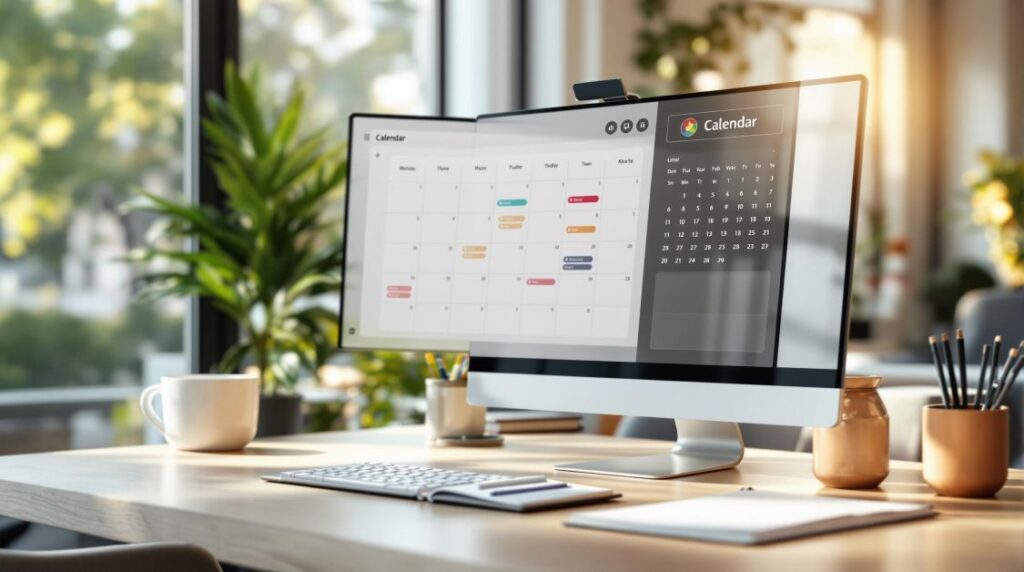
Integrations like Google Calendar make it easier to manage deadlines and schedules across different time zones.
sbb-itb-b0bc93c
Working Effectively with Virtual Assistants
Technology might streamline processes, but teamwork with your virtual assistant is just as important. Here’s how to make that collaboration as smooth and productive as possible:
Setting Clear Communication Rules
Clear communication rules ensure your virtual assistant understands your expectations for managing emails. Lay out specific guidelines, such as:
- How to prioritize responses based on email type
- Your preferred tone and style for communication
- Boundaries for decision-making and when to seek approval
- Steps to escalate urgent issues
- Rules for using and customizing email templates
By defining these parameters, you give your assistant the tools they need to work independently while staying aligned with your preferences. Pair these rules with AI tools (like those mentioned earlier) for a system that handles emails quickly and effectively.
Tracking Performance and Giving Feedback
Monitor how well your virtual assistant is performing by tracking metrics like response times, resolution rates, and how often issues are escalated. Weekly reviews are a great way to fine-tune processes. For example, InboxDone.com uses a dual-assistant model to keep performance on track while ensuring consistency.
When reviewing performance, focus on:
- Patterns in email analytics to spot trends
- Highlighting specific examples of well-handled emails
- Pinpointing areas that could use improvement
- Setting achievable goals for better results
When you combine clear guidelines, regular monitoring, and actionable feedback, you create a system that keeps email management running smoothly and reliably.
Case Study: InboxDone and Achieving Inbox Zero
Services Offered by InboxDone.com
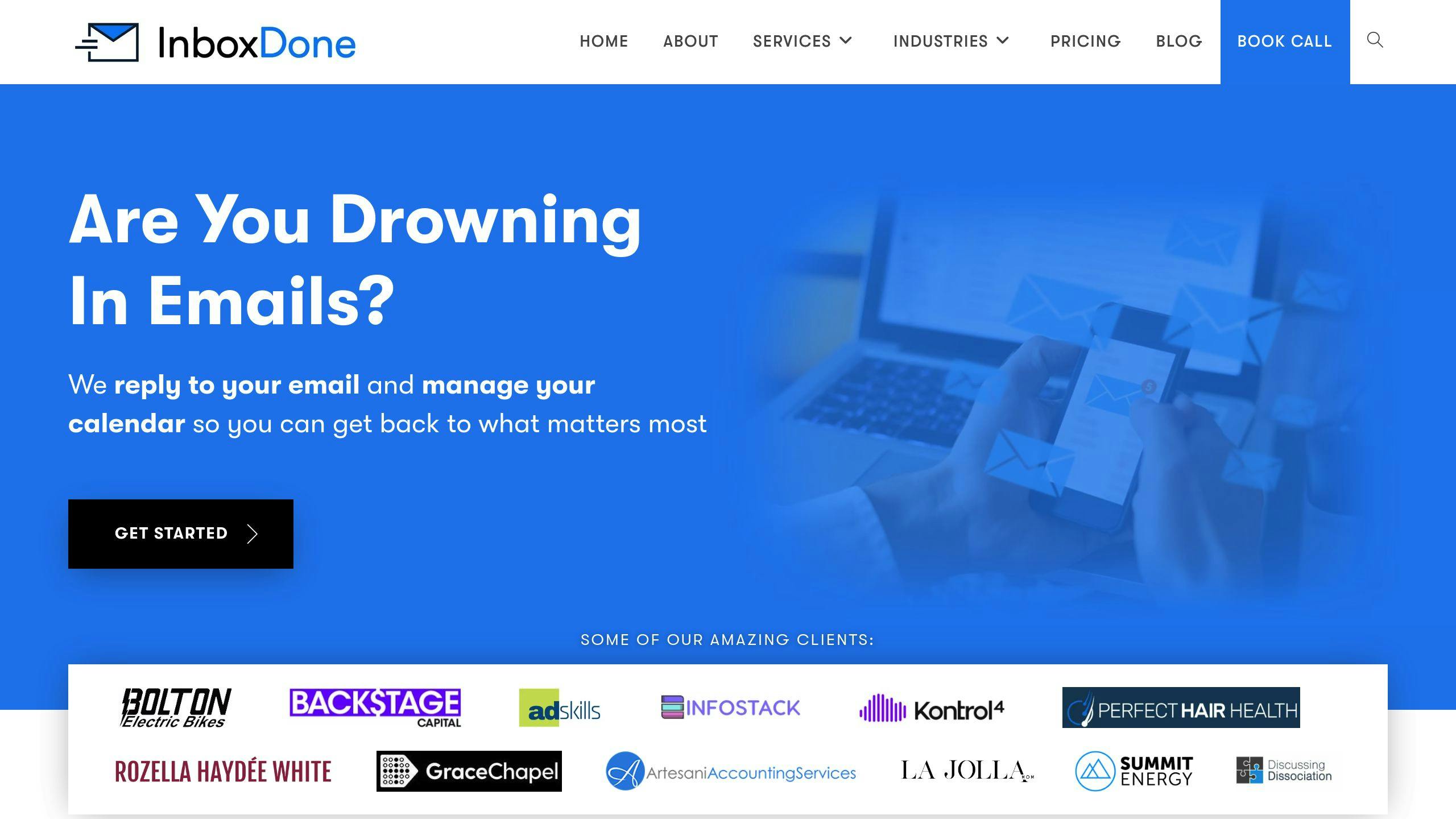
InboxDone.com has a unique approach to tackling email overload. Their system uses a dual-assistant model, ensuring emails are handled without interruptions, even if one assistant is unavailable. This setup guarantees consistent responses and high communication standards.
Here’s what their service includes:
- Achieving Inbox Zero and improving response times
- Scheduling meetings and managing calendars
- Providing customer support and resolving issues
- Handling CRM updates, data entry, and research
This structured method aligns with earlier points about using templates and prioritizing tasks effectively.
What Sets InboxDone.com Apart
InboxDone.com stands out by focusing on email response quality and speed. They rely on a North American team for top-notch language skills and cultural understanding, which helps maintain high response standards.
One of their standout features is their “communication cloning” process. This ensures that every email matches the client’s tone and style, blending personalization with efficiency.
Here’s how it works:
- They analyze the client’s past emails to understand their style.
- They replicate that tone in all communications.
- They ensure consistency across every interaction.
- They maintain relationship continuity by sticking to the client’s established style.
Their dual-assistant model also ensures steady performance, making them a great solution for businesses overwhelmed by email volume. This approach has shown success in achieving faster response times while maintaining a personal touch.
Conclusion: Improving Productivity with Virtual Assistants
Virtual assistants have changed the way businesses handle email, offering a practical way to stay on top of communication while boosting productivity. They combine the precision of human expertise with the speed and accuracy of AI tools.
By organizing and prioritizing emails, virtual assistants simplify workflows. AI-powered tools further enhance this process with automated sorting and smart prioritization.
Take services like InboxDone.com, for example. They help businesses in three major ways:
- Cutting Down Administrative Tasks: Allowing more focus on critical business activities.
- Maintaining High-Quality Communication: Keeping a consistent brand voice across all emails.
- Ensuring Smooth Operations: Providing uninterrupted email management, no matter what.
To make virtual assistant services work effectively:
- Set clear communication guidelines.
- Use AI tools to streamline repetitive tasks.
- Regularly review and tweak your processes.
- Shift email from being a time drain to a productive tool.
FAQs
Here’s a closer look at how to get the most out of virtual assistants for email management:
What is the ideal email response time?
Studies indicate that 88% of customers expect a response within an hour, and 31% want replies immediately. Meeting these expectations can significantly impact customer satisfaction.
How do virtual assistants improve email management?
Virtual assistants streamline email processes by using a mix of tools and techniques, such as:
- Smart filtering to organize and prioritize messages
- Automating follow-ups and managing schedules
- Integrating tools like CalendarHero for seamless scheduling
- Using Ultra’s AI for email summaries
- Generating automated replies for routine questions
How can businesses measure email management success?
Tracking these metrics can help evaluate email performance:
- Response time: How fast emails are addressed
- First-contact resolution rate: The percentage of inquiries resolved in a single reply
- Customer satisfaction scores: Feedback on communication quality
- Daily email volume: The number of emails handled each day
What are realistic expectations for response times?
Responding within an hour satisfies most customers, but businesses should set clear response time goals based on urgency, team availability, and working hours. For instance, InboxDone uses a dual-assistant approach to ensure consistent coverage, balancing speed with quality communication.