
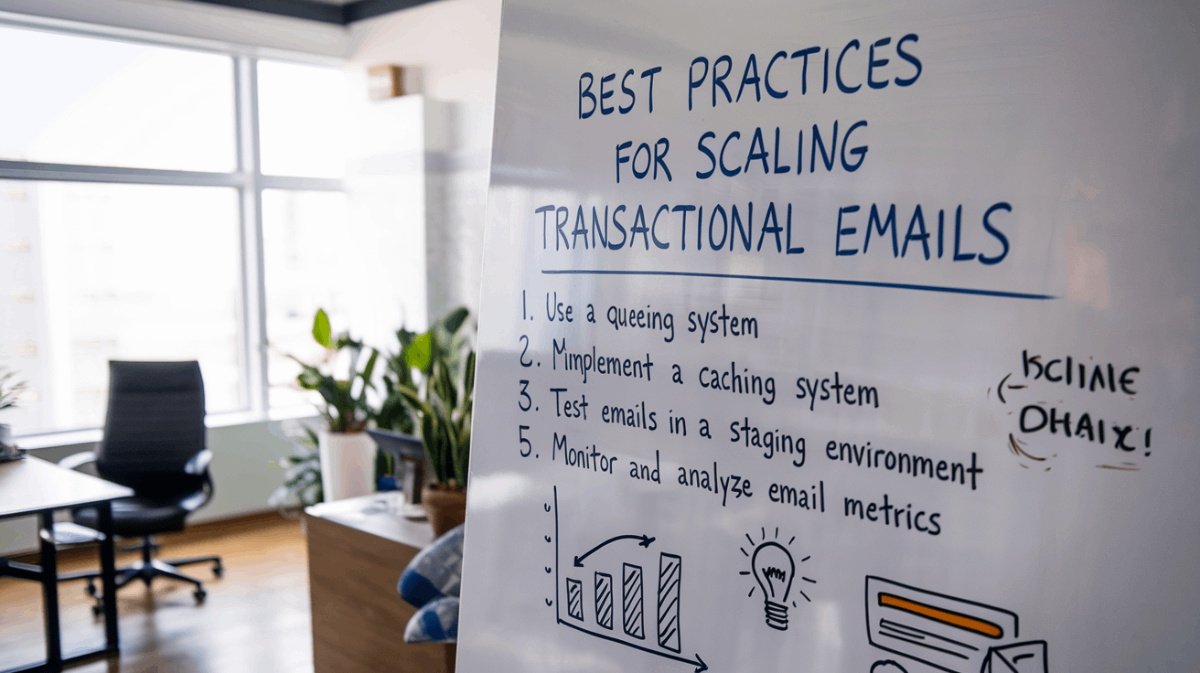
Transactional emails, like password resets or order confirmations, are critical for user experience, with open rates three times higher than marketing emails. Scaling these emails ensures they stay fast, secure, and reliable as your business grows. Here’s how to do it effectively:
- Use Dedicated IPs: Separate transactional emails from marketing emails for better deliverability.
- Optimize for Mobile: Ensure responsive design with readable fonts and touch-friendly buttons.
- Track Metrics: Monitor delivery time (<10 seconds), open rates (40-60%), and bounce rates (<2%).
- Leverage Automation: Automate triggers, retries, and personalization.
- Prioritize Security: Use SPF, DKIM, DMARC, and TLS encryption to protect user data.
For large-scale needs, choose an email service provider with features like scalability, real-time analytics, and compliance tools. Regularly review performance and adapt your strategy to maintain reliability and engagement.
Best Practices for Scaling Transactional Emails
Use Dedicated IPs for Transactional Emails
Assigning dedicated IPs to transactional emails separates them from marketing messages, ensuring more reliable delivery. For instance, Amazon employs this strategy to maintain consistent delivery rates.
Optimize Email Design for Mobile Devices
Making emails mobile-friendly is a must. Use responsive design to ensure they look great on any device:
- Stick to single-column layouts for better adaptability.
- Include touch-friendly buttons (at least 44x44px).
- Use fonts that are easy to read (16px or larger).
- Provide enough space between clickable elements to avoid accidental taps.
Monitor Email Performance Metrics
Keeping an eye on performance metrics can help you catch issues like delivery delays or low engagement before they impact your customers. Here are some key metrics to track:
| Metric | Target Range |
|---|---|
| Delivery Time | Under 10 seconds |
| Open Rate | 40-60% for transactional |
| Bounce Rate | Under 2% |
| Click-Through Rate | 15-25% for transactional |
Regularly reviewing these numbers allows you to address potential problems early.
Leverage Automation Tools
Automation tools can save time and improve efficiency by handling tasks like:
- Triggering responses and adding dynamic personalization.
- Managing queues and retrying failed deliveries.
- Handling delivery issues automatically.
Prioritize Data Security and Compliance
Keep your emails secure and compliant with these steps:
- Use TLS encryption for both data transmission and storage.
- Follow regulations like GDPR, CCPA, CAN-SPAM, and CASL.
- Implement authentication protocols such as SPF, DKIM, and DMARC.
“The success of transactional email systems depends heavily on maintaining a strong sender reputation through dedicated IPs and robust security measures”.
Once you’ve implemented these practices, the next step is choosing an email provider that can support your growth.
Transactional Email Explained
How to Choose the Right Email Service Provider
Selecting the right email service provider is key to addressing challenges like delivery issues and infrastructure overload.
Features to Look for in a Provider
Top providers, such as Mailjet and MessageGears, are built to handle large-scale email delivery efficiently.
Here are some essential features to consider:
| Feature Category | Key Capabilities |
|---|---|
| Scalability | • Infrastructure that adjusts automatically to demand • Multiple IP management for flexibility |
| Authentication | • Security protocols like SPF, DKIM, and DMARC • TLS encryption • Custom SMTP configurations |
| Monitoring | • Real-time analytics for tracking performance • Bounce and error tracking • Delivery time monitoring tools |
| Automation | • Event-triggered email sending • API integration for seamless workflows • Template management for consistency |
The provider should handle traffic surges without compromising delivery rates. For instance, Amazon’s email system uses multiple dedicated IPs to ensure emails are sent reliably, even during high-demand periods.
Once you know the features your business requires, you can start comparing providers.
Comparing Providers
To make an informed choice, assess both technical features and business-related factors. Use this framework to guide your evaluation:
| Evaluation Criteria | What to Look For |
|---|---|
| Deliverability | • Options for dedicated IPs • Tools to monitor sender reputation • Anti-spam measures to ensure compliance |
| Technical Support | • Round-the-clock availability • Skilled support teams • Clear response time agreements |
| Security & Compliance | • Adherence to GDPR • Data encryption protocols • Role-based access for added security |
| Cost Structure | • Pricing based on email volume • Costs tied to API usage |
Start by testing a small batch of emails with potential providers. Track metrics like delivery speed and open rates before committing to a full migration.
Some providers also offer AI-powered analytics to help optimize send times and predictive delivery tools to improve performance.
Tips for Managing High Email Volumes
Handling a large number of transactional emails requires the right systems and smart delegation. These approaches work alongside the technical practices discussed earlier, helping ensure your team is prepared and efficient.
Outsource Email Management Tasks
Using professional email management services can simplify operations and free up your team to focus on bigger priorities. For example, platforms like InboxDone.com provide virtual assistants trained to handle large email workflows, keeping communication smooth and operations running efficiently.
Delegate Administrative Work
If outsourcing isn’t an option for everything, delegating internal tasks can also help manage high email volumes. Assigning administrative responsibilities to team members can reduce email overload and improve overall efficiency.
| Task Category | Activities | Impact |
|---|---|---|
| Email Operations | Monitoring, template updates, resolving issues | Keeps delivery consistent |
| Customer Support & CRM | Responding to inquiries, follow-ups, data updates | Cuts down routine emails by ~50% |
| Administrative Tasks | Calendar management, data entry, workflow tweaks | Gives teams more time for priorities |
Conclusion and Next Steps
Key Takeaways
To successfully scale transactional emails, you need a strong foundation. This includes using dedicated IPs to ensure better deliverability, tracking performance to fine-tune your approach, implementing reliable security measures, and utilizing automation tools to manage increased email volumes. Tackling challenges like deliverability issues and infrastructure strain is critical to keeping your efforts on track.
Transactional emails are powerful, generating up to 8 times more opens and clicks than marketing emails. To maximize this potential, it’s important to maintain strong authentication protocols and embrace automation.
Refining Your Email Strategy
An effective email strategy is never static – it evolves. Here are some areas to focus on:
| Area of Focus | Recommended Actions | Benefits |
|---|---|---|
| Technical Setup | Monitor IP reputation, update authentication protocols | Better deliverability |
| Performance Metrics | Conduct weekly reviews, run A/B tests | Smarter, data-driven decisions |
| User Experience | Optimize email load times, use high-quality visuals | Increased engagement |
Regular audits, customer feedback (via surveys or support channels), and AI-powered analytics can help you fine-tune your strategy. These steps ensure your email campaigns remain effective and aligned with your goals. For businesses managing large email volumes, outsourcing to professional email management services can help maintain efficiency while allowing you to focus on growth.
“Regularly updating email strategies is crucial. This includes adapting to changes in consumer behavior, leveraging new technologies, and ensuring that email content remains engaging and relevant”.



