
Cloud email tools are essential for virtual assistants managing executive communications. They simplify workflows, improve response times, and ensure data security. Key features to look for include:
- Automation: Tools like Mailbutler and Zendesk streamline repetitive tasks.
- Security: End-to-end encryption, GDPR compliance, and two-factor authentication protect sensitive data.
- Integration: Seamless compatibility with Gmail, Outlook, Slack, and project management tools.
- Scalability: Options like Brevo grow with your needs, while InboxDone offers personalized human support.
Quick Comparison
| Tool | Key Features | Best For | Starting Price |
|---|---|---|---|
| Mailbutler | Email tracking, task management | Individual assistants | Free version |
| Zendesk | Smart routing, analytics | Large teams | Custom pricing |
| Brevo | CRM tools, A/B testing | Marketing-focused VAs | Free tier |
| InboxDone | Human-powered email management | Executive assistance | $1,395/month |
Choose based on your workload, automation needs, and security priorities to boost productivity and manage emails effectively.
What to Look for in Cloud Email Tools
When choosing cloud email tools for managing executive communications, virtual assistants need options that boost productivity while keeping data secure. The right platform should simplify tasks and protect sensitive information without sacrificing efficiency.
Integration with Other Platforms
Look for tools like Mailbutler, which work directly with Gmail, Slack, and project management tools to create a smooth workflow. Rated 4.5/5 on G2, Mailbutler integrates with Gmail and Outlook, offering features like real-time tracking of email opens and engagement – all within your email client.
Privacy and Security Features
Handling executive communications requires strong security measures like end-to-end encryption, two-factor authentication, and GDPR compliance. These features ensure sensitive data stays protected and align with strict European privacy standards, even for international users.
“While AI enhances automation efficiency, tools must balance this with robust security to safeguard sensitive client data.” – DigitalOcean
Automation and Task Efficiency
Cloud email tools should work effortlessly with platforms like Gmail, Slack, and task management software to centralize tasks. Features such as AI-driven responses, pre-designed email templates, and analytics dashboards can save time and improve workflow.
For virtual assistants managing hundreds of emails daily, automation features cut down on repetitive tasks and speed up response times. Missive, rated 4.7/5 on G2, uses OpenAI‘s GPT technology to craft responses that match the sender’s tone and style, making it easier to handle high email volumes effectively.
These features allow virtual assistants to customize tools to fit client needs. Now, let’s dive into the top cloud email tools designed to meet these demands.
Best Cloud Email Tools for Virtual Assistants
Now that we’ve covered the key features to look for, let’s dive into some of the top cloud email tools that help virtual assistants handle executive communications efficiently.
Mailbutler
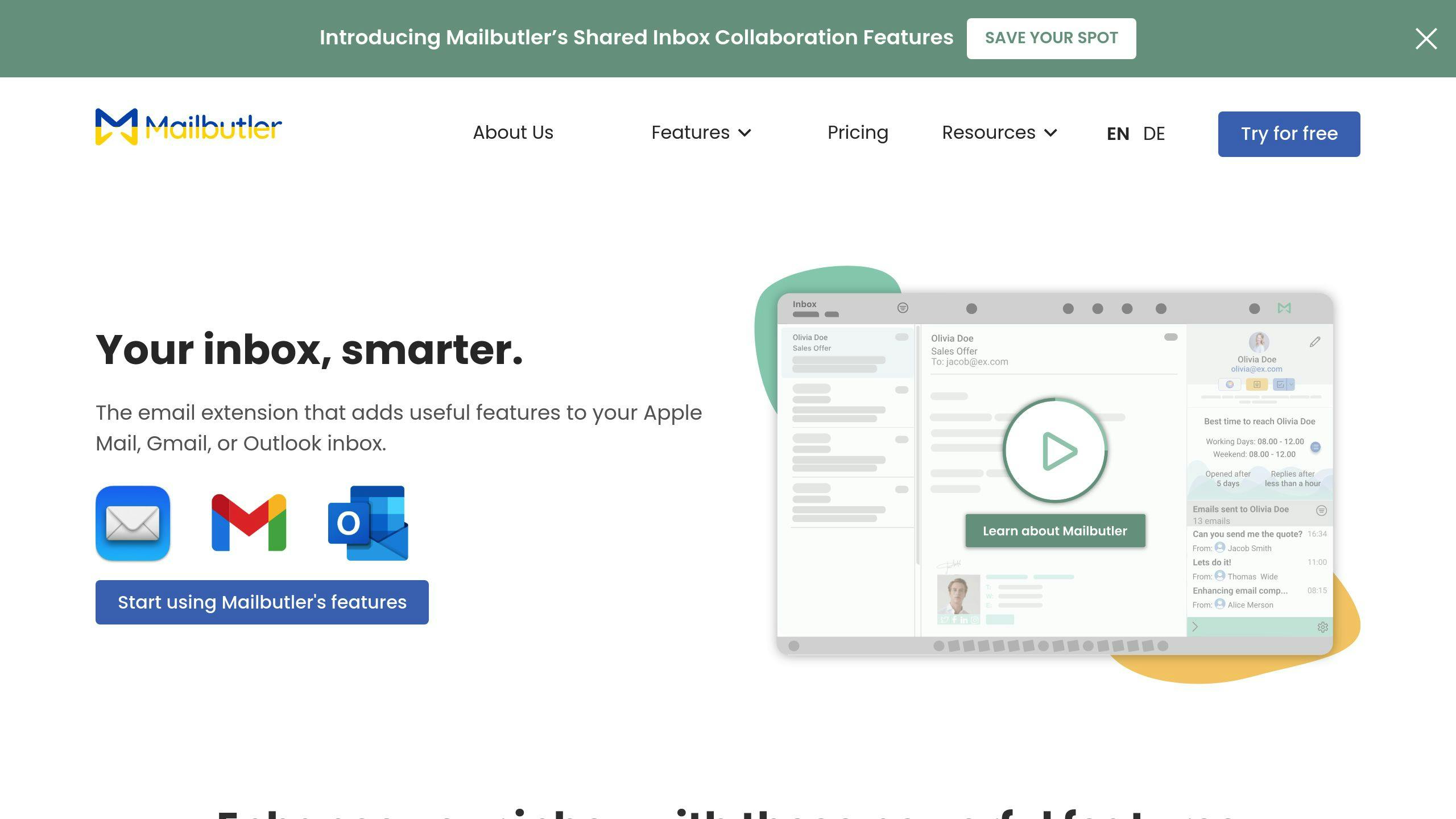
Mailbutler works seamlessly with Gmail, Outlook, and Apple Mail, offering features like email tracking, scheduling, and task management. Its Smart Follow-up tool ensures no email goes unanswered by sending automatic reminders, while the Task Management system helps prioritize urgent tasks. With a 14-day free trial and pricing options starting with a free Essential version, it’s easy for virtual assistants to try out its features before committing.
Zendesk
Zendesk is ideal for managing large volumes of emails, thanks to tools like Smart Routing and detailed analytics for tracking response times. With a 4.5-star rating on Gartner Peer Insights, it’s known for simplifying email workflows and keeping communications organized. The Smart Routing feature automatically prioritizes and categorizes messages, ensuring that high-priority emails are handled promptly.
Brevo (formerly Sendinblue)
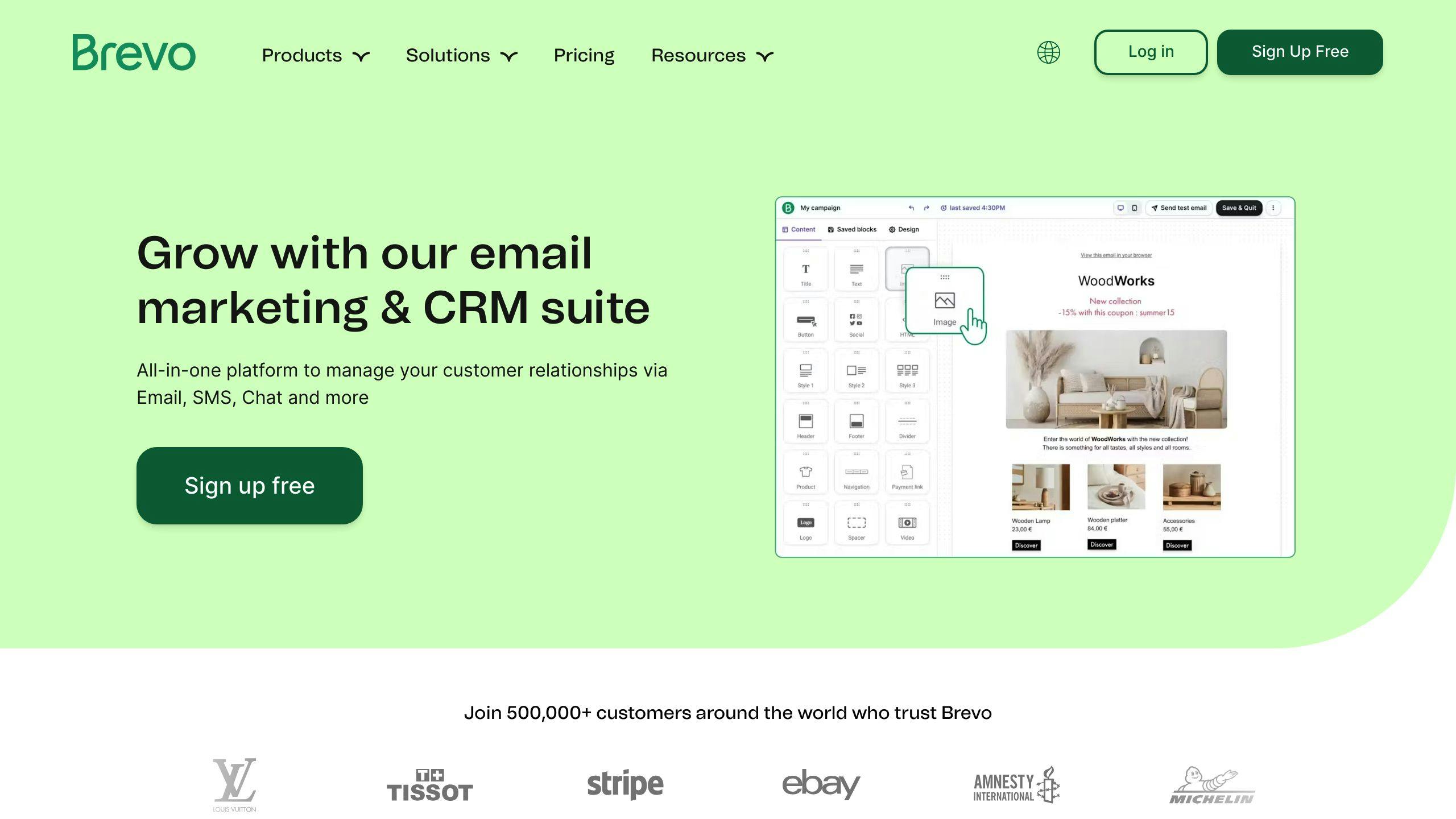
Brevo combines transactional email capabilities with CRM tools and marketing automation, making it a versatile solution for virtual assistants. Its free tier is perfect for testing, while scalable plans adapt as client needs grow. The Smart A/B Testing feature helps assistants fine-tune email campaigns and maintain personalized communication for different audience groups.
InboxDone
InboxDone provides a unique approach by pairing clients with two dedicated North American assistants for email and administrative support. This dual-assistant model ensures consistent communication and uninterrupted coverage through their proprietary handover process. With a focus on privacy and a North American-based team, it’s a great choice for handling sensitive executive communications.
These tools offer a range of solutions, from AI-powered automation to hands-on human support. The right choice depends on your specific needs, operational scale, and security priorities. Let’s take a closer look at how their features, pricing, and suitability align with different virtual assistant requirements.
Comparing the Top Cloud Email Tools
Here’s a breakdown of the tools discussed, highlighting their features and pricing to help you make an informed decision.
Feature and Pricing Comparison Table
| Feature/Tool | Mailbutler | Zendesk | Brevo | InboxDone |
|---|---|---|---|---|
| Core Features | Email tracking, Smart Follow-up, Task Management | Smart Routing, Analytics, AI triaging | Marketing automation, CRM tools, A/B Testing | Dedicated assistants with a unique handover process |
| Starting Price | Free Essential version | Custom pricing | Free tier (300 emails/day) | $1,395/month |
| Key Integrations | Gmail, Outlook, Apple Mail | Multiple CRM platforms | Sales and marketing tools | Calendar and scheduling tools |
| Security Features | European data compliance | Enterprise-grade security | Enhanced security (BrevoPlus) | North American data handling |
| Automation Level | Medium | High | High | Human-powered |
| Best For | Individual assistants | Large teams | Marketing-focused VAs | Executive assistance |
Key Takeaways
Each tool serves different needs and priorities. Here’s a closer look at what they bring to the table:
- Mailbutler: Perfect for individuals or smaller teams, it integrates seamlessly with Gmail, Outlook, and Apple Mail. Its free version and tiered pricing offer flexibility for users seeking basic to advanced email management.
- Zendesk: Designed for larger teams, Zendesk’s standout feature is its Smart Routing system, which efficiently handles high email volumes. Its AI-powered tools are ideal for streamlining workflows, though pricing requires custom consultation.
- Brevo: A great choice for marketing-focused assistants, Brevo offers a free tier (up to 300 emails/day) and features like Smart A/B Testing. It’s particularly useful for managing email campaigns and CRM tasks.
- InboxDone.com: Unlike software-based tools, InboxDone.com provides human expertise. With a starting price of $1,395/month, it delivers end-to-end email management through dedicated North American assistants, making it ideal for executives needing personalized support.
When choosing a tool, consider factors like budget, automation needs, and the level of human involvement required. While AI-driven solutions are growing in popularity, human expertise still plays a critical role in managing complex email workflows. Each of these tools offers a distinct approach, catering to a wide range of use cases and priorities.
Choosing the Right Tool for Your Work
Now that we’ve looked at some top tools, let’s dive into picking the one that fits your needs best.
Pinpoint Your Needs and Plan for Growth
Take a close look at your daily email workload. Are you managing multiple inboxes? Handling high volumes? If so, prioritize tools with strong filtering, automation, and CRM integration. Spend a week tracking your email tasks – log the volume, repetitive actions, bottlenecks, and any integrations you rely on.
Think ahead, too. Choose tools that can grow with you. For example, Brevo and Zendesk are flexible enough to handle increasing demands. Mailbutler offers tiered pricing that makes upgrading simple, while Zendesk is built to manage large-scale email volumes and growing teams.
Prioritize Security and Compliance
Security is non-negotiable. Look for features like two-factor authentication, end-to-end encryption, GDPR compliance, and clear data handling policies. If you’re dealing with sensitive information, Zendesk stands out with enterprise-level security and compliance certifications. For North American client data, InboxDone.com specializes in meeting regional handling requirements.
To evaluate a tool’s security, check:
- Recent certifications
- History of security issues and how they were addressed
- Frequency of updates and patches
- Transparency in data management
If the tool offers a trial period, take advantage of it. This gives you a chance to test how well it fits your workflow, meets security needs, and aligns with your future plans. A good match will boost both efficiency and reliability.
Using the Right Tools to Manage Emails
Cloud-based email tools help virtual assistants handle executive communications more effectively, boosting productivity and ensuring prompt responses. These tools address common email management challenges with features designed specifically for virtual assistants.
Platforms like Mailbutler and Zendesk bring automation to the table, allowing assistants to organize high-volume email traffic and schedule communications with ease. With built-in safeguards like GDPR compliance and two-factor authentication, they also prioritize the security of sensitive information while maintaining professional standards.
One standout feature of these tools is their ability to integrate with other platforms. For example, Mailbutler and Zendesk work seamlessly with Google Workspace and other key services. This integration allows assistants to manage emails, schedules, and documents from one place – cutting down on task-switching and reducing the risk of missed messages.
For more personalized support, services like InboxDone blend human expertise with email management best practices. Their approach includes a dual-assistant model, ensuring continuity and a consistent communication style. This is especially important for executives who view their email interactions as an extension of their personal brand.
When choosing the right email tool, it’s all about aligning features with specific needs. Here’s a quick breakdown:
| Aspect | Key Consideration | Impact |
|---|---|---|
| Volume Management | Automation features | Cuts down manual sorting by up to 70% |
| Security | Compliance certifications | Protects sensitive data |
| Integration | Platform compatibility | Simplifies workflows |
| Scalability | Growth capacity | Handles increasing email demands |
FAQs
How does a virtual assistant manage email?
Virtual assistants use cloud-based tools and strategies to handle executive emails efficiently. They focus on tasks like organizing emails, setting up automated filters, crafting templates for quick responses, and ensuring security measures are in place. Tools such as Mailbutler for staying organized, Zendesk for managing responses, and InboxDone for personalized support help them manage even large volumes of emails effectively.
InboxDone, for example, allows virtual assistants to mimic their clients’ communication styles while ensuring no gaps in email coverage. By blending automation with a personal touch, virtual assistants create a smooth and efficient system for managing executive emails.
Here are the key areas they focus on:
- Organizing and categorizing emails systematically
- Using templates for faster, but personalized, responses
- Maintaining strong security protocols
- Automating repetitive tasks like filtering
- Tracking performance with analytics tools
Analytics platforms, like Zendesk, help virtual assistants monitor response times and improve workflows. This combination of tools and strategies helps them deliver secure and efficient email management.