
Virtual Assistant Troubleshooting, Advanced Tips, & Resources
Summary:
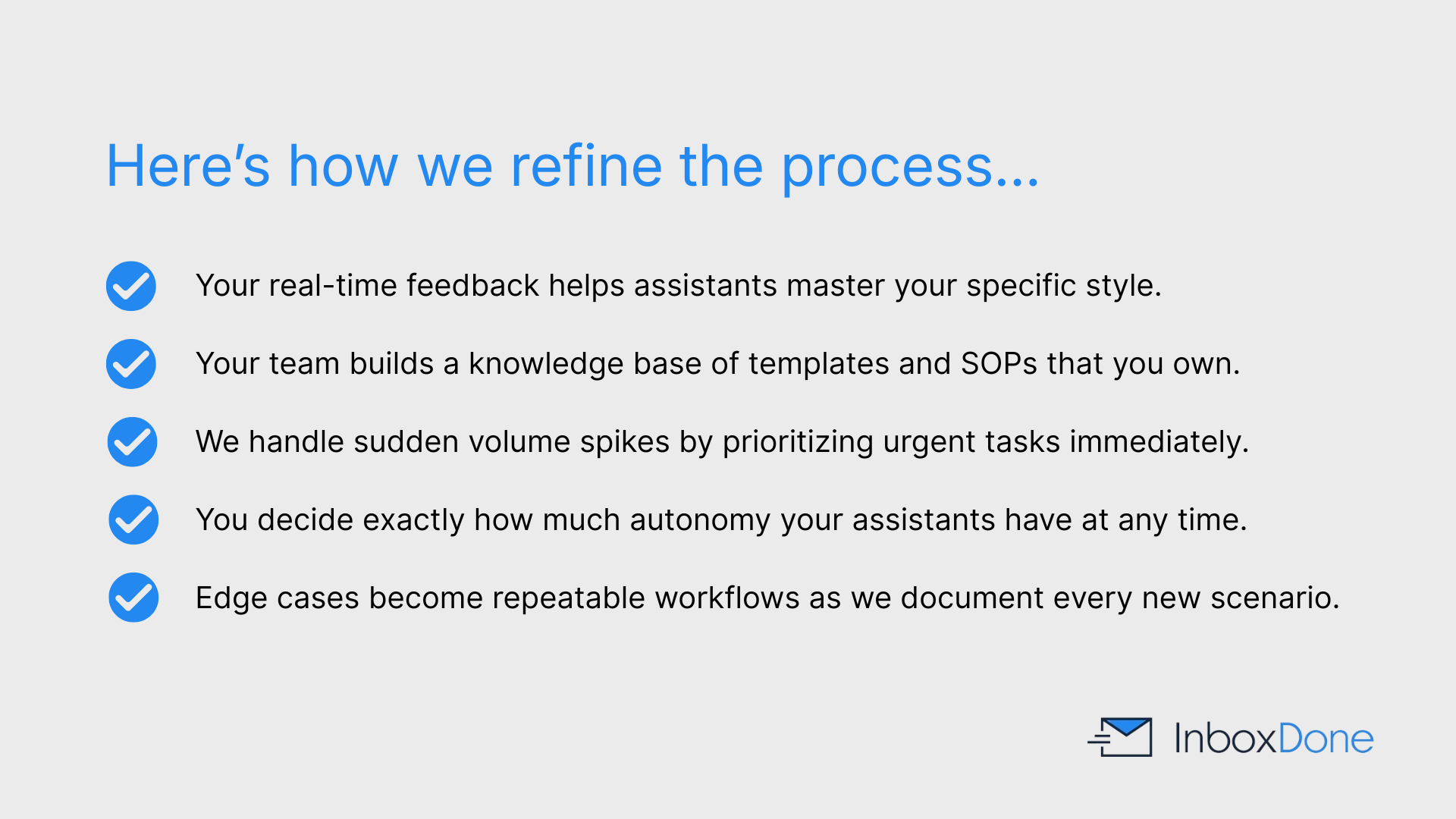
InboxDone supports ongoing improvement and flexibility through:
- Direct feedback to resolve tone or prioritization issues.
- Updates to internal documentation to reduce repeat errors.
- Focused handling of urgent tasks during volume spikes or seasonal changes.
- Clear flagging of edge cases for clarification and future process creation.
- Adjustable levels of assistant autonomy based on your comfort.
- Client ownership of all standard operating procedures and templates.
This approach keeps the service responsive while improving reliability over time.
Table of Contents:
- What should I do if emails are not being handled the way I expect?
- What if my inbox volume suddenly spikes?
- How do I handle edge cases or unusual emails?
- What if I want to tighten or loosen assistant autonomy?
- How can I get better results faster?
- What tools work best with InboxDone?
- How do I stay informed without being overwhelmed?
- What resources does InboxDone provide to improve workflows?
- What should I do if I am not using my full plan?
- Who do I contact if I need additional help?
What should I do if emails are not being handled the way I expect?
The fastest way to correct issues is to provide direct feedback as soon as something feels off. Small clarifications help assistants adjust tone, prioritization, or decision-making quickly.
InboxDone assistants incorporate feedback immediately and update templates or documentation to prevent repeat issues.
If problems persist, InboxDone can review workflows and make structural adjustments.
What if my inbox volume suddenly spikes?
Your two dedicated assistants can temporarily adjust focus or coverage when inbox volume spikes due to launches, promotions, or seasonal demand.
Assistants prioritize urgent communication and defer lower-priority items until volume stabilizes. If needed, additional coverage can be added.
Planning ahead for known spikes helps reduce disruption.
How do I handle edge cases or unusual emails?
Edge cases and unusual emails are managed through clear escalation and learning processes, including:
- Flagging messages that fall outside normal rules
- Escalating items based on predefined guidelines
- Asking clarifying questions instead of making assumptions
Over time, these scenarios are documented and turned into repeatable workflows, which reduces how often they need to be escalated.
As experience builds, unusual situations become easier to handle.
What if I want to tighten or loosen assistant autonomy?
Autonomy levels can be adjusted at any time. You can ask assistants to draft more responses for review or grant more independence.
InboxDone encourages gradual increases in autonomy as trust builds. Changes are implemented immediately.
There is no fixed structure you must follow.
How can I get better results faster?
Consistent feedback during the first few weeks accelerates learning. Highlight what you like as well as what you want changed.
Sharing context behind decisions helps assistants understand not just what to do, but why.
This leads to better judgment over time.
What tools work best with InboxDone?
Your two dedicated assistants can work with common email, calendar, and support tools, including:
- Gmail and Outlook
- Google Calendar and Outlook Calendar
- All major help desk platforms
We can also use supporting tools such as:
- Password managers
- CRMs
- Internal communication systems
Assistants adapt to your existing stack rather than requiring new tools or platforms.
How do I stay informed without being overwhelmed?
You can request summaries, daily digests, or flagged messages only for critical issues.
Assistants can filter information so you stay aware without reviewing every message.
This balance is refined over time.
What resources does InboxDone provide to improve workflows?
Your assistants build internal documentation, templates, and SOPs as part of the service.
These resources evolve with your business and remain yours even if you cancel.
They form the backbone of long-term inbox stability.
What should I do if I am not using my full plan?
If usage consistently falls below your plan, InboxDone can recommend adjustments.
Plans can be downgraded or coverage refocused on higher-value tasks.
The goal is alignment, not unused capacity.
Who do I contact if I need additional help?
Day-to-day questions can be directed to your assistants.
For broader issues, InboxDone provides direct support to resolve concerns quickly.
You are never left to troubleshoot alone.
New Client Application: Book Your Discovery Call
Click the button to open up a short new client application form, then choose a day and time for your call with one of our team.
