
Getting Started with Virtual Assistants
Summary:
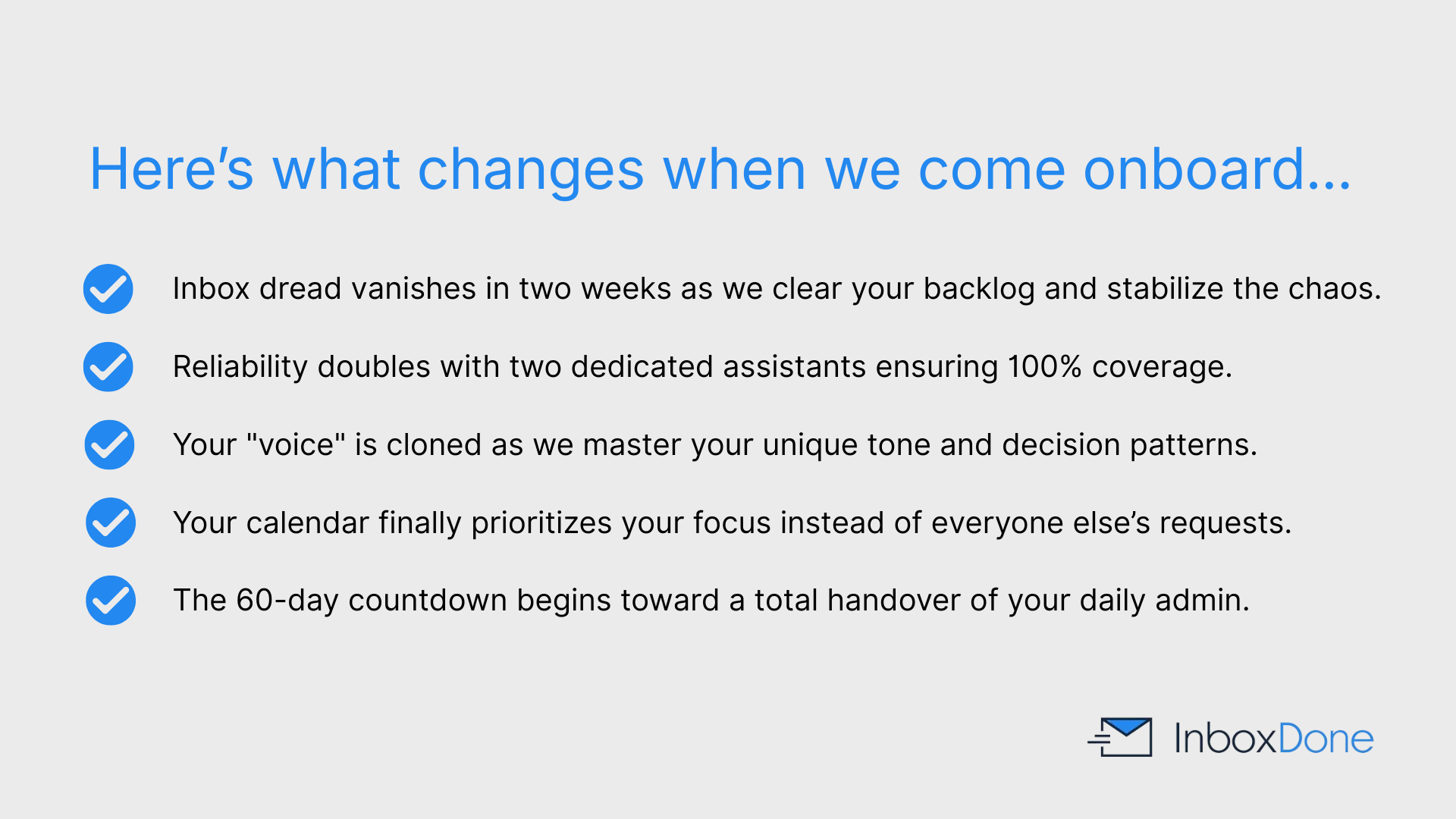
InboxDone operates as a specialized service that provides two dedicated assistants to manage email, calendars, and customer communication. The assistants learn the specific tone and decision-making patterns of the client through direct observation and regular feedback sessions.
Most clients experience a reduction in workload within the first two weeks, while the full handover process concludes within sixty days. This month-to-month service includes the creation of custom standard operating procedures and templates that remain the property of the client.
Table of Contents:
- How do I find a reliable virtual assistant for managing my overflowing email inbox?
- What should I prepare before hiring a virtual assistant for my small business?
- How can I match with a virtual assistant who specializes in email and calendar tasks?
- What is a typical handover process when delegating email to a virtual assistant?
- How long does it usually take to onboard a virtual assistant for daily admin work?
- Is there a way to try virtual assistant services with a trial period first?
- What happens in the first week after hiring a virtual assistant for email management?
- How can a virtual assistant learn my communication style for replying to messages?
- If I'm new to outsourcing, how do I start delegating tasks to a virtual assistant?
- How can virtual assistants integrate with email systems like Gmail or Outlook?
- What background checks and training should I expect from a virtual assistant agency?
How do I find a reliable virtual assistant for managing my overflowing email inbox
The most reliable way to manage an overflowing inbox is to work with a service that specializes specifically in email and help desk management, rather than hiring a generalist assistant. InboxDone focuses entirely on inbox, calendar, and customer communication, which means assistants are trained for high-volume, sensitive email environments from day one.
InboxDone uses a structured matching process and assigns two dedicated assistants to every client. This removes the risk of coverage gaps, turnover disruption, and inconsistent handling of email. Reliability stems from process, training, and redundancy, rather than relying on a single individual.
All InboxDone assistants go through a multi-step vetting and training process before working with clients, including background checks, writing assessments, and security training. This ensures consistent quality and professionalism when handling your inbox.

What should I prepare before hiring a virtual assistant for my small business?
Before hiring a virtual assistant, it helps to understand the types of emails you receive and which ones require action, delegation, or escalation. You do not need detailed systems in advance, but clarity on priorities speeds up onboarding.
InboxDone does not require full documentation upfront. During the handover process, assistants learn your workflow by observing how you work, including:
- The tone and style you use in replies
- The types of decisions you make in your inbox
- How you currently organize and prioritize emails
Based on this, they build folders, filters, templates, and SOPs that reflect how you actually work.
To get started, you will need to provide:
- Secure access to your email, calendar, and connected tools
- Time in the early weeks to review replies and give feedback
This setup allows assistants to take ownership quickly while staying aligned with your preferences.
How can I match with a virtual assistant who specializes in email and calendar tasks?
InboxDone matches clients with assistants based on communication style, availability, task requirements, and industry exposure when possible. Email and calendar management is the core skill set all InboxDone assistants are trained in, rather than an add-on service.
The matching process begins with a discovery call where InboxDone learns how your inbox functions, what types of messages you receive, and how involved you want to be. From there, two assistants are assigned who work together to manage your inbox.
Because email and calendar work is the primary focus, assistants are trained to handle scheduling, prioritization, follow-ups, and time-sensitive communication without constant direction.
What is a typical handover process when delegating email to a virtual assistant?
The handover process starts with an initial cleanup, where assistants organize your inbox, deal with backlog, and identify urgent items that may have been missed. This stage focuses on stabilizing the inbox so nothing critical falls through the cracks.
Next comes integration. Your assistants learn your voice, decision-making patterns, and business context. They begin responding to emails under your guidance and build systems such as templates, rules, and SOPs to manage future messages efficiently.
Once trust is established, ongoing delegation begins. At this stage, assistants handle day-to-day inbox and calendar management with minimal oversight while continuing to adapt as your business evolves.
How long does it usually take to onboard a virtual assistant for daily admin work?
Initial onboarding begins immediately after assistants are assigned. Most clients see meaningful inbox relief within the first one to two weeks as cleanup and prioritization take effect. For some, this includes data entry and research tasks.
The full handover typically takes 30 to 60 days. This allows enough time for assistants to fully understand your preferences, edge cases, and decision thresholds.
Most clients report feeling the full impact after around three months, once delegation becomes habitual and systems are fully embedded.
Is there a way to try virtual assistant services with a trial period first?
InboxDone operates on month-to-month subscriptions with no long-term contracts. This allows clients to evaluate the service without committing to extended agreements.
All clients start on a standard onboarding plan, which covers matching, setup, and the first phase of the handover process. You can cancel, upgrade, or downgrade after any billing cycle.
If you decide to stop, you keep all systems, templates, and documentation built during your time with InboxDone.
What happens in the first week after hiring a virtual assistant for email management?
In the first week, your assistants focus on reducing immediate pressure in your inbox by:
- Reviewing your inbox structure and existing folders
- Identifying urgent or overdue messages
- Clearing backlogs and organizing filters
They also begin learning how you communicate by:
- Reviewing past replies and email history
- Asking targeted questions to clarify expectations
- Drafting replies for approval, if preferred
By the end of the first week, you should already notice a lighter inbox and reduced mental load.
How can a virtual assistant learn my communication style for replying to messages?
InboxDone assistants learn your communication style by reviewing historical emails, observing your tone, phrasing, and decision patterns. This is reinforced through feedback during the early stages of the handover.
Templates are created based on real responses, not generic scripts. Over time, assistants adjust language and structure to better reflect how you would naturally reply.
Ongoing feedback and regular check-ins help fine-tune responses as your priorities or style change.
If I'm new to outsourcing, how do I start delegating tasks to a virtual assistant?
If you are new to outsourcing, delegation works best when it starts small. InboxDone encourages clients to begin with a focused set of tasks, such as:
- Email triage and inbox organization
- Routine replies and follow-ups
- Calendar management and scheduling
You communicate directly with your assistants and can delegate tasks as they come up, without planning everything in advance. Over time, assistants help surface additional areas for delegation by:
- Noticing repeat tasks and patterns
- Suggesting workflows that can be handed off
Confidence grows through repetition, feedback, and seeing consistent results without constant oversight.
How can virtual assistants integrate with email systems like Gmail or Outlook?
InboxDone assistants work directly inside Gmail, Outlook, and other major email platforms. Access is handled securely using shared password managers and VPNs, so assistants never see or store your passwords.
Assistants can set up labels, folders, rules, and filters within your existing system rather than forcing you to adopt a new workflow. Calendar integrations are handled similarly using Google Calendar or Outlook Calendar.
If you use help desk software or CRM tools alongside email, assistants can manage those systems as well.
What background checks and training should I expect from a virtual assistant agency?
InboxDone assistants go through an extensive multi-step hiring process that includes written applications, interviews, reference checks, background checks, and email writing assessments.
All assistants receive internal training focused on email management, security, tone adaptation, and client communication. They also complete security training and use tools like LastPass to protect sensitive information.
This process is designed to produce assistants who can be trusted with high-stakes inbox and customer communication.
New Client Application: Book Your Discovery Call
Click the button to open up a short new client application form, then choose a day and time for your call with one of our team.
