Here’s a quick rundown of 7 top tools for sorting emails in real-time, saving you time and effort:
- SaneBox: Automatically organizes emails into folders based on your habits. Plans from $24/year.
- Superhuman: Focuses on speed and smart prioritization. Starts at $30/month.
- Spark: Great for team collaboration with shared inboxes. Free and premium plans available.
- Microsoft Copilot: Integrated with Microsoft 365 for enterprise users. Starts at $12.50/user/month.
- Edison Mail: Simplifies inbox management with features like automatic unsubscribe. Free and premium options.
- Shortwave: AI-powered prioritization for Gmail and Outlook users. Plans from $9/month.
- Triage: Mobile-first email sorting for quick inbox management. Free tier available.
Quick Comparison Table
| Tool | Best For | Key Features | Starting Price |
|---|---|---|---|
| SaneBox | Organization & Priority | AI folder sorting | $24/year |
| Superhuman | Speed & Efficiency | Smart prioritization, reminders | $30/month |
| Spark | Team Collaboration | Shared inboxes, notifications | Free |
| Microsoft Copilot | Microsoft Integration | Categorization, smart replies | $12.50/user/mo |
| Edison Mail | Mobile Experience | Auto-unsubscribe, notifications | Free |
| Shortwave | Calendar Integration | AI sorting, filters | $9/month |
| Triage | Mobile-First Sorting | Quick actions | Free |
Pick the tool that fits your workflow, whether you’re an individual, a team, or an enterprise user. Let AI take the hassle out of email management.
5 AI Email Management Tools in 2025
1. SaneBox
SaneBox leverages AI to tidy up messy inboxes by automatically sorting emails into specific folders. It learns from your email habits, improving its sorting accuracy as you use it more.
Cost and Plans
SaneBox offers plans starting at $24/year for basic email sorting and going up to $299/year for unlimited folders and priority support. All plans come with a 14-day free trial, so you can test the features before committing.
Users and Integration
This tool is perfect for anyone dealing with a high volume of emails – think sales teams, executives, and freelancers who need to stay on top of their inbox. SaneBox works seamlessly with major email platforms like Gmail and Outlook, and it doesn’t require installing any extra software, making it simple to get started.
With its real-time sorting and ability to adapt to your habits, users often notice major improvements in their inbox organization within just a few weeks.
While SaneBox focuses on smart email sorting, tools like Superhuman prioritize speed and streamlined workflows.
2. Superhuman

Email Sorting Features
Superhuman is known for its AI-powered email sorting system. It automatically organizes incoming emails and sets up smart reminders for messages that require follow-ups. This real-time sorting and prioritization helps users handle their inbox more efficiently and save time.
Cost and Plans
Superhuman’s premium plans start at $30 per month. It’s designed for professionals like executives and team leaders who deal with high email volumes and need tools to prioritize essential messages. The pricing reflects the platform’s advanced AI tools and sleek interface.
Main Users and Platform Support
Superhuman is tailored for professionals who manage heavy email workloads, such as executives or team leaders juggling multiple threads and time-sensitive communications. It works exclusively with Gmail and Google Workspace, ensuring smooth integration for users of these platforms.
With its focus on speed and organization, Superhuman is great for users who prioritize quick email processing. However, for those seeking more collaborative email management, options like Spark might be a better fit.
3. Spark
Email Sorting Features
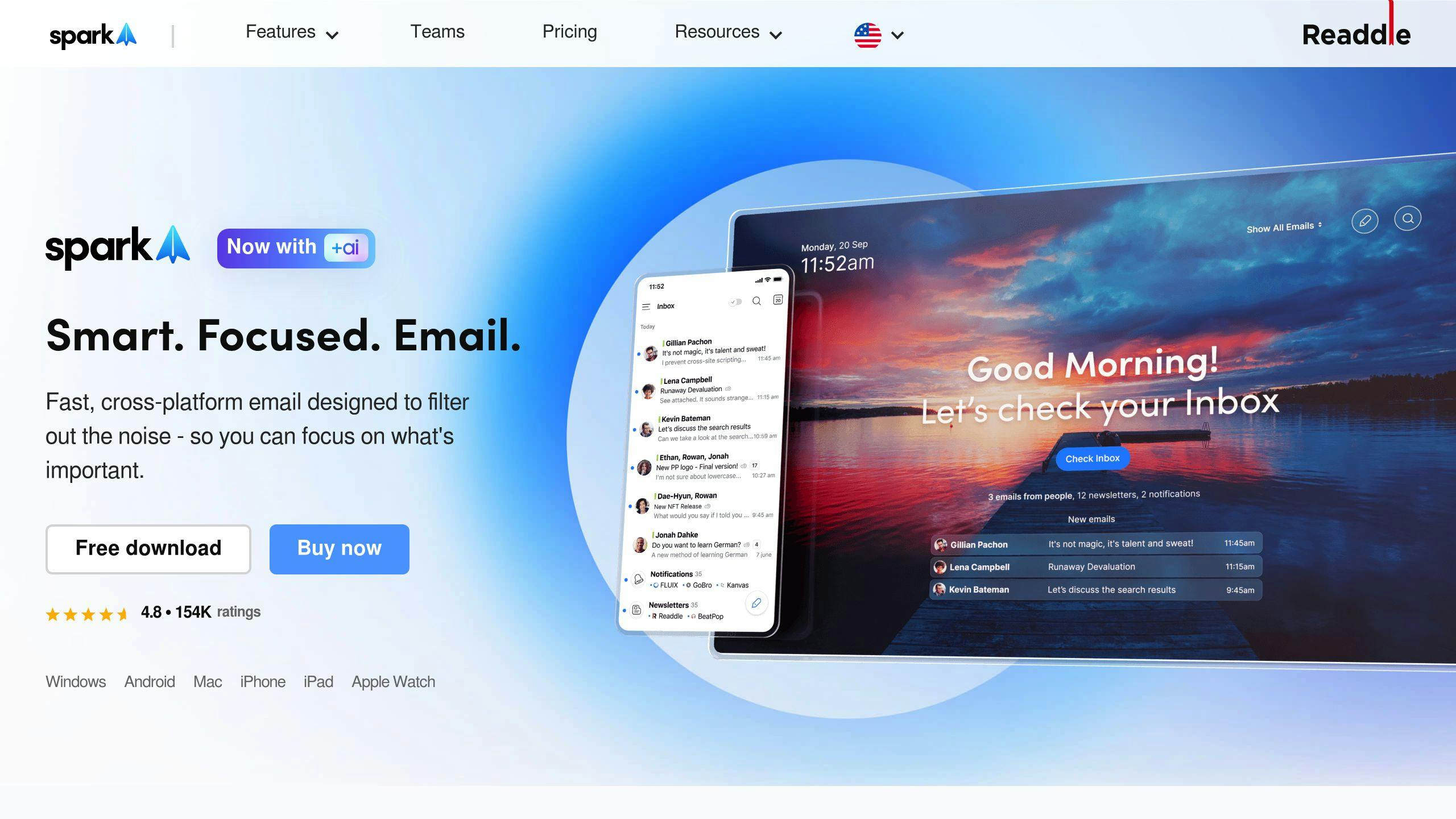
Spark stands out with its smart categorization and prioritization features, making it easier to manage your inbox. It automatically analyzes email patterns to identify high-priority messages and organizes less urgent ones into appropriate folders. Plus, its notification system ensures you’re only alerted for emails that matter most.
By automating repetitive email tasks, Spark helps save time and makes managing your inbox less of a hassle.
Cost and Plans
Spark has pricing options designed to fit different needs:
| Plan Type | Price | Key Features |
|---|---|---|
| Free | $0 | Basic email sorting, standard notifications |
| Premium (Teams) | $7.99/user/month | AI-based sorting, team collaboration, integrations |
Main Users and Applications
Spark works especially well for businesses and teams handling large volumes of emails. Its collaboration tools allow team members to edit email drafts together, making it perfect for shared inbox management or coordinated responses.
This platform is a great fit for:
- Customer service teams
- Marketing departments
- Executive assistants
- Project management groups
Platform Compatibility
Spark connects with popular tools like Google Drive, Dropbox, and Trello to streamline workflows. This integration makes it easier to connect your email management with other business tools, boosting team productivity.
While Spark highlights collaboration and compatibility, Microsoft Copilot provides a deeper integration for enterprise-level users.
sbb-itb-b0bc93c
4. Microsoft Copilot
Email Sorting Features
Microsoft Copilot is built directly into the Microsoft 365 suite, offering features tailored for enterprise needs. It automatically analyzes incoming emails, sorting them into categories like “Important”, “Other,” and “Spam.” With AI-powered tools, it can summarize lengthy emails and suggest smart replies, making it easier to respond quickly.
The system uses machine learning to improve its sorting accuracy over time, helping users focus on critical messages without extra effort.
Cost and Plans
Microsoft Copilot’s email sorting tools come as part of the Microsoft 365 suite. Pricing options include:
| Plan | Price | Features |
|---|---|---|
| Microsoft 365 Business Standard | $12.50/user/month | AI-driven email sorting, categorization, and smart replies |
| Enterprise Plans | Custom pricing | Advanced AI tools, deeper enterprise integration, priority support |
Main Users and Applications
Microsoft Copilot is a great fit for:
- Enterprise professionals managing large volumes of emails
- Business teams that rely on Microsoft 365 for daily operations
- Information-heavy roles needing automated organization
- Executives looking for efficient communication tools
Its AI capabilities shine for organizations already using Microsoft products.
Platform Compatibility
Microsoft Copilot works seamlessly across Outlook and other Microsoft tools:
- Desktop: Fully compatible with Outlook for Windows and Mac
- Web: Accessible via Outlook.com
- Mobile: Integrated with Outlook apps for iOS and Android
- Microsoft Teams: Email management within collaboration spaces
While it’s optimized for the Microsoft ecosystem, this focus may limit its appeal for those using other email platforms. For individual users, Edison Mail might be a simpler alternative.
5. Edison Mail
Edison Mail uses AI to simplify email management by organizing messages into categories like subscriptions, purchases, and travel. One of its most popular features is automatic unsubscribe, which clears out unwanted subscription emails to keep your inbox tidy. It also offers customizable notifications, allowing you to focus on important emails while filtering out less urgent ones.
Cost and Plans
| Plan | Price | Key Features |
|---|---|---|
| Free Version | $0 | Basic email sorting, standard notifications |
| Edison Mail+ | $4.99/month | Advanced AI sorting, automatic unsubscribe, custom notifications |
| Annual Premium | $49.99/year | Includes all Edison Mail+ features, with 17% savings |
Main Users and Applications
Edison Mail is ideal for individuals and professionals managing large volumes of emails. It’s especially helpful for those who:
- Get flooded with subscription and promotional emails.
- Need to stay on top of purchase-related communications.
- Handle multiple travel confirmations and updates.
- Want to save time by automating email organization.
Platform Compatibility
Edison Mail works seamlessly across iOS, Android, and web platforms, with smooth cross-device syncing. It also emphasizes security by using encryption protocols to safeguard user data.
For those looking for a simpler email management option, Shortwave might be worth exploring.
6. Shortwave
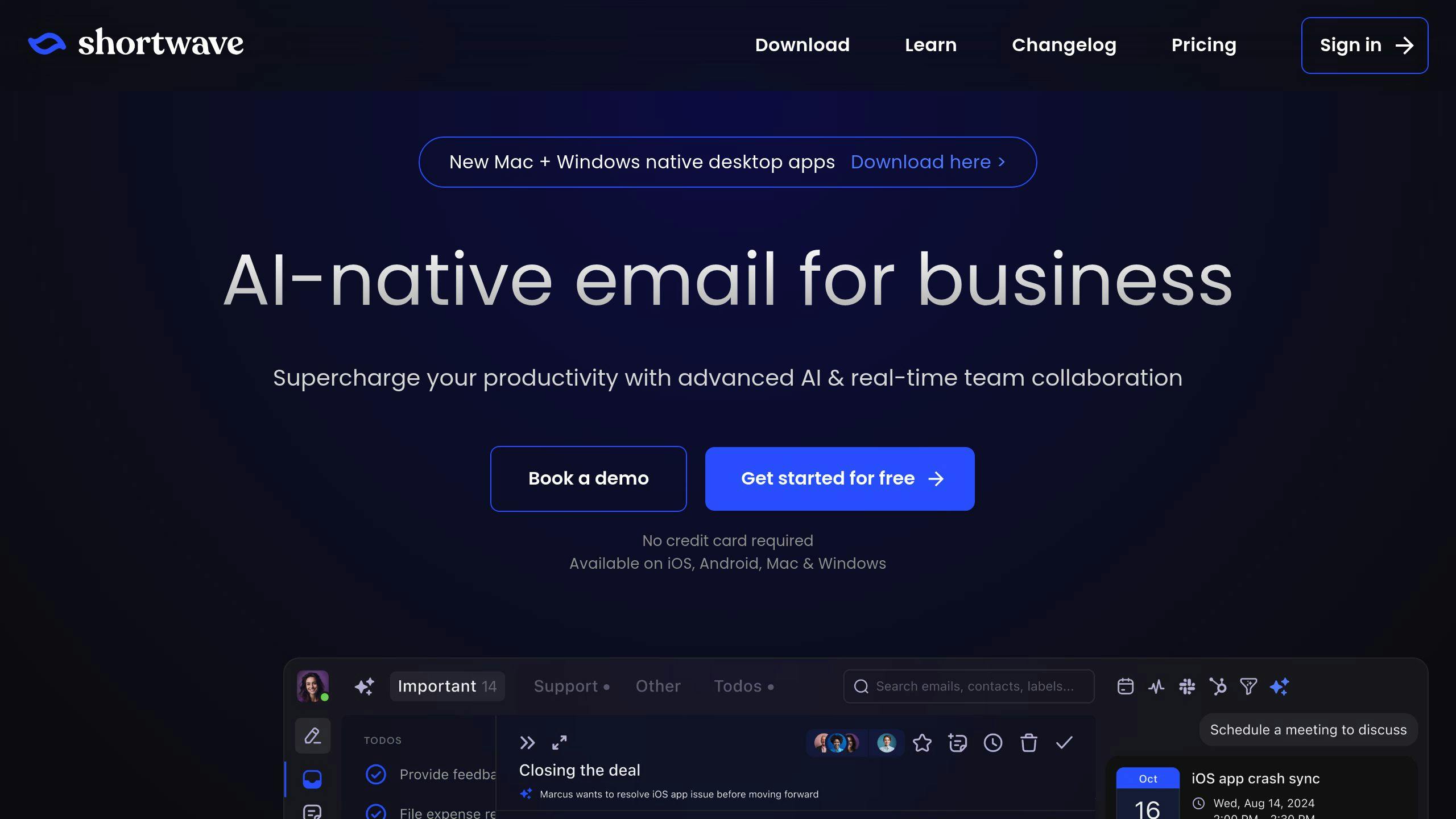
Shortwave is an AI-driven tool designed to simplify email management by sorting and prioritizing messages intelligently.
Email Sorting Features
One of Shortwave’s key features is its smart prioritization engine, which learns from how you handle emails to spotlight the most important ones. It uses real-time categorization to keep your inbox organized, ensuring essential messages are easy to find while cutting down on unnecessary clutter. The system’s filters work automatically to highlight crucial communications and reduce distractions.
Cost and Plans
Shortwave provides a free Basic plan with AI-powered sorting and categorization. For $9/month, the Premium plan adds advanced prioritization and custom rule options. Larger organizations can opt for Enterprise plans with tailored pricing and dedicated support.
Main Users and Applications
Shortwave is perfect for professionals dealing with heavy email traffic, such as sales teams, customer service reps, executives, and collaborative groups. Many users have reported saving up to 50% of their email management time thanks to its AI features.
Platform Compatibility
Shortwave works seamlessly with Gmail, Outlook, and IMAP/SMTP email services. It’s accessible on web, mobile, and desktop platforms and ensures user data is secure with strong encryption.
For those who prefer a simpler, mobile-focused email solution, Triage offers a minimalist alternative.
7. Triage
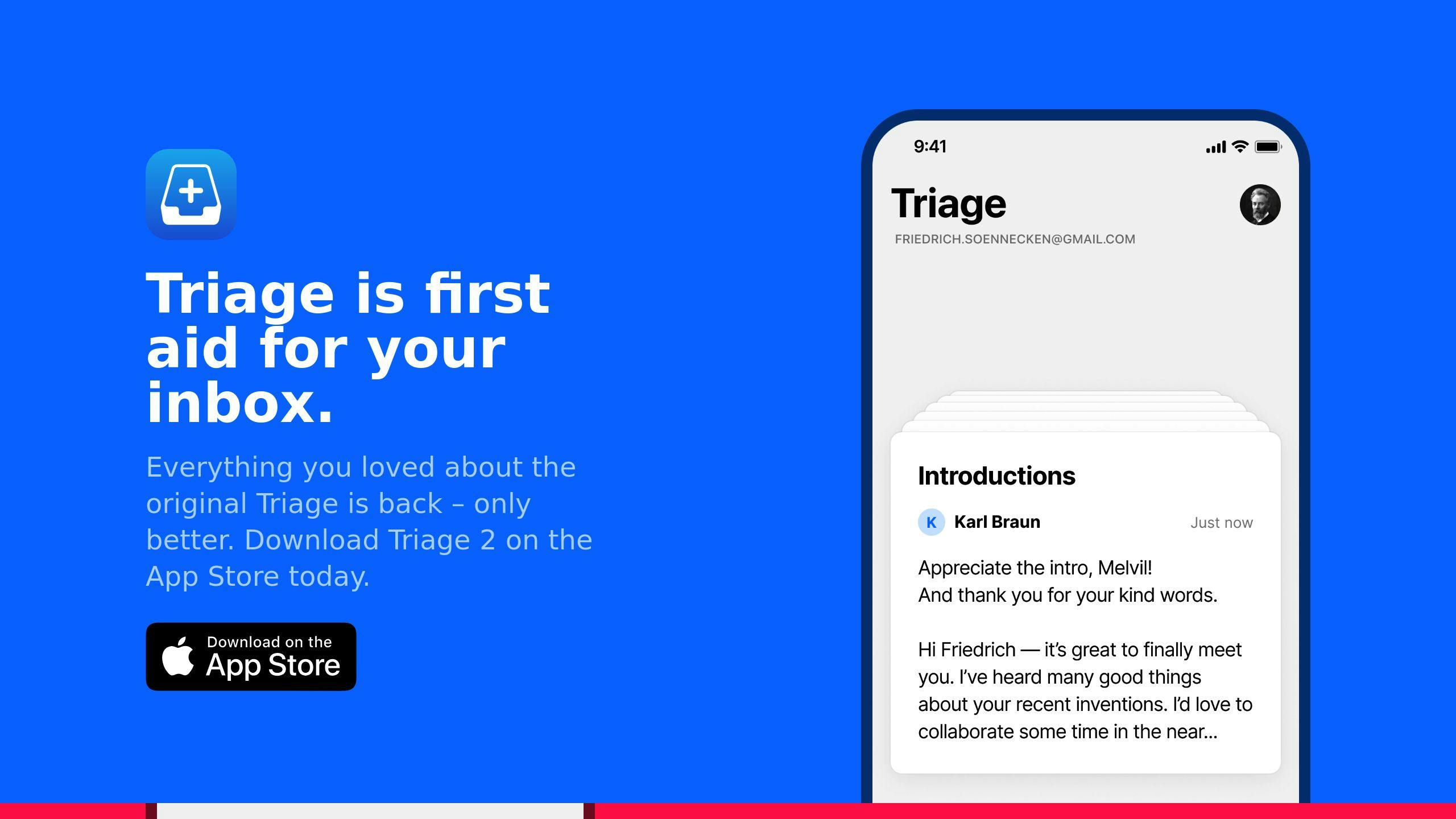
Triage offers a fresh take on email management with its focus on mobile users and AI-driven sorting. Its simple interface is designed to help users handle their inbox quickly and efficiently while on the move.
Email Sorting Features
With its mobile-first setup, Triage makes inbox management effortless by using AI to highlight urgent emails as they come in. The AI adapts over time, learning from user behavior to improve how it prioritizes messages. Unlike tools centered around desktop use or team collaboration, Triage is built specifically for fast, individual email management on mobile devices.
Who Benefits Most?
Triage is ideal for professionals who need to stay on top of their inbox while juggling a busy schedule. It’s particularly useful for business executives, salespeople, remote workers, and entrepreneurs who deal with emails of varying importance.
Device Compatibility
Designed with mobile users in mind, Triage works seamlessly on smartphones and tablets. Its AI features ensure smooth email organization no matter where you are or what device you’re using.
Triage’s focus on mobile efficiency and real-time sorting makes it a go-to solution for professionals who need to manage their emails on the fly.
Summary and Recommendations
Here’s a comparison of the top AI email sorting tools to help you decide which one suits your needs:
| Tool | Best For | Key Features | Starting Price |
|---|---|---|---|
| SaneBox | Organization & Priority | AI categorization, follow-ups | $0.07/day |
| Superhuman | Speed & Efficiency | AI shortcuts, prioritization | $30/month |
| Spark | Team Collaboration | Shared inboxes, automated tasks | Free tier available |
| Microsoft Copilot | Microsoft Integration | Cross-app AI features | $20/month |
| Edison Mail | Mobile Experience | Smart notifications, AI sorting | Free |
| Shortwave | Calendar Integration | AI search, scheduling | $8.50/month |
| Triage | Mobile-First Sorting | Quick actions, AI prioritization | Free tier available |
Now let’s break down how to pick the right tool for your specific needs.
Choosing the Right Tool
The best tool depends on your email habits and workflow:
- For Individual Professionals: SaneBox is a cost-effective option at $0.07 per day. Its AI learns from your habits, making it a solid choice for keeping your inbox organized over time.
- For Enterprise Users: If your organization uses Microsoft 365, Microsoft Copilot integrates seamlessly into the suite. Its AI extends beyond email, helping boost productivity across other Microsoft apps.
- For Team Collaboration: Spark is ideal for teams managing shared inboxes. Its AI-powered features and collaboration tools make it perfect for handling group email workflows.
- For Mobile-First Users: If you rely on your phone for email, Triage and Edison Mail are great options. Both prioritize mobile usability, with Edison Mail offering smart notifications for added convenience.
Implementation Tips
To get the most out of your chosen tool:
- Train the AI early: Spend time teaching the tool how you manage your emails to improve its sorting accuracy.
- Review regularly: Periodically adjust the AI’s sorting rules to ensure it aligns with your changing needs.
The key is selecting a tool that matches your current challenges and grows with you.