

Managing overflowing inboxes can be time-consuming, but AI email sorting tools can save hours each week. These tools automate tasks like sorting, prioritizing, and even drafting responses, allowing virtual assistants to focus on more important work. Below are seven top AI email management tools tailored for virtual assistants, each offering unique features:
- SaneBox: Automatically filters important emails and offers tools like snoozing and follow-up tracking.
- Shortwave: Groups emails, provides TLDR summaries, and integrates with Gmail for real-time collaboration.
- HEY: Features like “Imbox” for priority emails and “The Screener” for spam blocking make it privacy-focused.
- Ultra Email Tool: Offers smart categorization and multi-platform support for seamless email handling.
- Missive: Combines email management with team collaboration tools like shared inboxes and real-time comments.
- Clean Email: Simplifies bulk email actions and auto-archiving for clutter-free inboxes.
- InboxDone: A hybrid service with human assistants managing your inbox for personalized support.
Quick Comparison:
| Tool | Key Features | Best For | Pricing |
|---|---|---|---|
| SaneBox | AI sorting, follow-up tracking | High-volume email users | From $3.49/month |
| Shortwave | TLDRs, collaboration tools | Gmail users, team workflows | From $7/month |
| HEY | Privacy, workflow tools | Privacy-conscious users | $12/user/month |
| Ultra Email Tool | Multi-platform, smart filters | Cross-platform users | From $9.99/month |
| Missive | Team collaboration, shared inbox | Teams managing shared accounts | From $15/month |
| Clean Email | Bulk actions, automation | Decluttering large inboxes | From $2.49/month |
| InboxDone.com | Human-driven management | Personalized email handling | Custom pricing |
These tools cater to different needs, from automation to team collaboration and personalized support. Whether you’re handling multiple client accounts or just trying to declutter, there’s a solution here to streamline your email management.
5 Best AI Email Assistants
1. SaneBox Overview

SaneBox is an AI-driven email management tool designed to help virtual assistants keep their inboxes under control. It learns user preferences to automatically sort important emails and filter out distractions. Plus, it works with popular email platforms like Gmail, Outlook, iCloud Mail, and Yahoo Mail.
Here’s a quick look at some of its standout features:
| Feature | Purpose |
|---|---|
| AI Sorting | Highlights priority emails |
| SaneBlackHole | Blocks unwanted senders with one click |
| Follow-up Tracking | Ensures no emails slip through the cracks |
| Email Snoozing | Lets you delay emails until needed |
| Multi-account Support | Handles multiple inboxes in one place |
Pricing starts at $3.49/month, with advanced plans offering additional features and support for managing several accounts – perfect for virtual assistants who handle multiple clients.
What sets SaneBox apart for virtual assistants is its ability to learn and adapt to each client’s communication habits. This ensures that crucial emails are consistently prioritized. It integrates directly with existing email setups, so there’s no need to overhaul workflows, and it provides strong security for sensitive client information.
For assistants managing multiple inboxes, tools like multi-account support and follow-up tracking make it easier to stay organized and on top of tasks. Over time, its machine learning capabilities fine-tune email sorting based on client preferences and past interactions, helping virtual assistants work more efficiently.
While SaneBox specializes in email filtering and organization, other tools bring different collaborative features to the table, which we’ll discuss next.
2. Shortwave Features
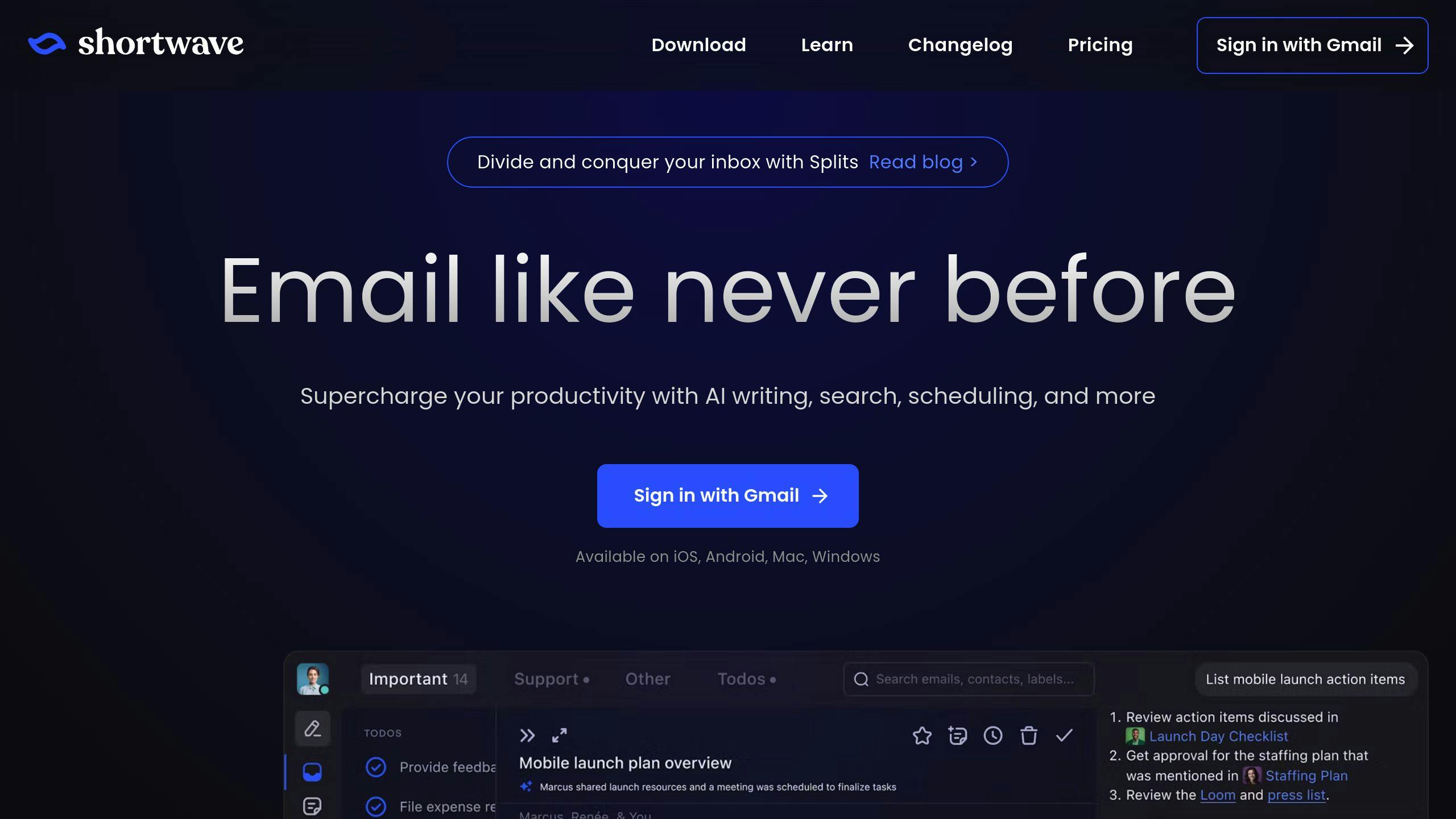
Shortwave, created by former Google employees, is an AI-powered email management tool tailored for professionals and virtual assistants. It brings a fresh approach to handling emails with advanced organization and collaboration tools.
Here’s a breakdown of what Shortwave offers:
| Feature Category | Capabilities |
|---|---|
| AI Processing | • Summarizes email threads with concise TLDRs • Drafts personalized emails • Schedules meetings intelligently • Translates emails across multiple languages |
| Organization | • Groups emails automatically • Allows custom labels • Sorts inbox by priority • Schedules email deliveries |
| Collaboration | • Adds private comments • Shares threads live with others • Tracks tasks effectively • Enables team discussions |
Pricing Options
Shortwave offers flexible plans to match different needs:
| Plan | Price | Best For |
|---|---|---|
| Basic | Free | Access to emails for 90 days |
| Personal Annual | $7/month | Individual virtual assistants |
| Pro Annual | $14/month | Advanced email management for professionals |
Key Features for Virtual Assistants
Shortwave turns emails into actionable tasks. It groups related messages, lets users add notes, and prioritizes tasks directly in the inbox. Over time, its AI assistant adapts to your email habits and communication style, making email handling faster and more personalized.
For those juggling multiple clients, Shortwave’s collaboration tools are a game-changer. Live thread sharing allows real-time collaboration with clients, while task management tools help track deliverables across various accounts. Private comments let assistants keep internal notes without cluttering email conversations.
The bundle scheduling feature organizes emails by topic or urgency, allowing non-urgent ones to be deferred. This helps assistants focus on pressing tasks while keeping the inbox tidy.
Seamless Gmail Integration

Shortwave works exclusively with Gmail and Google Workspace accounts, making setup quick and easy. It imports all labels, filters, and settings automatically, ensuring a smooth transition for assistants managing multiple accounts.
The interface is designed for efficiency, featuring keyboard shortcuts, bulk actions, and both light and dark modes – perfect for long work sessions.
Shortwave excels at making email management collaborative and actionable. In the next section, we’ll dive into other tools that offer alternative features for different needs.
3. Hey Inbox Benefits
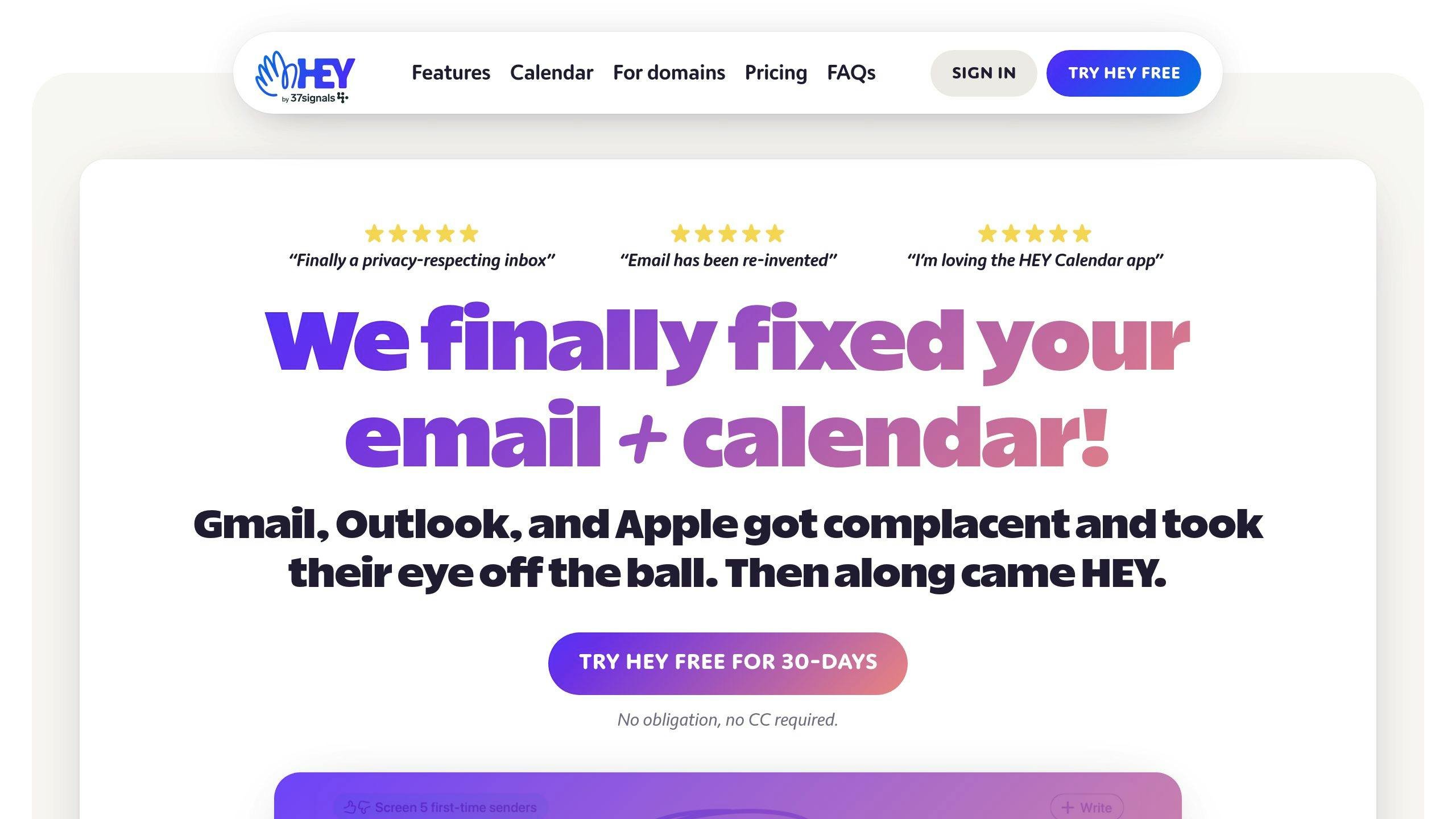
For assistants juggling various client needs, HEY streamlines email management while emphasizing security and efficiency. It’s a platform built to make organizing workflows easier.
Core Organization Features
| Feature | Description | How It Helps Assistants |
|---|---|---|
| Imbox | A focused inbox for key messages | Keeps essential client emails front and center |
| The Feed | A dedicated space for newsletters | Manages non-urgent content effectively |
| Paper Trail | Automatic sorting for receipts and confirmations | Simplifies tracking transactions |
| The Screener | Approval system for first-time senders | Blocks spam and unwanted messages |
Security and Storage
HEY prioritizes privacy, safeguarding client data with robust security measures. It offers 100GB of storage for emails and attachments, with extra space available at $3 per month for every additional 10GB. Assistants handling multiple accounts can also benefit from:
- Custom domain support for professional branding
- Calendar integration to sync schedules seamlessly
- Multi-message drafting to save time
- Bubble Up, a tool that visually organizes follow-ups to ensure no task gets missed
Pricing Structure
| Plan Type | Cost | Features |
|---|---|---|
| HEY For You | $99/year | Designed for personal email use |
| HEY For Domains | $12/user/month | Includes team collaboration tools |
Workflow Features
HEY boosts productivity with tools like Set Aside and Reply Later, helping assistants focus on priority tasks. While it may take some time to master, its range of features is tailored for professional email management. Additionally, HEY supports backups with leading storage providers, ensuring secure archiving of important data.
With its focus on privacy and efficient organization, HEY stands out as a practical choice for assistants aiming to manage client communications effectively. Next, we’ll dive into tools that offer alternative collaboration features.
4. Ultra Email Tool
Ultra Email Tool uses AI to help virtual assistants efficiently manage multiple client inboxes. Its smart sorting system organizes emails automatically, aligning with each client’s communication habits.
Key AI Features
| Feature | How It Helps Assistants |
|---|---|
| Smart Categorization | Automatically prioritizes emails, cutting manual sorting time by up to 60% |
| Multi-Platform Support | Handles Gmail, Outlook, and iCloud accounts without needing multiple tools |
| Custom Filters | Allows personalized sorting rules tailored to each client |
| Enterprise Security | Ensures confidentiality with encryption and two-factor authentication |
Productivity Boosters
The AI engine learns from user behavior, improving over time to keep email organization consistent across various client accounts. For assistants dealing with high email volumes, this tool offers reliable sorting and strong data protection.
Pricing Plans
| Plan & Cost | Features Included |
|---|---|
| Basic ($9.99/month) | Supports one account with basic sorting features |
| Professional ($19.99/month) | Covers multiple accounts with advanced AI capabilities |
| Enterprise (Custom Pricing) | Offers unlimited accounts and priority customer support |
Integration and Accessibility
Ultra Email Tool works smoothly on both desktop and mobile, giving assistants the flexibility to manage client accounts from anywhere. While initial setup for custom filters takes some effort, the AI quickly adapts to user preferences, simplifying workflows.
The combination of cross-platform functionality and adaptive AI makes this tool a top choice for assistants juggling multiple client accounts. While it shines in sorting and security, other tools focus on collaboration – more on that in the next section.
sbb-itb-b0bc93c
5. Missive Capabilities
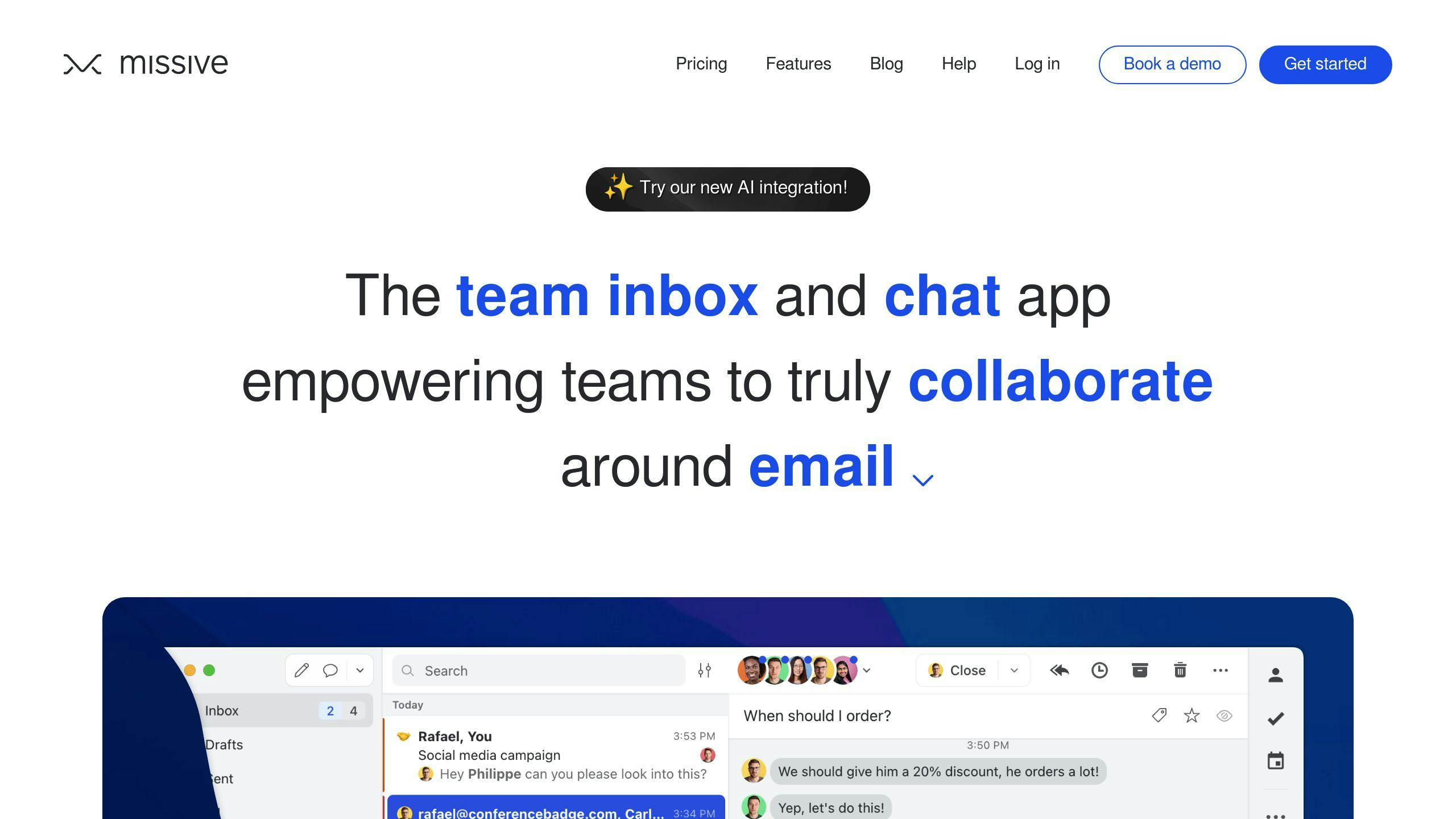
Missive blends AI-driven email management with team collaboration tools, making it a strong choice for virtual assistant teams managing shared client accounts.
Key AI Features
| Feature | Benefit for Assistants |
|---|---|
| Smart Categorization | Organizes emails by priority and type, customized for each client |
| Real-time Collaboration | Allows team comments and shared email handling |
| Multi-Account Support | Handles Gmail, Outlook, and Exchange accounts all in one place |
| Automated Workflows | Sets up rules for repetitive email tasks |
Tools for Team Collaboration
Missive’s shared inboxes allow assistants to work together seamlessly, with private notes that clients can’t see. Its real-time commenting feature keeps everyone on the same page, ensuring smooth communication across client accounts.
Automation Features
Missive simplifies email management by automating sorting, custom workflows, and bulk actions. It learns from patterns in content and senders, keeping emails organized. Plus, integrations with popular productivity tools streamline team workflows.
Pricing Options
| Plan | Cost | Key Features |
|---|---|---|
| Productive | $15/user/month | AI sorting, team collaboration, automated responses |
| Business | $25/user/month | Custom integrations, advanced analytics, priority support |
Why Choose Missive?
Missive stands out for its focus on team coordination. Shared inboxes and real-time commenting make it perfect for teams managing multiple client accounts. Its AI sorting and support for various email providers make it especially useful for assistants handling diverse portfolios.
While Missive excels in team collaboration, the next tool brings different strengths for email organization and tailored client workflows.
6. Clean Email Overview
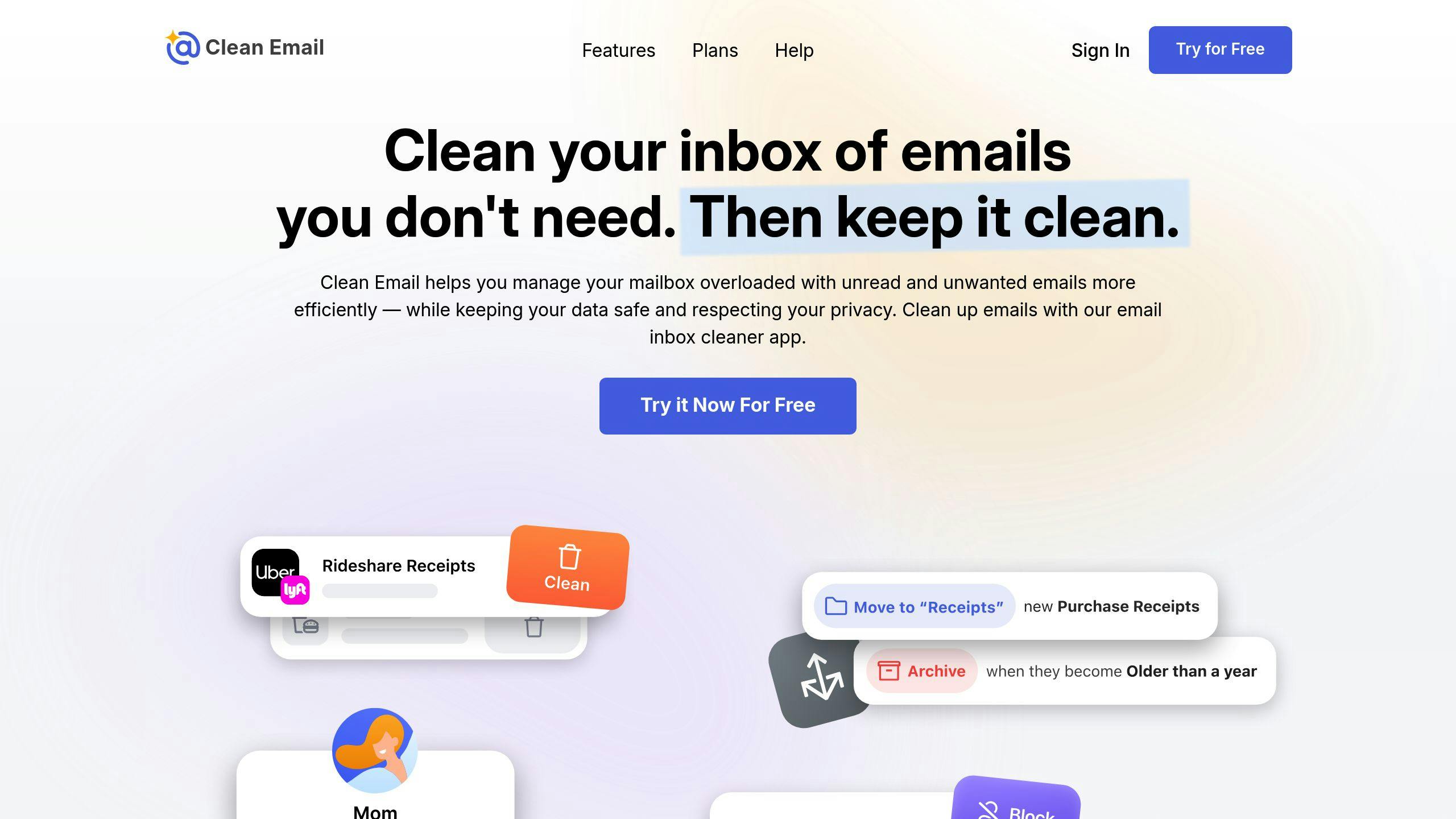
Clean Email leverages AI to simplify inbox management, making it a great tool for virtual assistants handling large volumes of emails. It provides an automated way to keep inboxes organized across multiple clients.
Key Features for Assistants
| Feature | Description |
|---|---|
| Smart Categorization | Automatically sorts and prioritizes emails, reducing the need for manual effort. |
| Bulk Actions | Allows processing of multiple emails at once, speeding up inbox cleanup. |
| Auto-Archive | Moves handled emails to an archive, keeping the inbox clutter-free. |
| Usage Analytics | Tracks email trends to refine and improve management strategies. |
Tools for Better Organization
Clean Email identifies email patterns and creates custom categories, helping assistants stay on top of multiple client inboxes. The auto-archive feature ensures that processed emails are removed from the inbox but remain accessible when needed.
Compatibility with Email Providers
This tool works seamlessly with all major email platforms.
Analytics to Improve Workflow
Clean Email provides insights into email habits, such as frequent contacts and archiving trends, to help assistants refine their workflows and manage time more effectively.
Pricing Options
| Plan Type | Cost |
|---|---|
| Monthly | $9.99 per month |
| Annual | $29.99 per year ($2.49/month) |
| Trial | Free for 14 days |
Automation That Saves Time
Clean Email’s Smart Categorization evolves with user behavior, offering personalized sorting over time. Features like bulk unsubscribe and automated rules make tasks like managing newsletters effortless, allowing assistants to focus on higher-priority responsibilities.
While this tool shines in automation and analytics, the next option takes a more personal approach to email management.
7. InboxDone Services
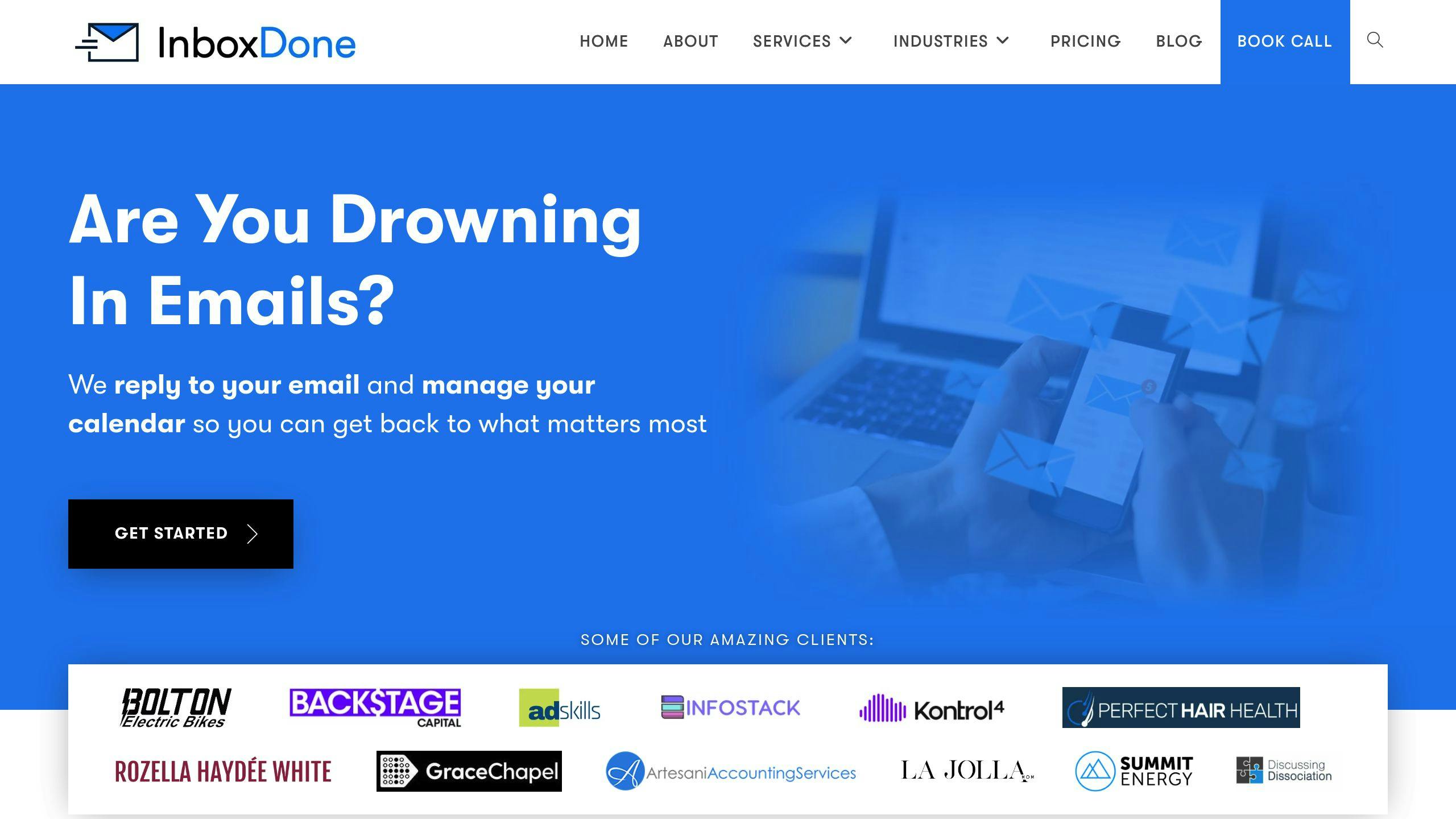
InboxDone.com stands out by blending human expertise with email management systems, offering a mix of personalized service and practical tools. This approach is ideal for those who need more tailored communication handling than what AI-only solutions can provide.
Core Service Features
| Feature | Description |
|---|---|
| Team Structure | Two dedicated North American assistants (US/Canada) assigned per client, ensuring consistent support and a communication style that aligns with the client’s needs. |
| Primary Services | Email management, calendar scheduling, customer support, and administrative tasks. |
| Quality Assurance | A thorough hiring process, specialized training, and strict security measures ensure high-quality service. |
Service Plans
| Plan | Key Features | Best For |
|---|---|---|
| Personal | Basic email and admin support | Individual professionals |
| Standard | Comprehensive email management | Small business owners |
| Growth | Expanded support options | Growing companies |
| Full Time | Full email coverage | Larger organizations |
A Personalized Approach
InboxDone.com enhances existing email platforms with hands-on, human-driven management. Their dedicated assistants handle tasks like inbox organization and customer support, offering the kind of contextual understanding that automated tools often miss.
The service works smoothly with various email platforms and CRM systems, fitting into current workflows while prioritizing security. This mix of human involvement and structured processes provides a tailored solution for those looking for more than just automation in email management.
In the next section, we’ll dive into how different tools – from fully AI-driven to services like InboxDone.com – cater to a variety of needs and preferences.
Comparison of AI Email Sorting Tools
For virtual assistants, finding the right email management tool means weighing features, usability, and client-specific needs. Here’s how these tools stack up in key areas.
Core Features Comparison
| Tool | Key Strengths | AI Capabilities | Best For |
|---|---|---|---|
| SaneBox | Inbox sorting, Priority filtering ($3.49/mo) | Advanced email categorization | Heavy email users |
| Shortwave | Smart categorization, Team features | Real-time prioritization | Team collaboration |
| Hey | Workflow organization ($12/mo) | Contact screening | Privacy-focused users |
| Ultra | Smart filtering, Multi-platform | Basic AI sorting | Individual users |
| Missive | Team collaboration ($14/mo) | Shared inbox management | Small teams |
| Clean Email | Bulk actions ($9.99/mo) | Smart rules | Decluttering focus |
| InboxDone.com | Human + AI hybrid | Personalized management | Enterprise needs |
Feature Integration Analysis
SaneBox is ideal for managing multiple high-volume accounts, offering advanced sorting and prioritization. Clean Email, on the other hand, shines when it comes to bulk email management, thanks to its automated rules and filters. Each tool brings something different to the table, making it easier to match the tool to specific workflows and client preferences.
Security and Productivity
All tools emphasize strong security, using encryption and adhering to compliance standards like GDPR and SOC 2. Integration options vary – some tools are tailored to specific platforms, while others support a wider range of email services.
SaneBox users report saving 2–3 hours per week, while Clean Email handles thousands of emails in bulk with ease. These tools combine AI-driven automation with smart filtering, helping virtual assistants stay on top of inbox organization while prioritizing critical tasks.
For virtual assistants juggling multiple client inboxes, the choice often depends on factors like email volume and specific client needs. While SaneBox and Clean Email focus on automation, InboxDone.com offers a blend of AI and human support for a more personalized approach. By understanding the strengths of each tool, virtual assistants can select the one that best fits their workflows and their clients’ expectations.
Conclusion
AI email sorting tools have come a long way, evolving to tackle the challenges of managing multiple inboxes. Each tool brings something different to the table, helping virtual assistants streamline their workflows and save time.
SaneBox is known for saving assistants 2-3 hours of email management time each week. Shortwave stands out with its focus on real-time prioritization and team collaboration, while Hey prioritizes privacy and workflow organization.
Here are some key factors to consider:
- Handling High Volumes: Tools like SaneBox and Clean Email shine with their bulk processing capabilities.
- Team Collaboration: Missive offers shared inbox features to improve team coordination.
- Security: All tools meet high security standards, including GDPR and SOC 2 compliance.
- Integrations: Each tool offers different levels of compatibility with platforms and workflow tools.
For more complex, enterprise-level needs, InboxDone provides a hybrid model that combines AI with human expertise. Their two-assistant system ensures consistent coverage and communication, making it a strong choice for businesses with demanding email management requirements.
The future of email management lies in blending AI automation with human judgment. These tools aim to reduce manual tasks, giving virtual assistants more time to focus on strategic, high-value responsibilities. Choosing the right tool means finding the right balance between automation, collaboration, and personalization to fit both your workflow and your clients’ needs.
If you’re unsure where to start, try a free trial to see how a tool performs in action. Most options prioritize security, including GDPR compliance, while offering features like bulk actions and team collaboration to boost productivity.
FAQs
Can AI help sort emails?
Absolutely, AI can streamline email management in a big way. These tools can automatically organize emails based on importance and content, saving virtual assistants as much as 3 hours per week.
AI-powered features include:
- Automatically unsubscribing from unwanted lists
- Bulk email processing
- Advanced spam filtering
Here’s what AI tools excel at:
- Categorizing and prioritizing emails: Helps focus on important messages first.
- Filtering spam and promotions: Keeps your inbox clutter-free.
- Sorting messages into folders: Ensures everything is neatly organized.
- Automating routine replies: Saves time by handling repetitive tasks.
| Feature | Benefit |
|---|---|
| Categorization | Reduces manual sorting by 75% |
| Spam Filtering | Blocks 99% of unwanted emails |
| Priority Inbox | Highlights critical messages |
| Smart Folders | Groups emails by context |
AI tools work seamlessly with platforms like Gmail, Outlook, and Yahoo Mail. They also use SSL encryption to keep your data secure. By customizing sorting rules and tracking performance, you can tailor AI tools to fit your specific workflow.
For virtual assistants juggling multiple inboxes, AI ensures consistent organization across accounts. This helps prioritize key messages while freeing up time for more pressing tasks. It’s a game-changer for managing overflowing inboxes efficiently.



